
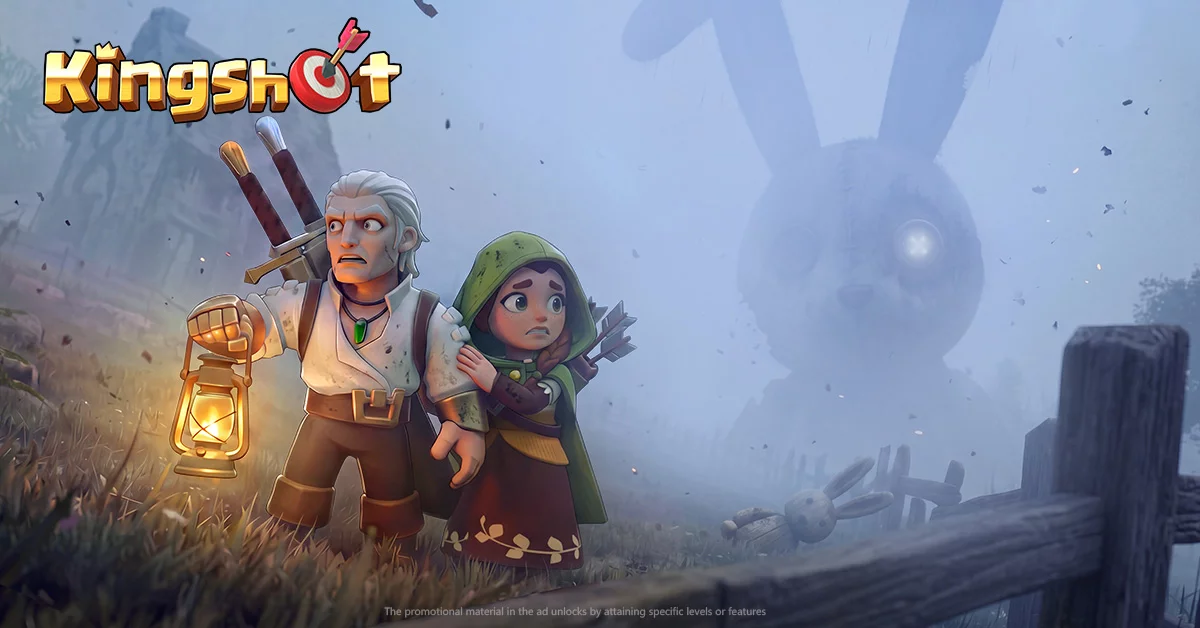
The latest Kingshot update introduces a variety of new rewards and promotional incentives for the player base. By staying active during the update rollout, players can capitalize on limited-time gift offerings to accelerate their progression. This guide focuses on identifying how to track these new rewards and the steps required to ensure you successfully claim available gift packages, providing a clear path to boosting your account resources without needing to navigate complex event menus.
Identifying New Update Rewards
The primary way to find update-related rewards in Kingshot is through the official in-game event interface. Following a major update, the game typically triggers a series of login bonuses or promotional notifications.
- Check the Event Tab: Immediately after updating your client, navigate to the events menu to see if any "New Update" banners have been added.
- Mailbox Notifications: Developers often send out compensation or promotional codes via the in-game mail system. Ensure you check your mailbox regularly during the first 48 hours post-update.
- Event Banners: Look for dynamic banners on the home screen that specifically mention the update version, as these often contain direct links to reward pools.
Claiming Promotional Gift Offers
Promotional gifts are often tied to specific external events or influencer collaborations. To secure these, you must remain vigilant about the methods of distribution.
- Monitor Official Announcements: Keep an eye on the official game social media channels and community hubs. These platforms are the primary source for unique gift codes associated with update events.
- Redemption Process: Once a code is acquired, enter it into the game’s settings menu under the "Redeem" or "Gift Code" section. Ensure that you are entering the code exactly as provided, as these are frequently case-sensitive.
- Verification: After redemption, verify your inventory or resource count to confirm the items have been successfully added to your account, as server latency can occasionally delay the delivery of high-value gift packages.
Maximizing Gift Value
To make the most of the rewards provided during update cycles, prioritize the allocation of the items you receive.
| Reward Type | Priority | Usage Strategy |
|---|---|---|
| Speed-ups | High | Save for major building or research upgrades. |
| Resource Packs | Medium | Keep in reserve for emergencies or rapid expansion. |
| Exclusive Skins | Low | Aesthetic items; use at your discretion. |
| Currency/Gems | Very High | Save for limited-time event shops or hero recruitment. |
By treating these update gifts as a strategic injection of resources rather than instant spending cash, you maintain a competitive edge in your long-term progression. Always prioritize using update-related currency on items that offer permanent stat boosts or significant reductions in upgrade timers.

Free Kingshot Codes
Current active codes and how to redeem them.

James Brown
James focuses on Android gaming on PC, emulator setup, controls, performance tuning, and practical troubleshooting for longer play sessions.
COMMUNITY
Player Comments
58 players commented on this guide.
This helped me understand updates much better.
I tried this today and it worked better than my old setup.
This guide answered the exact question I had.
The tips are practical and easy to follow.