
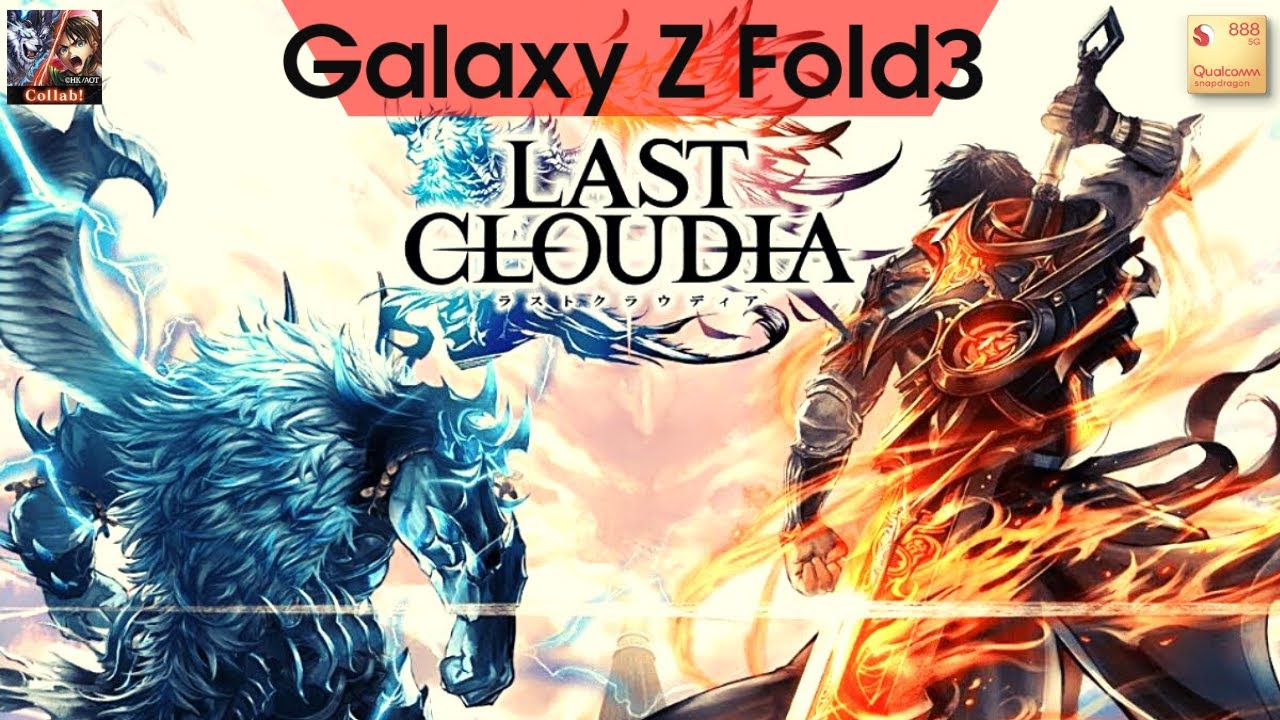
To optimize visual performance and display clarity in LAST CLOUDIA: Pixel Art RPG, set graphics options to maximum in the system settings while configuring full-screen display scaling to prevent UI cropping on wide or foldable devices. Maintaining steady frame rates requires balancing visual effects with thermal control during longer play sessions.
Enabling Maximum Visual Graphics
LAST CLOUDIA: Pixel Art RPG combines detailed pixel-art sprites with high-density particle effects and background parallax layers. Enabling maximum graphics settings in the system settings menu allows the game engine to render high-resolution textures without visual stutter or compression artifacts. On high-density mobile screens, running max settings keeps character animations crisp and ensures spell effects during ultimate moves and boss fights retain motion smoothness.
Managing Thermals and Frame Rate Stability
Running maximum graphical settings on high-end mobile processors generates extra heat, which can lead to thermal throttling over extended gaming sessions. If system heat builds up, the device operating system will automatically lower frame rates to protect hardware components, causing stuttering during real-time combat.
- Remove Protective Cases: Take off thick device covers while running max settings to improve passive heat dissipation.
- Avoid Simultaneous Charging: Do not charge your device while playing intensive stages, as battery charging compounds internal thermal load.
- Lower Resolution for Long Sessions: If frame rates drop consistently after roughly 20 minutes of play, step down the render resolution slightly or use an external cooling device to restore combat responsiveness.
Optimizing Combat Readability
In high-density combat encounters, overlapping particle effects and detailed background layers can make the screen chaotic. Fast-paced battles require clear visual telegraphs so you can identify enemy attack patterns and time unit skill activations accurately.
- Disable Heavy Post-Processing: If screen clutter obscures active units, turn off bloom or post-processing toggles in the graphics menu to reduce visual noise.
- Balance FX and Frame Rate: Prioritize a steady frame rate over heavy particle filters to keep character positioning and enemy telegraphs easy to track.
Configuring Aspect Ratios and UI Scaling
Playing on non-standard displays, such as ultra-wide screens or foldable mobile devices, can cause letterboxing or edge cropping if display scaling is misconfigured.
- Set Full-Screen Mode: Access internal game display options or your device OS application manager to force full-screen output.
- Protect Important UI Elements: Correct display scaling prevents essential interface overlays, including unit health bars and the Ark skill gauge, from being cropped off screen edges.
- Maintain Tactical Sightlines: Keeping the full play area visible allows you to spot incoming enemy mobs earlier and manage unit positioning effectively throughout main story and event quests.
Free LAST CLOUDIA: Pixel Art RPG Codes
Current active codes and how to redeem them.

Michael Smith
Michael covers live-service games, events, reward systems, and efficient daily routines, turning frequent updates into clear actions for players.
COMMUNITY
Player Comments
42 players commented on this guide.
This helped me understand strategy much better.
Nice guide. I am checking the other LAST CLOUDIA: Pixel Art RPG articles next.
Can you add more details about strategy in a future update?
I tried this today and it worked better than my old setup.