
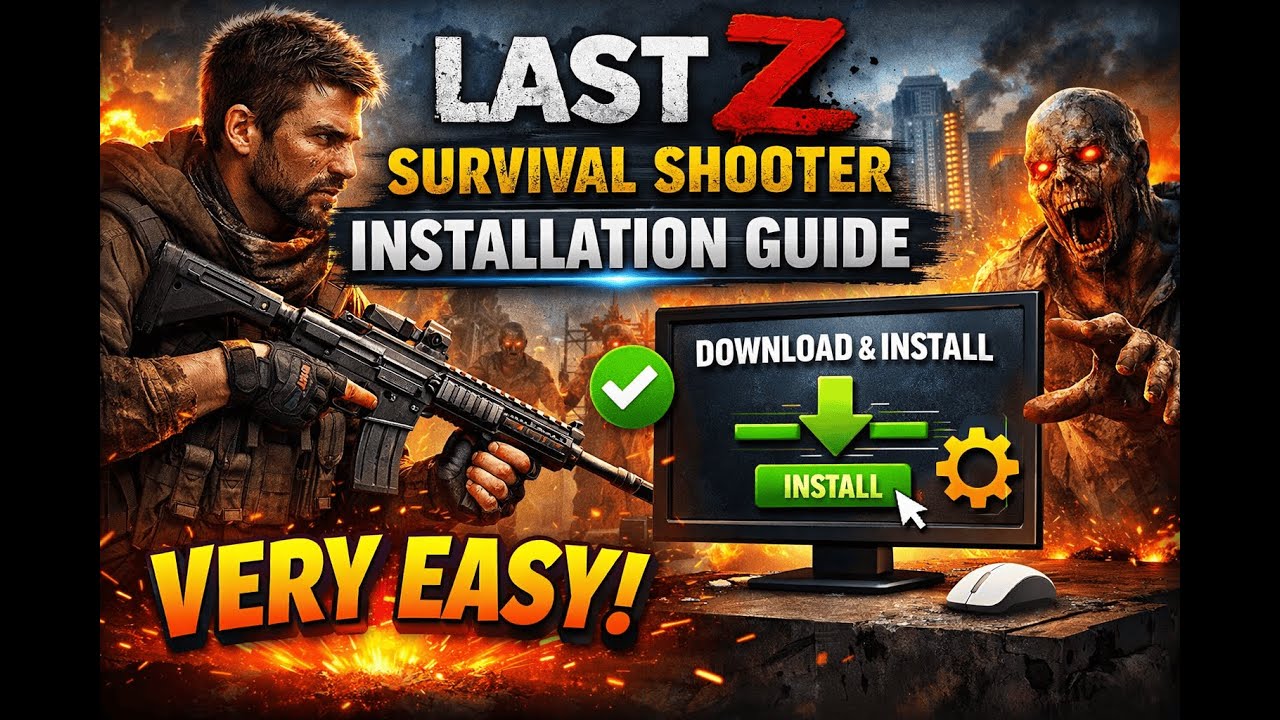
For players dedicated to climbing the leaderboards in Last Z: Survival Shooter, the transition from mobile emulation to the native PC client is the single most effective way to gain a competitive edge. Emulators often struggle with input latency, frame rate drops during horde encounters, and unpredictable crashes that can cost you your base or your life in the wasteland. The native PC client is specifically engineered to handle the demands of Last Z: Survival Shooter, providing a seamless, high-performance experience that feels as fluid as any dedicated desktop title.
Why the Native PC Client Outperforms Emulators
The core issue with playing Last Z: Survival Shooter via third-party emulators is "overhead." An emulator must essentially run a virtual Android operating system on top of your Windows environment. This creates a translation layer that consumes significant CPU and RAM, leading to the "stuttering" often felt during intense combat.
By contrast, the native PC version communicates directly with your hardware. This translates into:
- True Input Response: Without the "touch-screen emulation" layer, your mouse movements for aiming are 1:1. In a precision-heavy shooter like Last Z, this is the difference between a headshot and missing your target.
- Reduced Frame Latency: The native client optimizes rendering for desktop GPUs, ensuring you maintain a stable frame rate even when the screen is flooded with undead enemies.
- System Stability: Native clients do not suffer from the "black screen" or "crashed on startup" errors common when an emulator version of the game updates before the emulator software itself does.
Step-by-Step: Downloading the Official Installer
To maintain the security of your game account and the integrity of your system, you must only use the official distribution source. Avoid "cracked" or "unlocked" versions found on third-party forums; these often bundle spyware or outdated versions of the game that will be flagged by anti-cheat systems.
- Visit the Official Site: Navigate to the verified Last Z: Survival Shooter website. Look for the "Download for PC" button prominently displayed on the landing page.
- Verify the Installer: Once the
.exefile is downloaded, right-click the file and select "Properties." Ensure the digital signature lists the official developer. - Run as Administrator: Right-click the installer and select "Run as administrator." This ensures the game has the necessary permissions to create the registry keys required for high-resolution rendering and sound processing.
- Define the Installation Path: If possible, install the game on an NVMe or SATA SSD. The game assets for Last Z are dense; an SSD will drastically cut down loading times when traveling between your doomsday shelter and the world map.
Configuring Your Environment for Optimal Gameplay
After the installation finishes, you need to calibrate your system to ensure the client runs at its full potential.
Graphics and Driver Prerequisites
The setup wizard will often prompt you to install or update DirectX components. Do not skip these. Even if you have the latest drivers for your graphics card, these specific libraries are essential for the game to interpret the specific graphical shaders used in the post-apocalyptic environment of Last Z.
Display and Resolution
Once inside the game, navigate to the "Settings" menu immediately. The native client allows for resolutions that mobile devices simply cannot render. Ensure your resolution is set to your monitor’s native output (e.g., 1920x1080 or 2560x1440) to prevent the "blurry" look that often happens when an app tries to scale itself incorrectly.
Securing Your Account Migration
Your survival progress in Last Z: Survival Shooter is tied to your account identity, not your device. Before you uninstall the mobile version or switch to the PC client, perform a final check:
- Link Your Credentials: Ensure your game account is bound to a permanent service (such as an official account login or a reliable social media link).
- The Sync Process: When you launch the PC client for the first time, select "Log In" rather than "Play as Guest." Using your existing credentials will pull your cloud-saved base layout, resources, and hero levels directly to your desktop.
- Don't Run Dual Instances: While it may be tempting to keep the game open on both your phone and PC, this can cause sync conflicts. Always close the application on one device before opening it on the other to ensure your progress is saved correctly to the server.
Troubleshooting Common Transition Issues
Even with a native client, technical hiccups can occur. Most are easily resolved with these expert tips:
- The "Registry" Fix: If the game fails to launch, it is often because the installation was interrupted. Uninstalling, rebooting your PC, and performing a clean reinstall usually resolves 90% of launch-day errors.
- Overlay Conflicts: If you use Discord, Steam, or Nvidia GeForce Experience overlays, they may occasionally conflict with the game's window focus. If you experience erratic mouse behavior, try disabling these overlays.
- Windowed vs. Fullscreen: If your frame rate feels sluggish, switch to "Windowed Borderless" mode. This is often the most stable display setting for modern Windows 10/11 environments, as it allows the OS to manage the window rendering more efficiently than standard "Exclusive Fullscreen."
Why This Matters for Your Strategy
In Last Z: Survival Shooter, resource management and precise shooting are the pillars of success. When you are scavenging in abandoned areas, you need to be able to snap your aim to threats instantly. When you are expanding your base, you need a UI that doesn't hang or lag when you are navigating complex upgrade menus. By moving to the native PC client, you remove the "technical tax" that emulators place on your gameplay. You aren't just getting a better look at the apocalypse—you are gaining the mechanical efficiency required to survive it.
Free Last Z: Survival Shooter Codes
Current active codes and how to redeem them.

James Brown
James focuses on Android gaming on PC, emulator setup, controls, performance tuning, and practical troubleshooting for longer play sessions.
COMMUNITY
Player Comments
159 players commented on this guide.
The explanation is clear, especially for beginners.
Good guide for Last Z: Survival Shooter players. The strategy part was useful.
Can you add more details about strategy in a future update?
This saved me time in the early game.