
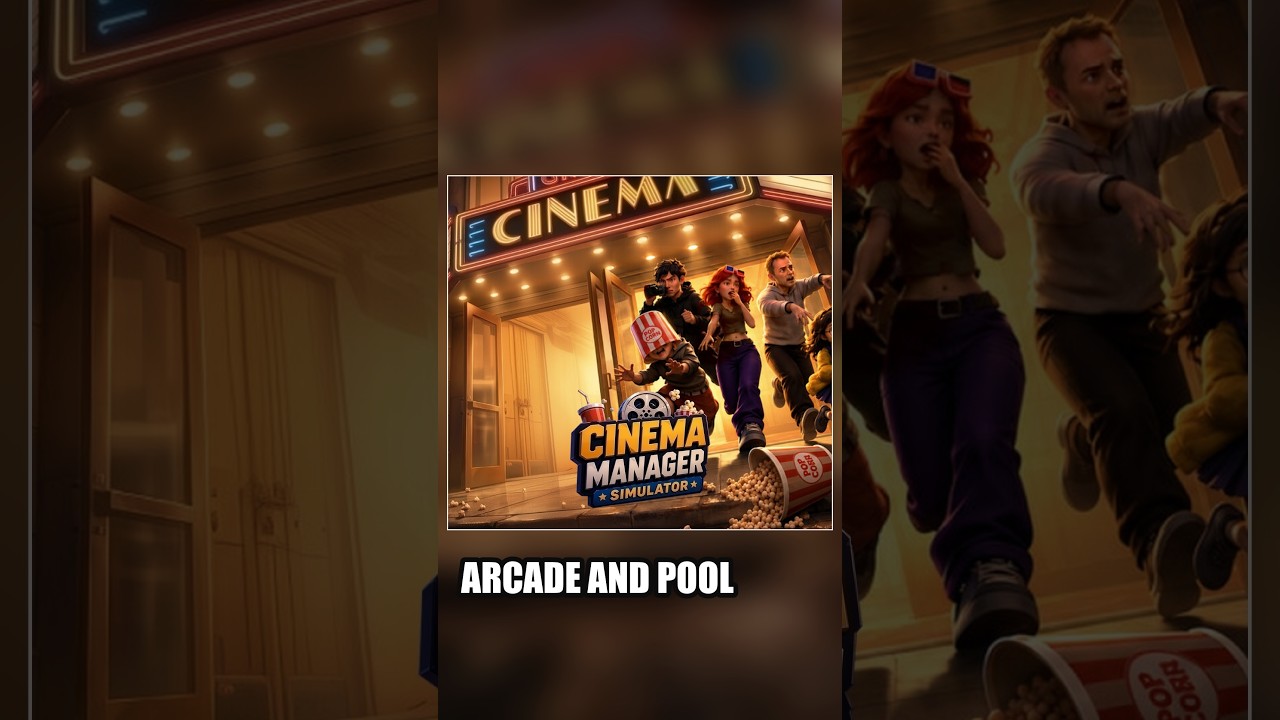

In Cinema Manager Simulator, you should set up your arcade amenities before opening the entrance doors if you are playing solo. Because the game uses a real-time, first-person perspective, moving furniture requires manual handling and clear walking space. If you open the doors before placing fixtures like the foosball table, arriving guests will immediately create traffic jams and crowd the concession counters, making it difficult to carry items across the lobby without abandoning customer service.
Multiplayer groups of up to eight players have more flexibility. A co-op team can afford to open the doors right away by assigning dedicated roles, letting one or two players position arcade machines while others staff the snack counters.
Why Setup Order Matters in Solo Play
When playing alone, you are responsible for both interior layout and customer service. As soon as the entrance doors unlock, arriving moviegoers head straight for entertainment units and refreshment stations.
Postponing arcade setup until after the doors are open causes two major operational problems:
- Concession Neglect: Arriving patrons gather quickly at food preparation hubs, such as the cotton candy machine and the main service counter. If you are occupied carrying or rotating furniture, customer orders go unfulfilled, backing up the lobby queue.
- Navigation Obstacles: Carrying large recreation fixtures through an active crowd is cumbersome. Moviegoers wandering the lobby block your line of sight and transit paths, increasing the likelihood of dropping or misplacing furniture in central walking routes.
Finalizing the entertainment area first ensures patrons have immediate diversions while waiting for showtimes, naturally dispersing foot traffic away from the entrance and concession lines.
Layout Strategy for Arcade and Recreation Items
Placing recreation items along the perimeter of the lobby preserves clear corridors between the front entrance, concession stands, and theater auditoriums.
| Entertainment Item | Profile and Footprint | Recommended Placement | Layout Benefit |
|---|---|---|---|
| Foosball Table | Freestanding medium block | Secondary lounge corners | Keeps active play spaces clear of primary walkways |
| Pool Table | Large rectangular footprint | Dedicated recreation alcoves | Leaves perimeter clearance for player movement |
| Arcade Cabinets | Upright vertical units | Flush along boundary walls | Organizes visitor flow along flat wall boundaries |
| Racing Seats | Compact seated cockpits | Dedicated arcade rows | Directs stationary users away from counter queues |
Managing Opening Duties in Multiplayer Co-op
In co-op play with up to eight players, your team does not need to finish every decorative task before opening. Parallel task management allows the venue to generate early revenue without sacrificing service quality.
To run an efficient opening in co-op:
- Assign Counter Staff: Station at least one player at the cotton candy machine and co-op service counter to greet the first wave of customers.
- Designate Builders: Direct remaining teammates to carry and align the foosball table, pool table, and arcade cabinets in designated corners.
- Open the Doors: Unlock the front entrance once service stations are manned, allowing builders to finish setting up the perimeter arcade while paying guests arrive.
Recommended Pre-Opening Checklist
For solo managers, execute this standard sequence before unlocking the entrance:
- Clear Main Walkways: Map direct paths connecting the entrance doors, concession counters, and theater entries.
- Position Large Items: Anchor the pool table and foosball table in spacious corners with adequate clearance on all sides.
- Line Up Hardware: Set upright arcade cabinets and racing seats flush against boundary walls to form an orderly gaming strip.
- Prep Concessions: Ensure the cotton candy machine and co-op service counter are stocked and ready for orders.
- Unlock the Doors: Open the front entrance to admit arriving moviegoers into a fully functional lobby.

James Brown
James focuses on Android gaming on PC, emulator setup, controls, performance tuning, and practical troubleshooting for longer play sessions.
COMMUNITY
Player Comments
153 players commented on this guide.
I wish I had read this before upgrading the wrong thing.
The tips are practical and easy to follow.
This saved me time in the early game.
Can you add more details about base building in a future update?