
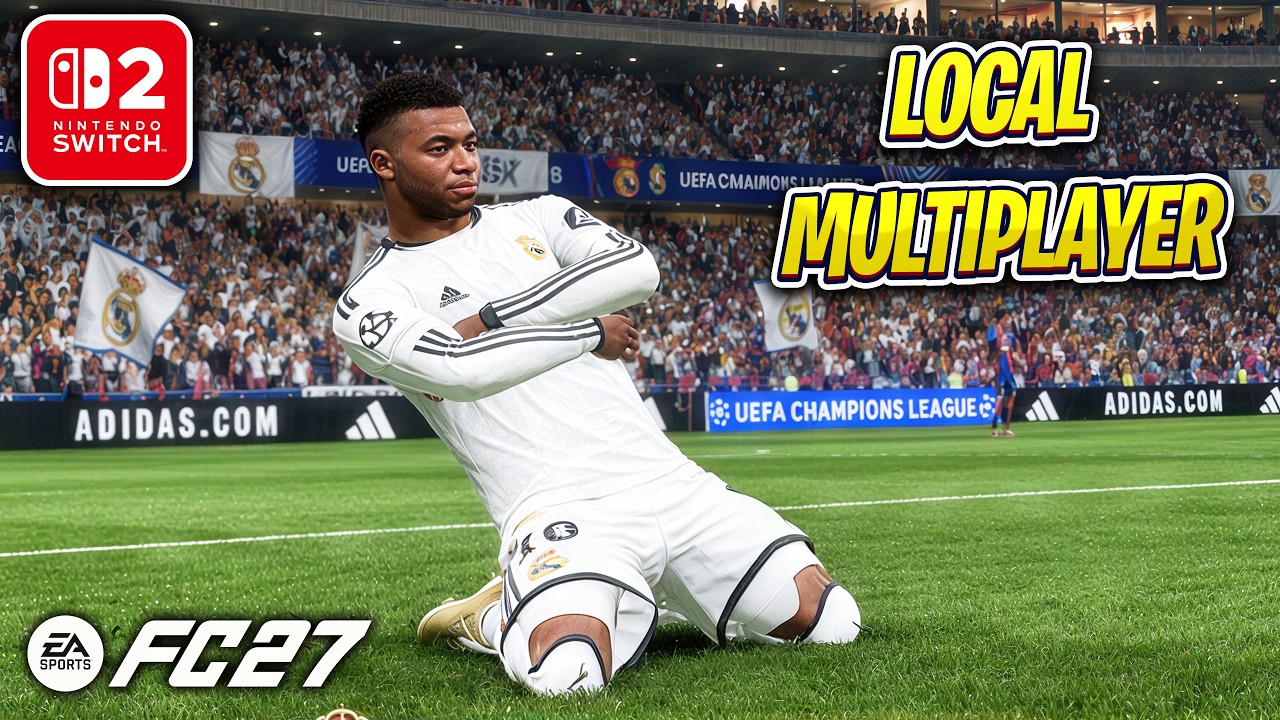

To play local multiplayer in EA SPORTS FC 27 on Nintendo Switch 2, set up head-to-head matches from the main menu or enter The Grounds for casual small-sided games. Head-to-head play allows two players to compete using standard teams, customized formations, and pitch settings, while The Grounds offers alternate multiplayer formats.
Setting Up Head-to-Head Matches and Formations
Before starting a local match, adjust your team configuration in the management menu to match your opponent's playstyle. Dynamic tactical changes help maintain control across different match situations:
- Countering Wing Attackers: Set full-backs to "Stay Back While Attacking" to avoid leaving open space on the flanks during turnovers.
- Breaking Narrow Defenses: Switch to a narrow central formation to draw defenders inside and create passing lanes through the middle.
- Midfield Balance: Choose lineups with balanced central midfielders who can transition between defensive support and attack.
Local Game Modes in The Grounds
The Grounds serves as a social playground containing casual, non-traditional football activities for local play:
- Street Football: Small-sided matches emphasizing quick movement and individual ball skills.
- Kickabouts: Informal match setups for testing controls and practicing in lower-stakes environments.
- Multiplayer Playground: Short-session experiences designed for quick local sessions without full 11v11 match rules.
Playing in smaller spaces forces faster decision-making, making these modes useful warm-up options before competitive head-to-head games.
Defending and Ball Control Tactics
Winning head-to-head matches relies on disciplined positioning rather than aggressive tackling:
- Jockeying: Hold position between the ball carrier and the goal using the jockey mechanic rather than pulling center-backs out of position.
- Controlled Pace: Limit unnecessary sprinting while in possession to retain close control and reduce interception risks.
- Drawing Tackles: Use close-control dribbling to lure defenders into committed tackles, creating gaps in the opponent's defensive line.
Camera and Presentation Settings
For competitive local matches, adjust the in-game camera to a wider angle. Standard broadcast angles limit pitch vision, while a wider perspective allows both players to track off-the-ball runs, monitor defensive lines, and spot open passing lanes across the entire field.

James Brown
James focuses on Android gaming on PC, emulator setup, controls, performance tuning, and practical troubleshooting for longer play sessions.
COMMUNITY
Player Comments
95 players commented on this guide.
This saved me time in the early game.
The tips are practical and easy to follow.
Can you add more details about strategy in a future update?
This helped me understand strategy much better.