
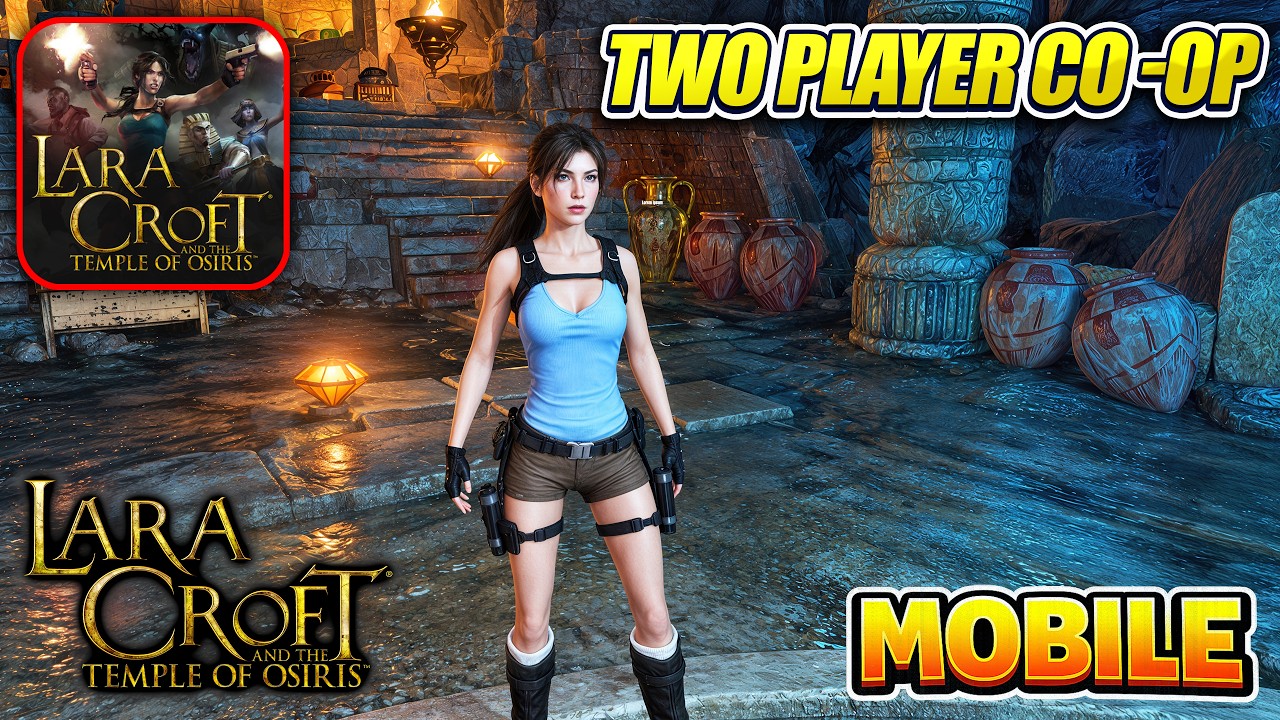

To progress through multiplayer tombs in Lara Croft: Temple of Osiris on iOS and Android, both players must coordinate their twin-stick movement within a shared camera view. Because mechanics rely on synchronized interactions and joint positioning, completing environmental traps, dual-trigger puzzles, and combat encounters requires structured teamwork rather than independent play.
Navigating Shared-Camera Traps and Platforming
The mobile version uses a single, shared camera screen for co-op play. Straying too far from your partner restricts movement, making tight spacing essential when navigating hazard-filled corridors.
- Wait for trap cycles: Moving platforms, spike pits, and crushing traps often activate based on player proximity. Have one player cross a danger zone first while the other waits at a safe distance to prevent simultaneous wipeouts.
- Tether movement: When stepping across collapsing floors or moving platforms, move in tandem using twin-stick movement to keep both characters within the active camera bounds.
- Synchronize checkpoint reaches: Certain hazards reset if both characters do not cross the boundary within the same window. Re-center your positions before launching into fast platforming runs.
Solving Co-Op Puzzles
progression gates in Lara Croft: Temple of Osiris require simultaneous interactions from both players.
| Puzzle Element | Required Action | Execution Role |
|---|---|---|
| Dual Pressure Plates | Stand on paired floor triggers at the same time | Step onto plates together to open gates or raise water levels. |
| Dual Levers / Switches | Pull or activate matching mechanisms simultaneously | Align positions before interacting so the timer does not expire. |
| Heavy Stone Blocks | Coordinate block positioning and path clearing | One player pushes the object while the second clears obstacles or triggers route switches. |
Before interacting with a complex mechanism, inspect the room for anomaly switches or paired floor plates. Assigning clear duties before moving blocks or flipping switches prevents pathing errors under rapid camera transitions.
Combat Arenas and Crowd Control
Combat encounters seal players into tight arenas against waves of undead enemies. Because standing still quickly leads to being overrun, rely on mobile positioning and split focus:
- Kite along the arena perimeter: Use twin-stick movement to circle the outer edge of the room. This forces enemy groups to cluster into predictable paths behind you.
- Differentiate weapon loadouts: Have one player equip crowd-control or explosive gear to manage incoming mobs, while the second player uses high single-target damage weapons to eliminate larger threats.
- Divide target focus: Avoid firing at the exact same minion when multiple threats approach. Splitting target priority clears swarms faster and keeps hazards off your partner.
Collectibles and Connection Stability
- Scout for optional loot: Hidden rooms, structural anomalies in walls, and glowing artifacts contain progression gear. Send one player ahead as a scout to check for proximity traps while the second covers the rear.
- Manage connection latency: Online co-op stability directly impacts precise jump timing. If lag occurs, keep characters closer together than usual to minimize visual desync during platforming hazards.

James Brown
James focuses on Android gaming on PC, emulator setup, controls, performance tuning, and practical troubleshooting for longer play sessions.
COMMUNITY
Player Comments
106 players commented on this guide.
Nice guide. I am checking the other HOT articles next.
Can you add more details about strategy in a future update?
Good guide for HOT players. The strategy part was useful.
The explanation is clear, especially for beginners.