
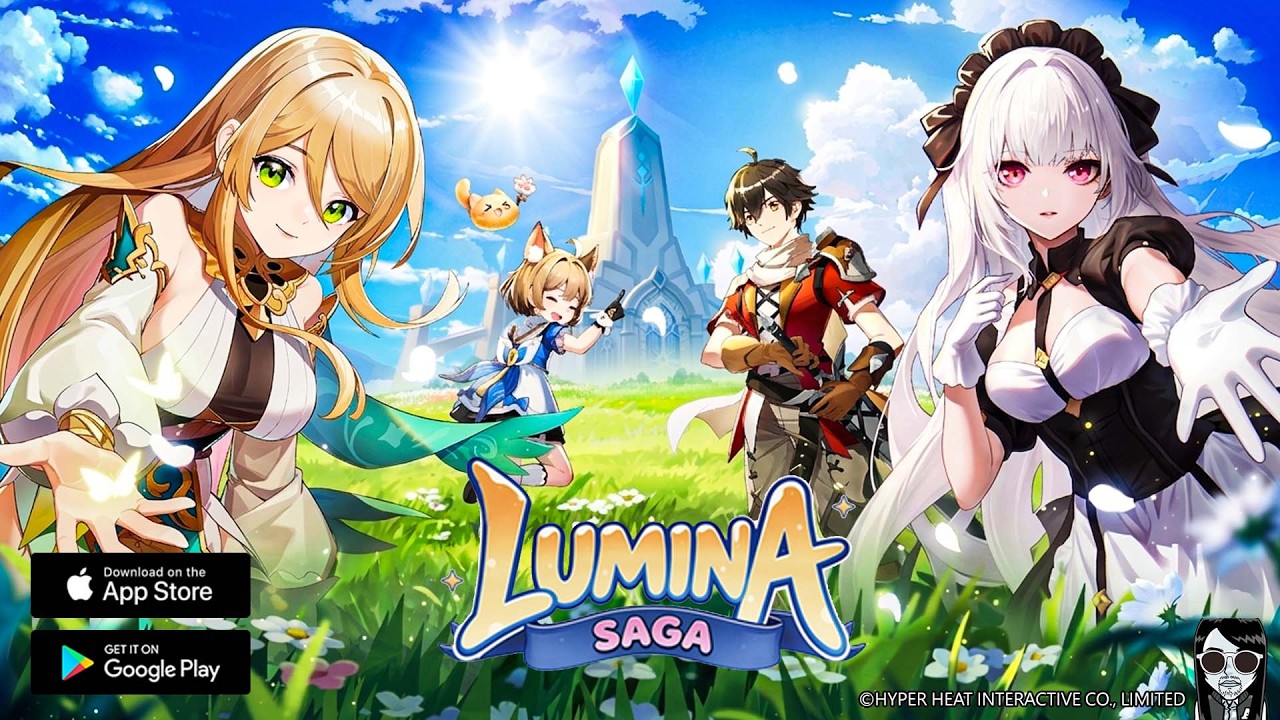
To maximize your efficiency and immersion in Lumina Saga M, you must master the configuration menus early. Whether you are aiming for high-fidelity visuals during social gatherings or stutter-free performance during high-intensity dungeon raids, adjusting your display settings and interface layout is the first step toward effective progression. This guide covers how to balance hardware performance with visual clarity, ensuring your Lumina Saga M experience is as smooth as it is personalized.
Mastering the Character Customization Suite
Your journey begins in the character creation suite, which serves as more than just a cosmetic selector. It is your introduction to your class’s silhouette and spatial footprint.
- Aesthetic Identity: While facial features and hair are purely cosmetic, color palettes and equipment silhouettes are vital. Choosing a distinct color scheme helps you identify your character quickly in crowded social hubs or chaotic combat scenarios.
- Class Silhouette Awareness: Observe your character’s default stance and weapon size. In Lumina Saga M, larger weapons or bulky armor sets can occasionally obscure ground-based telegraphs from bosses. Understanding your character's "visual weight" helps you position yourself more effectively during group encounters.
- Finalizing Your Look: Once you commit to a look, it becomes your identity in guild festivals and trade hubs. Take time to view your character from multiple angles to ensure that your accessories do not cause visual clipping or screen clutter.
Configuring Display and Performance for Stability
Lumina Saga M is a visually rich MMORPG, but high-end graphics can compromise performance on older mobile hardware. To maintain a consistent frame rate, you must navigate the 'System' > 'Graphics' menu.
Strategic Graphical Adjustments
If you experience frame drops (stuttering) during world boss encounters or in busy cities, apply the following adjustments:
- Lower Particle Intensity: High-level skills produce intense visual effects. Reducing particle density allows your device to prioritize rendering enemy mechanics and player positions.
- Shadow Quality: Shadows are the most taxing graphical feature. Setting this to "Low" or "Off" often yields the largest performance boost without sacrificing too much visual quality.
- Player Limit: In major cities, the number of visible characters can overwhelm your device. Use the "Visible Character Limit" slider to reduce the number of rendered players, which dramatically increases FPS in social hubs.
- Anti-Aliasing: If you have a high-resolution screen but a mid-tier processor, disabling anti-aliasing can prevent input lag caused by the GPU struggling to smooth out jagged edges.
Optimizing the User Interface (UI) for Combat
A cluttered UI is the enemy of efficiency. In Lumina Saga M, the default layout is designed for general play, but experienced players often tweak the interface to better track combat telemetry.
- Skill Bar Ergonomics: Your primary abilities should be easily accessible to your dominant thumb. If you find yourself overreaching, look for settings that allow you to resize or move the skill icons.
- Information Hierarchy: Your health bar, mana (or energy) pool, and boss status effects are the most critical pieces of information. Ensure these are not hidden behind your chat box or social menus.
- Minimizing "Visual Noise": If the screen feels crowded, check the 'UI Settings' to see if you can toggle off damage numbers or floating combat text. Reducing these can help you focus on the actual mechanics of the boss, especially in high-difficulty dungeons where dodge-timing is everything.
Navigating the Social and Interaction Menus
Social interaction is a pillar of Lumina Saga M. However, constant notifications can become a distraction. Mastering the social menu allows you to control your environment.
Managing Social Interactions
- Privacy Toggles: If you are grinding for experience or materials and want to avoid distractions, use the 'Privacy' settings to set your status to "Busy" or "Do Not Disturb." This suppresses incoming friend requests or group invites without requiring you to log off.
- Guild Coordination: The social tab is your primary tool for participating in guild festivals. Make sure your notification settings for guild announcements are enabled so you do not miss scheduled dungeon runs or team-building events.
- Efficient Grouping: Utilize the "Find Party" social filters to match with players of similar gear levels or objectives. Navigating this menu quickly allows you to spend less time in menus and more time completing dungeons for rewards.
Common Mistakes and How to Avoid Them
Even veteran players fall into common configuration traps. Avoid these pitfalls to stay ahead of the curve:
- Ignoring Auto-Battle Settings: Lumina Saga M features automated combat, but it is not a "set it and forget it" system. Review your skill priority list within the auto-battle settings. Ensure your most powerful crowd-control or defensive abilities are not being wasted on low-health trash mobs.
- Neglecting Hardware Heat: If you play for extended sessions, your device will heat up, leading to "thermal throttling," where the system slows down to prevent damage. If the game starts stuttering after an hour, lower your graphical settings before the heat builds up to maintain a consistent performance baseline.
- Over-Customizing: While it is tempting to maximize every setting, aim for a balanced build. A game that looks beautiful but runs at 15 FPS is effectively unplayable in content that requires precise dodging. Prioritize frame rate over texture resolution every single time.
Conclusion: Balancing Form and Function
The key to success in Lumina Saga M is finding the "sweet spot" where your visual preferences meet the technical demands of the game’s combat. By starting with a character model that doesn't obscure your view, stripping away unnecessary UI elements to prioritize combat information, and fine-tuning your graphics settings for consistent performance, you ensure that you are always in control. Use these configurations to turn your device into a tool for success, allowing you to focus on what matters most: exploring the world, upgrading your gear, and climbing the social ranks of your guild.

Free Lumina Saga M Codes
Current active codes and how to redeem them.

James Brown
James focuses on Android gaming on PC, emulator setup, controls, performance tuning, and practical troubleshooting for longer play sessions.
COMMUNITY
Player Comments
102 players commented on this guide.
Can you add more details about heroes in a future update?
This guide answered the exact question I had.
The tips are practical and easy to follow.
I tried this today and it worked better than my old setup.