
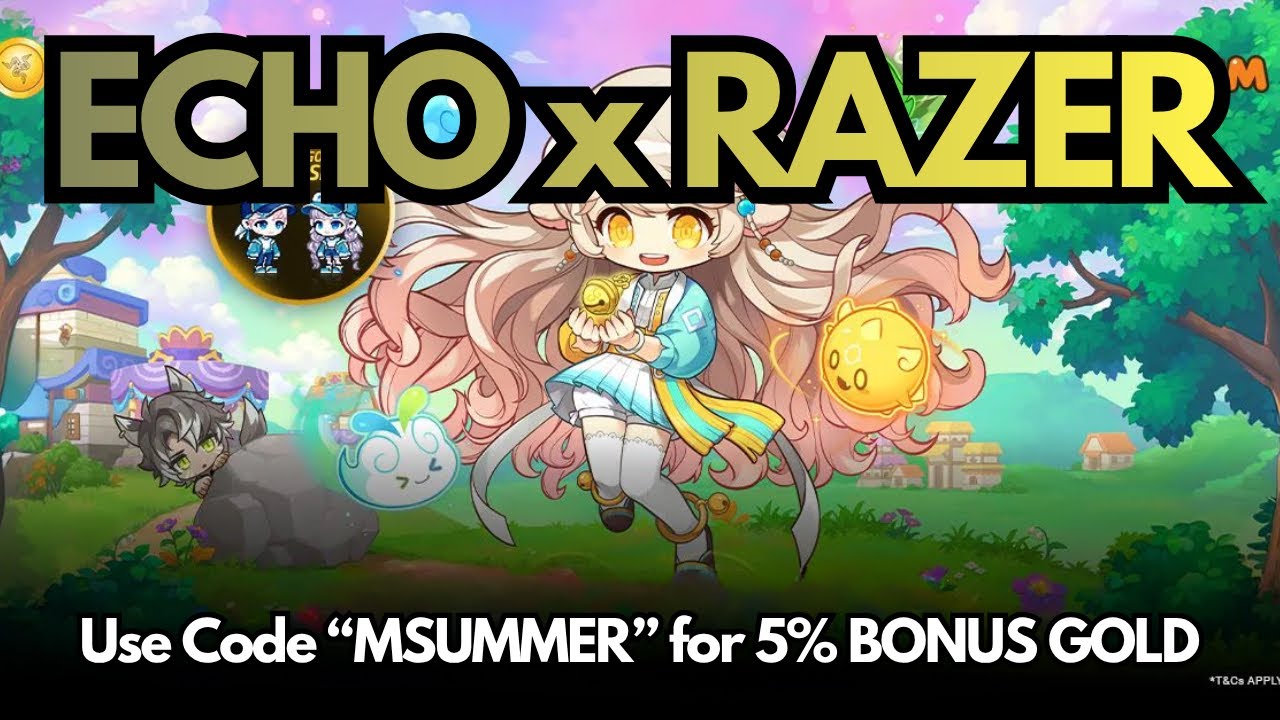
The most effective way to earn bonus rewards in MapleStory M is to strategically utilize official Razer Gold collaborations, which allow players to claim exclusive items—like the Jaunty Set—while maximizing the value of their crystal purchases. By linking your account through the official Razer Gold portal and timing your in-game transactions with these promotional windows, you can secure high-value cosmetics and gain a competitive edge in your resource management without overspending.
Understanding the Razer Gold Advantage in MapleStory M
Razer Gold serves as a unified virtual credit system that frequently partners with Nexon for MapleStory M. For the savvy player, these collaborations are more than just a way to buy currency; they are a method of "value-stacking." When you purchase Crystal packages or other store items using Razer Gold during a promotional event, you often trigger bonus rewards that are not available through standard payment gateways.
These rewards typically fall into two categories:
- Direct Cosmetic Rewards: Exclusive outfits, pets, or chairs that provide status and style.
- Bonus In-Game Currency or Items: Often including Growth Packages, EXP tickets, or additional Crystals that accelerate your leveling process.
The "advantage" lies in the return on investment (ROI). If you are already planning to purchase Crystals for a gacha event or to upgrade your gear, doing so via a Razer Gold promotion allows you to receive these extra items at no additional cost.
Step-by-Step: Linking and Redeeming Your Rewards
To ensure your rewards are delivered correctly, you must follow the official redemption flow. Deviating from these steps often results in "lost" rewards that are difficult for support teams to recover.
- Verify Your Region: Before creating a Razer Gold account or attempting a purchase, confirm that your MapleStory M server region (e.g., NA, EU, Asia) is supported by the specific Razer promotion. Cross-region redemption is rarely supported.
- Access the Official Portal: Navigate only to the official Razer Gold website via links provided in the MapleStory M in-game notice or the official Nexon social media channels. Avoid third-party "code generator" sites, as these are almost always phishing attempts.
- Link Your Account: Log in to your Razer Gold account and link your MapleStory M account ID (found in the game's Settings > Account menu).
- Complete the Qualifying Transaction: Purchase the required amount of Razer Gold and use it to buy Crystals within MapleStory M.
- Claim via Mailbox: Once the transaction is processed, rewards are typically sent to your in-game mailbox. Ensure you claim them within the specified expiration window, as unclaimed mail is automatically purged by the server.
Strategic Spending: Converting Bonuses into Mesos
While Razer collaborations primarily offer cosmetic items or Crystals, they indirectly boost your Mesos efficiency. MapleStory M is a resource-intensive game; obtaining extra Crystals means you have more "pulls" available for equipment gacha or for buying Trade Station items that can be sold for profit.
The "F2P-Friendly" Approach
Even if you are a "Free-to-Play" (F2P) player, keeping an eye on these events is vital. Sometimes, Razer Gold offers "free" items just for linking an account or participating in a mission, requiring zero monetary investment. Always check the "Earn" tab on the Razer Gold website to see if there are any non-purchase-based rewards available for MapleStory M.
High-Value Spending
For players who do spend, focus on "Efficiency Packages." During collaborations, prioritize spending your Razer Gold on bundles that provide the best "Crystals-per-dollar" ratio. By pairing these high-value bundles with the bonus items from the Razer event, you maximize the utility of every dollar spent, effectively stretching your budget further than you would through standard app store billing.
Managing Your Account and Security
One of the most critical aspects of using third-party payment platforms is maintaining rigorous account security.
- Avoid Credential Sharing: Never give your MapleStory M login info to any site that promises "free Mesos" in exchange for your password. The official Razer Gold site only requires your Account ID, never your password.
- Track Expiration Dates: Collaborations are inherently temporary. Once the event period ends, the link to redeem rewards usually disappears. Set a reminder or check the MapleStory M news tab weekly to ensure you aren't leaving rewards on the table.
- Prioritize Your Main Character: Most promotional items are account-bound. Once you claim an item, it cannot be transferred to an alt-character. Always claim these rewards on your "Main" character—the one you intend to use for endgame bossing and high-level Star Force Fields.
Troubleshooting Common Issues
- "I didn't receive my items": Check the transaction history in your Razer Gold account to ensure the payment was successful. If the payment went through but the items are missing, contact MapleStory M Customer Support with your transaction ID and your Character Name/Server.
- "The code says invalid": This usually happens if you are trying to redeem a reward in the wrong region or if the event has already concluded. Verify your regional settings one last time before reaching out to support.
- Delayed Delivery: While most rewards are instant, some promotions state a 24–48 hour processing window for item delivery. Wait at least two full days before opening a support ticket.
Why This Matters for Endgame Progression
In MapleStory M, progression is gated by gear rank and Star Force levels. As you push into higher-level Star Force Fields (SF144, SF168), the cost of upgrading gear rises exponentially. By using these Razer Gold promotions, you are essentially getting "subsidized" resources. Whether it's an extra stack of Fever Buffs, additional auto-battle time, or the ability to purchase gear from the Trade Station, these bonuses help you maintain momentum during the mid-to-late game grind.
Mastering these collaborations is a hallmark of a veteran player. By staying informed about partnership schedules and optimizing your spending patterns, you create a sustainable cycle of growth that keeps your character competitive without needing to rely solely on expensive, standalone crystal purchases.

Free MapleStory M Codes
Current active codes and how to redeem them.

Emily Johnson
Emily writes practical mobile strategy guides with a focus on resource planning, base progression, and the early decisions that shape a long-term account.
COMMUNITY
Player Comments
82 players commented on this guide.
The explanation is clear, especially for beginners.
This saved me time in the early game.
Good guide for MapleStory M players. The resources part was useful.
I wish I had read this before upgrading the wrong thing.