
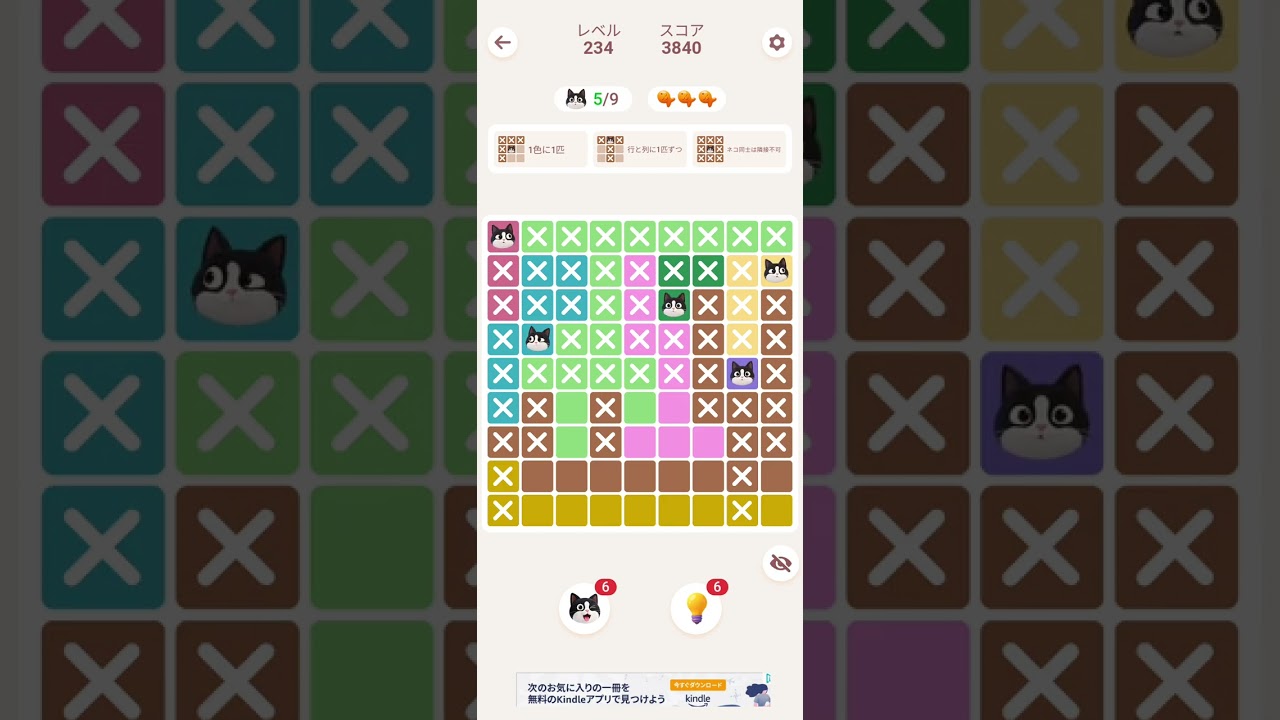
To clear complex grid layouts in Meowdoku! without relying on hints or guessing, scan for forced moves where intersecting row and column constraints leave only a single valid digit for a cell. Placing guaranteed numbers first opens up adjacent rows and columns, creating a logical chain reaction that simplifies the rest of the board.
How to Find Forced Moves and Naked Singles
When a grid becomes dense, avoid testing tentative placements. Instead, look for cells located at the intersection of heavily populated rows and columns.
- Target Dense Lines: Identify rows or columns that already contain four or five digits.
- Count Missing Digits: List the specific numbers needed to complete that line.
- Cross-Reference Intersecting Paths: Check if the perpendicular column or row already contains any of those missing digits.
- Identify the Single Option: If perpendicular lines eliminate all candidate numbers except one, place that digit immediately.
Placing a confirmed digit updates the constraints for intersecting lines, frequently revealing additional forced moves in surrounding cells.
Systematic Row and Column Elimination
When immediate forced moves are not obvious, use a methodical scanning process across the entire grid to narrow down open choices.
- Scan Line by Line: Work systematically from top to bottom, analyzing lines with the fewest remaining empty cells.
- Filter Candidate Cells: For each empty cell in a target row, cross-check its vertical column. If a candidate digit already exists in that column, eliminate it from that cell.
- Isolate Candidate Pairs: When two digits within a section can only fit into the exact same two cells, eliminate those two digits from all other empty candidate slots in that row or block.
Using Notes to Prevent Mistakes
Input errors in Meowdoku! often result from rushing or selecting digits before verifying all intersecting constraints. Utilizing the note-taking system preserves progress during multi-step puzzles.
- Mark Candidate Digits: Enter small pencil notes in cells that have two or three potential numbers remaining.
- Visualize Possibilities: Use notes to track hypothetical combinations without committing to a permanent placement that costs a mistake.
- Double-Check Placements: Before confirming a final placement, re-verify that neither the horizontal row nor the vertical column contains a duplicate entry.

Free Meowdoku! Codes
Current active codes and how to redeem them.

Emily Johnson
Emily writes practical mobile strategy guides with a focus on resource planning, base progression, and the early decisions that shape a long-term account.
COMMUNITY
Player Comments
77 players commented on this guide.
This guide answered the exact question I had.
This helped me understand strategy much better.
I tried this today and it worked better than my old setup.
This saved me time in the early game.