
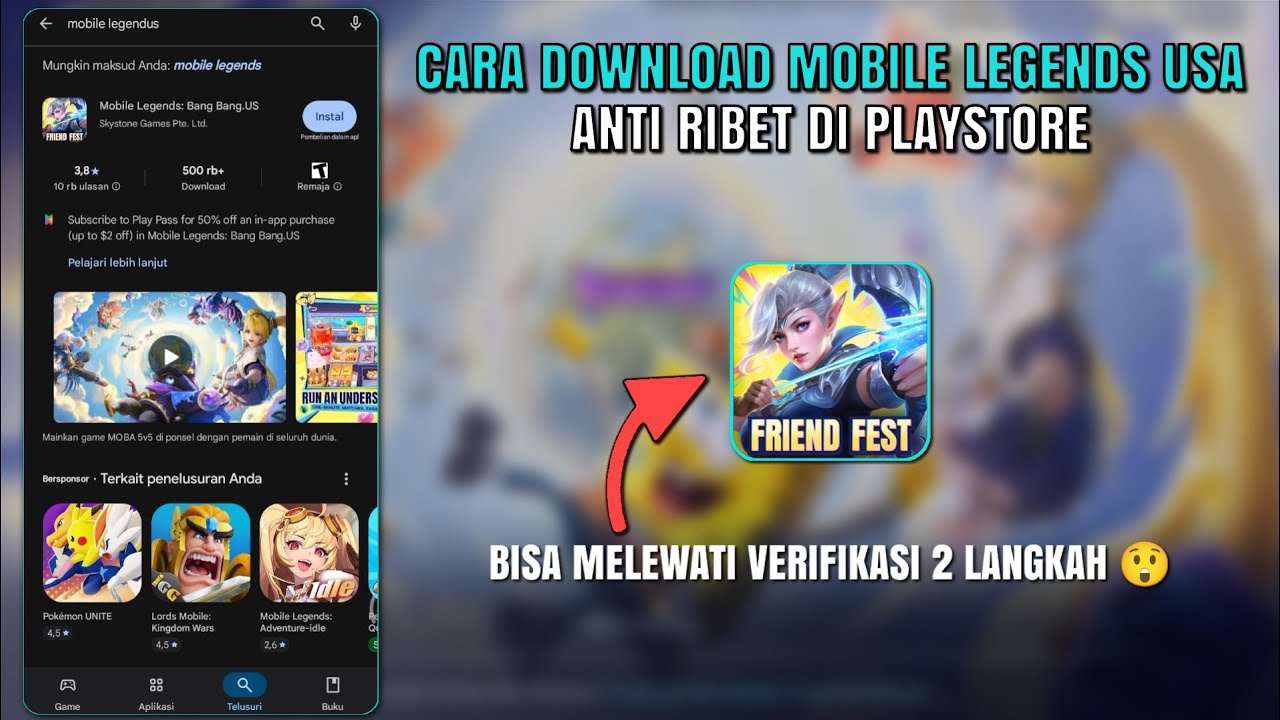
To install Mobile Legends: Bang Bang.US on an Android device when it is unavailable in your local Google Play Store, you must obtain an authentic APK package, grant temporary installation permissions, and perform an initial server data synchronization upon first launch.
Prerequisites and File Verification
Before downloading an external installation file, check these setup requirements to prevent installation failures or account sync errors:
- Source Integrity: Download the APK from an established app repository that provides version histories and checksums. Avoid downloading packages directly from unverified social media posts or online forums.
- Device Storage and OS: Confirm your Android operating system is up to date and that your device has enough free storage space for both the base APK and the secondary asset downloads.
- Version Alignment: Verify that the repository's file matches the latest release build date to ensure the client connects to official servers during login authentication.
Step-by-Step Installation Process
- Open your device Settings.
- Navigate to Security or Privacy (menu names vary depending on your device manufacturer).
- Select Install Unknown Apps or Allow from this source, then enable the permission for the specific web browser or file manager app you plan to use.
- Download the Mobile Legends: Bang Bang.US APK file.
- Open your file manager, locate the file in your Downloads folder, and tap the APK to begin installation.
- Follow the on-screen prompts until the Mobile Legends: Bang Bang.US app icon appears on your home screen.
- Return to your Android Security settings and disable the unknown app installation permission to maintain device security.
First Launch and Asset Download
Launch Mobile Legends: Bang Bang.US immediately after installation to complete the setup process:
- Connect to Wi-Fi: Ensure your device is on a stable Wi-Fi connection to download the required in-game assets efficiently without unexpected mobile data charges.
- Server Handshake: Allow the game client to automatically connect to Moonton servers to complete region identification and initial asset sync. Do not close the app while files are downloading to prevent file corruption.
Updating the APK Client
- Routine Patches: Small balance patches and hotfixes download automatically through the in-game client upon launch.
- Major Version Updates: Major seasonal overhauls or build updates may trigger an "Update Required" notification. When this occurs, download the newest APK build from your trusted repository and run the installer directly over your current installation. Installing over your existing app preserves local settings and account bindings without requiring a fresh login.
Free Mobile Legends: Bang Bang.US Codes
Current active codes and how to redeem them.

James Brown
James focuses on Android gaming on PC, emulator setup, controls, performance tuning, and practical troubleshooting for longer play sessions.
COMMUNITY
Player Comments
59 players commented on this guide.
I tried this today and it worked better than my old setup.
The tips are practical and easy to follow.
This helped me understand strategy much better.
Nice guide. I am checking the other Mobile Legends: Bang Bang.US articles next.