
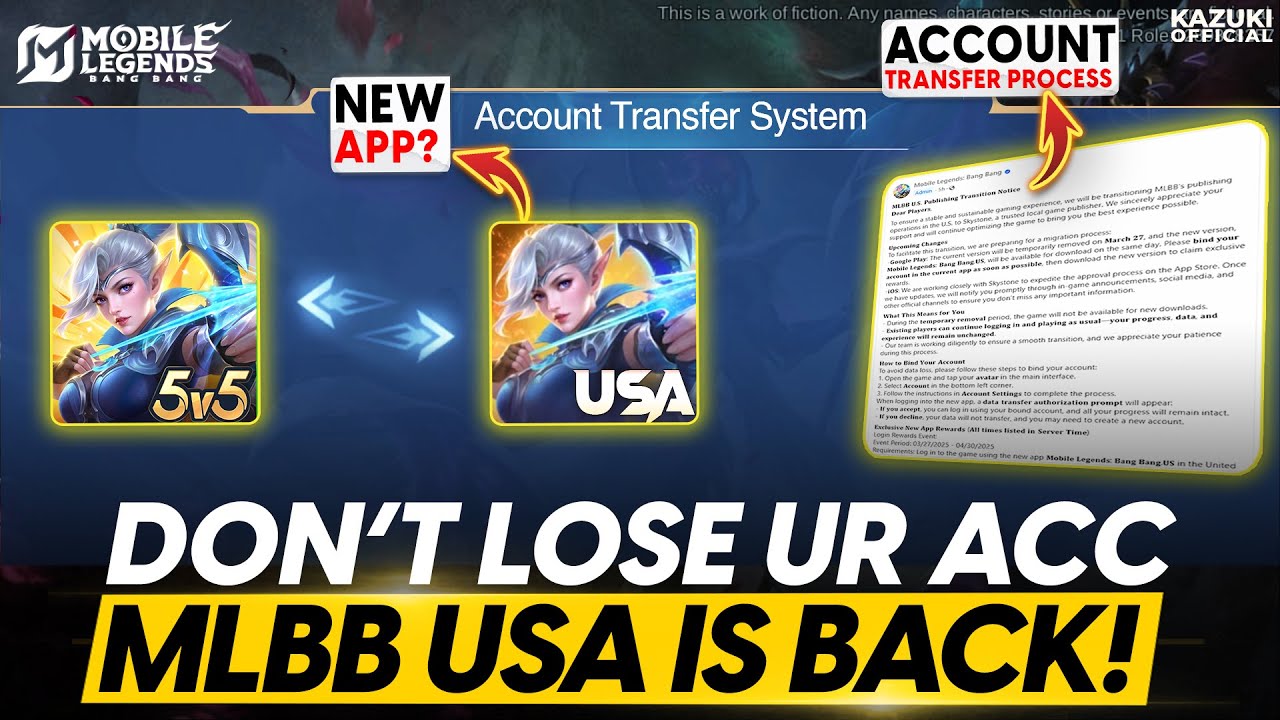
To prevent progress loss during the regional publisher transition for Mobile Legends: Bang Bang.US, you must link your active account details to the Skystone Games system. Failing to synchronize your account before legacy systems are phased out will result in the loss of unlocked heroes, purchased skins, emblem progress, and rank standing.
How to Migrate Your Account
Completing the account binding procedure requires accessing the account settings menu inside the game client:
- Open Profile Settings: Tap your avatar icon in the top-left corner of the main lobby screen.
- Navigate to the Account Tab: Select the Account section to review your linked platform credentials.
- Verify Moonton Account Binding: Ensure your profile is bound to a valid email or supported social platform. Relying solely on an app store login (Google Play or Apple Game Center) is insufficient for backend publisher transfers.
- Confirm Migration Prompts: Accept any regional prompts or in-game migration notices requesting confirmation of your US profile details.
Account Requirements and Regional Limits
- US Region Scope: This migration applies exclusively to US-based players under the new publishing agreement with Skystone Games. Profiles tied to other regional servers do not need to perform this transfer and should not attempt to force regional links.
- Proof of Ownership: Keep your original Moonton login details available. If an automated link fails, support teams require these credentials to verify your profile history manually.
- Official Client Only: Perform all account management strictly within the official game app to avoid credential theft from unverified third-party portals.
Troubleshooting Transfer Errors
- Missing Prompts: If the transfer prompt does not appear, restart the game client to force a server refresh, or check your device app store to confirm you are running the latest update.
- Connection Failures: High server traffic during transition windows can cause sync timeouts. Wait a few minutes before re-attempting the link.
- Persistent Issues: Record any specific error codes displayed on screen and submit a ticket through official Skystone Games customer support channels.
Free Mobile Legends: Bang Bang.US Codes
Current active codes and how to redeem them.

James Brown
James focuses on Android gaming on PC, emulator setup, controls, performance tuning, and practical troubleshooting for longer play sessions.
COMMUNITY
Player Comments
38 players commented on this guide.
Can you add more details about updates in a future update?
Good guide for Mobile Legends: Bang Bang.US players. The updates part was useful.
I tried this today and it worked better than my old setup.
This saved me time in the early game.