
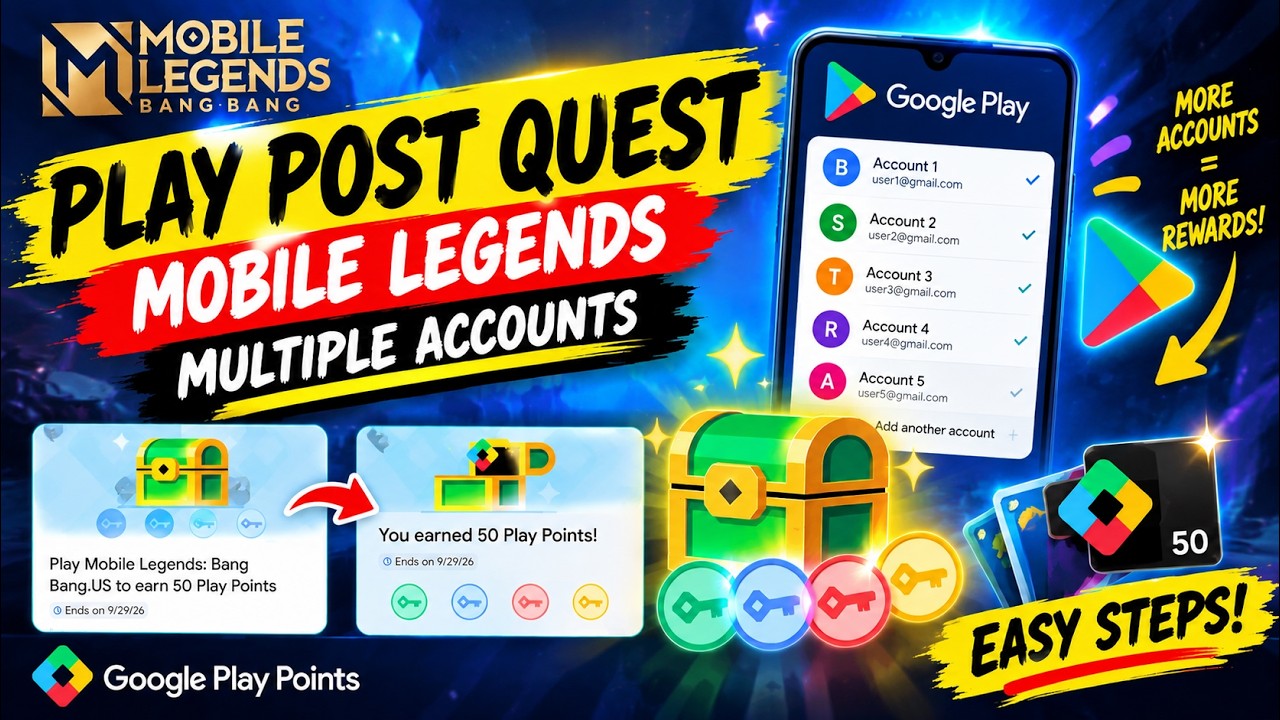
To complete Google Play Points quests across multiple Google accounts in Mobile Legends: Bang Bang.US, you must clear the Google Play Store data between profile switches and launch the game directly through each quest link. Android retains active authentication tokens from the initial Google account, which causes session-tracking conflicts if you switch profiles without resetting store storage.
Step-by-Step Multi-Account Quest Routine
Each Google profile must be enrolled in the US Google Play Points program to access and complete the promotional tasks. Follow this sequence on a single Android device to ensure each account registers completion:
- Accept the quest on the first account: Open the Google Play Store, switch to your primary profile, navigate to the Play Points "Earn" tab, locate the Mobile Legends: Bang Bang.US quest card, and tap the claim button.
- Trigger the session verification: Tap "Install" or "Play" directly inside the quest listing. Keep the game client open for at least 30 seconds before closing it.
- Clear store cache and data: Open your device Settings, go to Apps, select Google Play Store, tap Storage, and select both Clear Data and Clear Cache.
- Switch profiles: Reopen the Google Play Store, tap the profile icon in the upper-right corner, and select your next Google account.
- Enroll and launch on the secondary profile: Go to the "Earn" section under the secondary account, accept the Mobile Legends: Bang Bang.US quest, and launch the game through the quest button in the store interface.
- Repeat the wipe for further accounts: Close the game, force stop the Play Store, purge app storage again, and repeat the process for any remaining accounts.
Do not launch the game from your home screen shortcut during this process. Bypassing the Play Store link prevents the referral handshake from registering, which leaves the quest in an incomplete state.
Bypassing Storage Wipes with App Sandboxes
Repeatedly clearing data and logging in can be avoided by using built-in Android isolation features, such as Samsung Secure Folder, Xiaomi Dual Apps, or dedicated work profiles.
These sandboxes run a separate instance of Google Play Services and the Google Play Store, binding the secondary Google account permanently to that isolated environment. However, this approach requires 8 to 10 GB of additional internal storage to store a duplicate installation of the Mobile Legends: Bang Bang.US game client and its asset files.
Redeeming Play Points from Secondary Accounts
Points earned across different Google accounts cannot be merged into a single balance. To use the rewards on your primary Mobile Legends: Bang Bang.US game profile, redeem the points directly on each secondary Google account and apply them during checkout.
| Redemption Option | Point Requirement | Value Proposition | Primary Limitation |
|---|---|---|---|
| Mobile Legends: Bang Bang.US Coupon | 100 to 250 Points | Best discount value for in-game Diamonds | Profile-locked; only applies to linked purchases |
| Google Play Credit | 100 Points per $1.00 | Usable across any Play Store app transaction | Lower point efficiency for Diamond top-ups |
| Promotional Item Bundles | 200+ Points | Direct delivery of chests or skin trials | Available only during specific event rotations |
To use coupons or credits from a secondary account on your main game roster:
- Log into your primary game profile inside Mobile Legends: Bang Bang.US.
- Open the Diamond recharge shop and select the desired pack or Weekly Diamond Pass.
- Verify that the Google Play purchase overlay displays the secondary Google account containing your points or coupon before completing the payment.
Troubleshooting and Account Limits
- Missing Quest Cards: Quests for Mobile Legends: Bang Bang.US require an active US billing address. Secondary accounts registered outside the United States will not see the quest or will show an unavailable message. Avoid using VPNs to alter regions, as this can trigger temporary 48-hour purchasing holds on your Google account.
- Delayed Reward Tracking: Cycling through four or more accounts in rapid succession can trigger rate limits on Google servers. If quest credit does not register immediately after you open the game, wait 15 to 30 minutes before switching to the next profile.

Free Mobile Legends: Bang Bang.US Codes
Current active codes and how to redeem them.

Emily Johnson
Emily writes practical mobile strategy guides with a focus on resource planning, base progression, and the early decisions that shape a long-term account.
COMMUNITY
Player Comments
81 players commented on this guide.
This helped me understand strategy much better.
I tried this today and it worked better than my old setup.
The explanation is clear, especially for beginners.
This saved me time in the early game.