
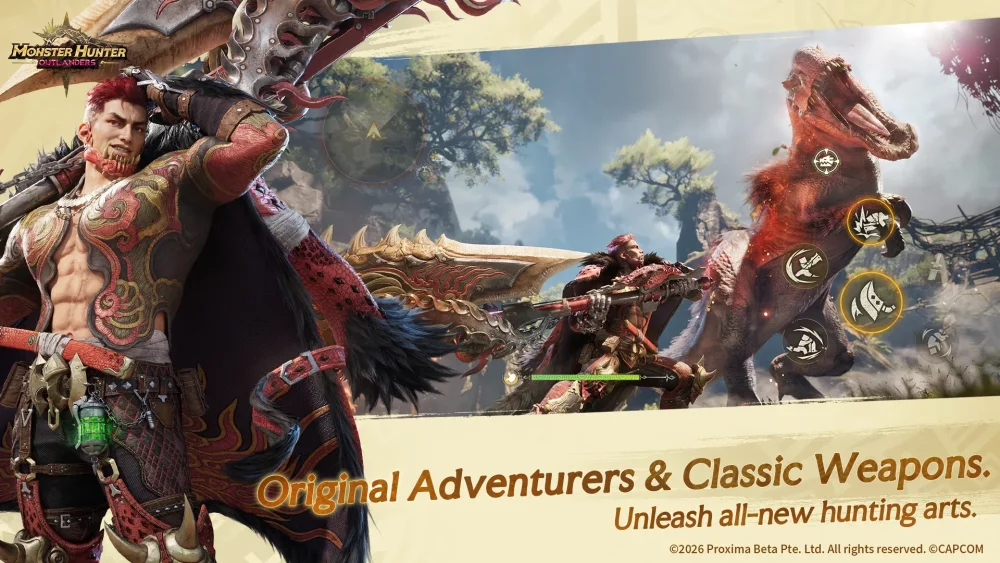
To achieve optimal performance in Monster Hunter Outlanders, you must strike a precise balance between the game's high-fidelity, console-grade visuals and your mobile device’s thermal and processing limits. As a title that pushes the boundaries of mobile graphical capabilities, Monster Hunter Outlanders demands more than just raw power; it requires a strategic approach to settings to maintain the responsiveness necessary for high-stakes hunting.
By prioritizing frame rate stability and input latency over maximum texture quality, you ensure that you can read monster telegraphs clearly while navigating the game’s lush, expansive environments without hardware-induced stuttering.
Understanding the Graphic Engine Mechanics
Monster Hunter Outlanders utilizes a sophisticated engine designed to replicate the scale and environmental detail of its console counterparts. During the Closed Beta Test (CBT), the game showcased heavy use of dynamic global illumination, complex particle systems, and high-polygon character models.
When you navigate to the advanced graphics menu, you are essentially managing the load on your device's GPU and NPU. The "Cinematic" preset is designed for flagship devices, utilizing high-resolution shadow maps and ambient occlusion that can quickly overwhelm mid-range chipsets. Understanding that "Cinematic" is a stress test for even the latest phones is the first step toward a better experience. For most players, the "High" preset serves as a more reliable baseline, providing a visual experience that captures the game's aesthetic while leaving enough overhead for intensive combat sequences.
Step-by-Step Configuration for Peak Combat Performance
In Monster Hunter Outlanders, your performance is only as good as your ability to react to monster attacks. If your frame rate drops during a critical dodge window, you will fail the hunt. Follow these steps to optimize your settings for maximum combat reliability:
- Prioritize Frame Rate: Navigate to the Graphics menu and set your Frame Rate limit to 60 FPS. If you experience fluctuations (dropping between 45 and 60), immediately switch to 30 FPS. A locked 30 FPS is always superior to a stuttering 60 FPS in a game that relies on timing.
- Resolution Scaling: If you play on a high-resolution display, set your Resolution Scale to 90%. This reduces the pixel-pushing load on your GPU significantly while maintaining a sharp image quality that is barely distinguishable from 100% on a mobile screen.
- Shadow and Lighting: Set "Shadow Quality" to Medium. Shadows are often the most taxing component of mobile rendering. By dropping them to Medium, you free up resources for more important graphical elements like character animations and monster models.
- Post-Processing: Disable "Motion Blur" and reduce "Bloom." While these effects add cinematic flair, they can obscure the finer details of monster animations, making it harder to anticipate incoming attacks.
Managing Device Heat and Preventing Thermal Throttling
Thermal throttling is the silent killer of mobile gaming performance. As your device heats up, the internal processor will automatically downclock to protect itself, resulting in a sudden, jarring drop in frame rate—usually midway through a lengthy hunt.
- Environmental Awareness: Avoid playing while charging your device, as the dual heat source (battery charging + intensive processing) will trigger throttling almost immediately.
- The 20-Minute Rule: If you notice performance dips after 20 minutes, your device is likely reaching its thermal ceiling. A simple fix is to use a dedicated mobile cooling fan or play in a cool, well-ventilated area.
- Case Removal: Many mobile cases trap heat against the phone’s chassis. Removing your case during extended hunting sessions can help dissipate heat more efficiently, maintaining higher clock speeds for longer durations.
Balancing Visual Fidelity and Tactical Clarity
The visual design of Monster Hunter Outlanders is breathtaking, but not all effects serve the gameplay. High-density particle effects—such as those produced by elemental weapons or large monster area-of-effect attacks—can be visually overwhelming.
When you find yourself in the middle of a chaotic fight, clarity is more important than bloom or reflections. Reducing "Particle Quality" to Low or Medium won't ruin the look of the game, but it will ensure that you can clearly see the telegraphs and hitboxes of the monster. If you find yourself frequently taking damage that you didn't see coming, it is time to turn down the visual noise in the settings menu. A "clean" screen is a competitive advantage.
Optimizing for Exploration and Battery Life
Monster Hunter Outlanders features massive, open-world environments that encourage exploration. Navigating these zones consumes significantly more battery than fighting in a contained arena. To extend your play session, use a custom "Exploration Preset":
- Texture Quality: Keep this at High, as it affects the look of the world, but lower the Render Distance. Loading fewer distant assets saves substantial battery power while you travel across the map.
- Dynamic Lighting: If you are playing on a commute or away from a charger, reduce the lighting quality. This is the biggest battery drain in the game.
- Frame Rate Saver: During exploration, you don't need 60 FPS. Dropping to 30 FPS while you are simply traversing the map will significantly extend your total playtime on a single charge.
Hardware-Specific Recommendations
Monster Hunter Outlanders is currently in a testing phase, and optimization is ongoing. If you are using a device that is two or more years old, do not attempt to use the "Cinematic" preset.
- Flagship Devices (e.g., iPhone 15/16 Pro, latest Galaxy S series): You can safely use the "High" preset with 60 FPS, but keep an eye on thermal output.
- Mid-Range Devices: Aim for a custom preset. High Textures, Medium Shadows, Low Reflections, and 30 FPS will provide the most stable and enjoyable experience.
- Entry-Level/Older Devices: Use the "Low" or "Balanced" presets. Focus on keeping the resolution scale at 80% to ensure the game remains fluid.
Ultimately, your settings should reflect your current situation. Don't be afraid to adjust your configuration based on whether you are doing a quick resource-gathering run or a high-stakes encounter against an Elder Dragon. By mastering these settings, you ensure that Monster Hunter Outlanders remains an immersive, responsive experience on any device.

Free Monster Hunter Outlanders Codes
Current active codes and how to redeem them.

James Brown
James focuses on Android gaming on PC, emulator setup, controls, performance tuning, and practical troubleshooting for longer play sessions.
COMMUNITY
Player Comments
156 players commented on this guide.
Good guide for Monster Hunter Outlanders players. The strategy part was useful.
This guide answered the exact question I had.
The tips are practical and easy to follow.
Nice guide. I am checking the other Monster Hunter Outlanders articles next.