
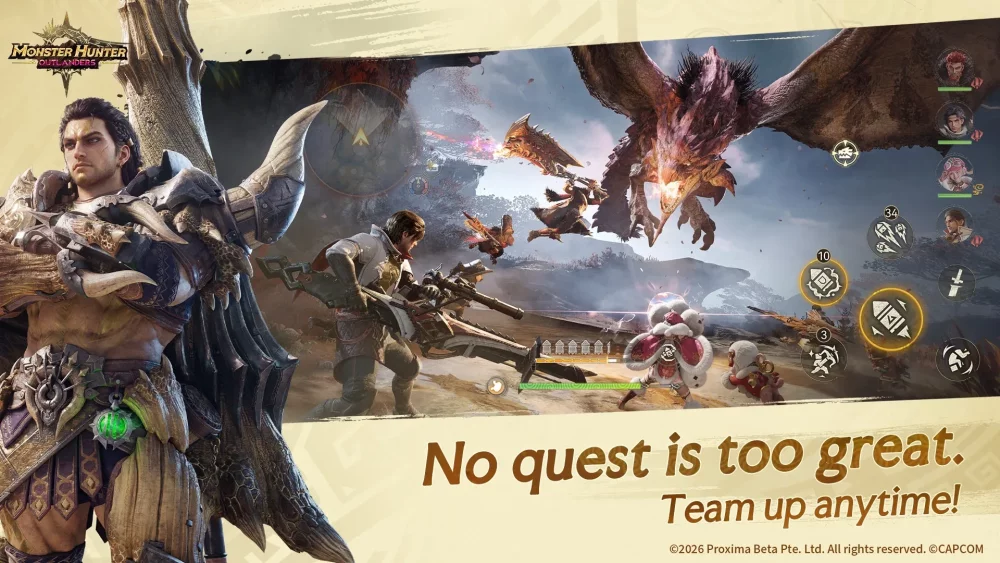
To claim the pre-event rewards in Monster Hunter Outlanders, sign up through the official pre-registration portal or mobile app storefront before the game launches, then log into the release client using that same authenticated account. Milestone rewards unlock cumulatively based on total community registrations and are delivered to your in-game mailbox after you complete the opening tutorial.
Milestone Reward Tiers
Community pre-registration drives distribute cumulative rewards across multiple participation thresholds. Reaching higher milestones adds recruitment items and cosmetics to the baseline supplies granted to all registered players at launch.
| Milestone Tier | Target Requirement | Reward Category | Practical In-Game Value |
|---|---|---|---|
| Early Tier | Baseline sign-up confirmation | Utility consumables and Zeny | Funds starter gear maintenance and early potion crafting |
| Mid Tier | Intermediate community sign-up goals | Gathering supplies and weapon tokens | Provides core crafting materials for initial weapon upgrades |
| Upper Tier | High community engagement total | Gacha currency and summon vouchers | Funds immediate pulls on opening adventurer banners |
| Final Tier | Peak pre-registration cap | Exclusive cosmetics or Palico gear | Grants permanent visual customizations exclusive to the launch window |
How to Register for the Pre-Launch Event
Follow these steps to log your registration data with the distribution system before servers go live:
- Access the Official Portal: Open the verified Monster Hunter Outlanders pre-registration web page or locate the official store listing on your mobile device's app store.
- Submit Your Login Details: Enter your primary email address or link an existing platform gaming account to verify your registration and assign regional server routing.
- Confirm Storefront Pre-Orders: Select the pre-order or pre-register button on your device's mobile storefront to enable automatic download options upon release.
- Complete Auxiliary Community Tasks: Finish any optional surveys, social media goals, or web minigames offered to support community stretch targets.
- Save Your Confirmation Record: Keep a screenshot or record of your confirmation email and registration ID to assist customer support if credential conflicts occur at launch.
How to Claim Rewards and Avoid Losing Items
Once Monster Hunter Outlanders servers open, your pre-registration bonuses do not immediately drop into your bag. You must complete specific in-game steps to receive them:
- Clear the Prologue: Complete the introductory tutorial and unlock your main village or base camp to make the in-game mailbox accessible.
- Avoid Guest Logins: Sign in using the exact email or platform authentication method used during pre-registration. Starting on a guest profile prevents the server from recognizing your pre-registered status.
- Collect Items Before Expiration: Pre-event mail items typically carry a 30- to 60-day expiration window. Open the mailbox and claim all attached items immediately after reaching the hub to prevent them from being deleted.
- Verify Regional Server Selection: Confirm that your client connects to the operational region specified during pre-registration, as reward eligibility flags do not transfer across different regional servers.

Free Monster Hunter Outlanders Codes
Current active codes and how to redeem them.

Emily Johnson
Emily writes practical mobile strategy guides with a focus on resource planning, base progression, and the early decisions that shape a long-term account.
COMMUNITY
Player Comments
102 players commented on this guide.
I tried this today and it worked better than my old setup.
Can you add more details about strategy in a future update?
This guide answered the exact question I had.
I wish I had read this before upgrading the wrong thing.