
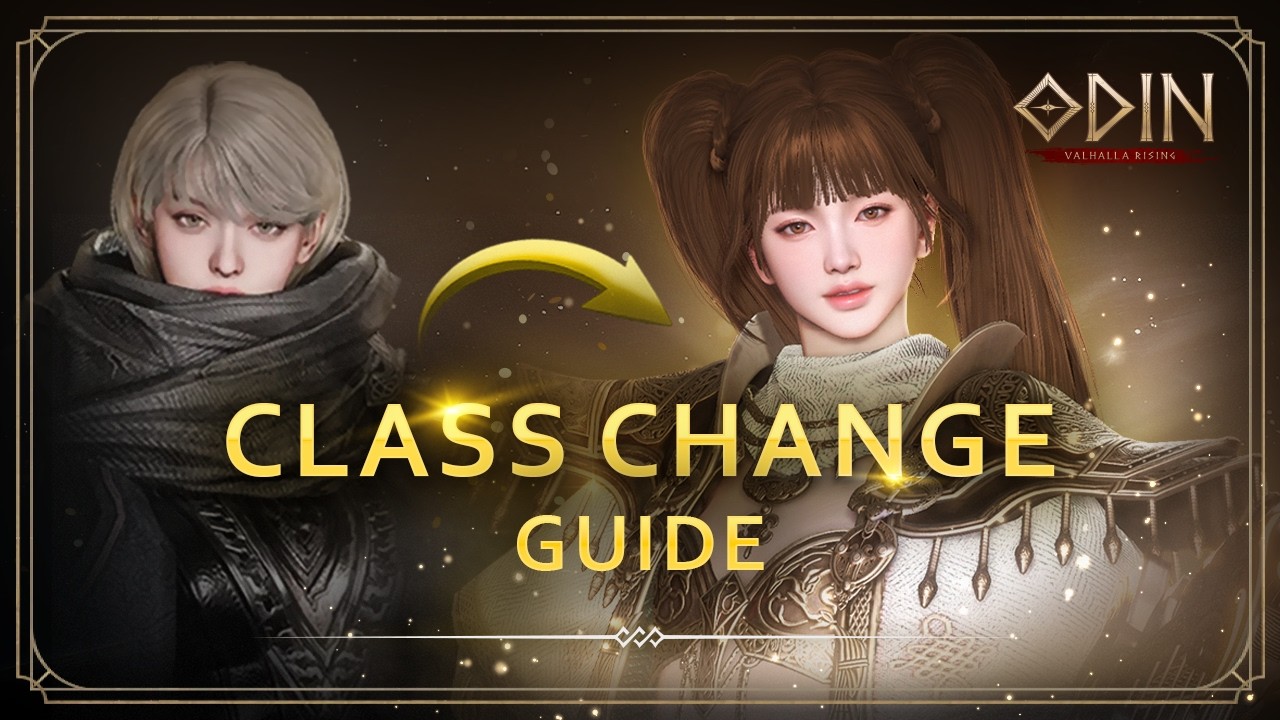
To change your character class in ODIN:VALHALLA RISING, you must obtain a Class Change Ticket during an active class change seasonal event and enter a safe town hub. The system allows you to transfer your character to a new class family and subclass while converting your equipped weapons, class-locked armor, skill ranks, and weapon skins to their target equivalents.
Pre-Change Requirements and Checklist
The class change system is active only during specific event windows announced by the game. Attempting a transfer requires meeting several account and character conditions before the interface will unlock.
Complete the following preparation steps before opening the transfer menu:
- Location: Move your character into a major town or safe village hub. You cannot initiate a class change while in combat, running dungeons, queued for world bosses, or standing in contested fields.
- Character Level: Verify that your character meets the seasonal level threshold, which is typically level 70 or higher depending on the event rules.
- Inventory Space: Empty at least 20 to 30 inventory slots to receive conversion tokens, refunded upgrade materials, and unequipped items.
- Mail and Marketplace: Collect all items and currency from your mailbox, cancel active sales at the trading post, and settle completed transactions.
- Party Status: Leave any active party, dungeon team, or raid group.
- Unequip Conversion Gear: Remove all weapons, off-hands, and class-restricted armor pieces that you plan to exchange so the interface can detect them.
How to Complete the Class Change
Follow these sequential steps inside the safe zone to complete the character transfer:
- Open the main menu and select the Class Change banner.
- Consume your Class Change Ticket to access the setup interface.
- Select your target class family (such as Warrior, Sorceress, Rogue, Priest, or Shieldmaiden) and choose your preferred advanced subclass.
- Open the conversion tabs for Weapons, Armor, Skills, and Weapon Skins.
- Manually assign each eligible item, skill, and skin to its corresponding slot in the target class tree.
- Review your selections on the confirmation screen, complete the text verification prompt, and finalize the transfer.
- Allow the game client to disconnect and reconnect to load your new class model, equipment, and abilities.
Equipment Conversion Rules
The conversion interface transfers primary gear investments directly across archetype boundaries. Only class-restricted equipment requires conversion slots; universal gear remains intact.
| Item Category | Conversion Behavior | Retained Properties |
|---|---|---|
| Main Weapon | Converts to target class weapon of identical grade and tier | Enhancement stage, refinement options, imprints, runes |
| Sub-Weapon | Converts to target class off-hand of identical grade | Enhancement stage, refinement options, imprints, runes |
| Class Armor | Converts class-locked pieces to target class equivalent | Enhancement level, trait unlocks, random option stats |
| Accessories | Remains unchanged in inventory | All enhancement levels, traits, and set bonuses |
Refinement stats, socketed imprints, and enhancement levels stay on the converted gear, so you do not need to spend additional gold, enhancement stones, or imprinting crystals. Universal armor pieces and accessories do not consume conversion points and can be equipped immediately after the swap.
Skill Level and Ability Transfers
Skill conversion maps your invested gold and skill books directly to the new subclass abilities based on rarity tiers:
- Common and Uncommon Skills: Map directly to the target subclass's foundational active abilities, preserving their current skill enhancement levels.
- Rare and Epic Skills: Map to equivalent specialized rotational skills and high-tier cooldown abilities.
- Passive Masteries: Transfer to corresponding offensive, defensive, or utility passives in the new skill tree.
If the target class tree has fewer abilities in a specific rarity bracket than your original class, excess skill progression is refunded as compensation tokens or universal skill upgrade items.
Weapon Skin and Avatar Exchanges
Weapon skins are tied to specific weapon types, making skin conversion essential to maintaining your character's attack speed, combat power, and offensive modifiers.
- Mythic and Legendary Skins: Assign your primary conversion slots to your highest-rarity weapon skins first, as they provide the largest base stat multipliers.
- Epic Skins: Convert secondary Epic skins that supply essential stats such as accuracy, attack speed, or penetration for alternate presets.
- Avatars and Mounts: Character avatars (outfits) and mounts do not require conversion tickets. Outfits adapt their appearance and baseline stats automatically to your new character model.
Verify the primary offensive scaling of your target class before confirming skin swaps. Physical damage classes require skins with physical attack and melee accuracy, while magical archetypes require magic attack and magic penetration stats.
Post-Transfer Setup
After logging back into the game as your new class, your character setup requires manual reconfiguration:
- Reallocate Attribute Points: Open your character sheet and assign your base attribute points (such as STR, DEX, or INT) to match your new class's primary scaling.
- Rebuild Skill Bars: Open the skill menu, slot newly converted active abilities onto your main hotbars, and toggle auto-cast rules for efficient combat.
- Re-equip Gear and Update Presets: Re-equip your converted weapons and armor pieces, then overwrite your quick-swap gear presets to clear old loadout errors.
- Inspect Relics and Runes: Check your equipped runes and relic options to verify that their secondary stat bonuses complement your new damage profile.
Free ODIN:VALHALLA RISING Codes
Current active codes and how to redeem them.

Michael Smith
Michael covers live-service games, events, reward systems, and efficient daily routines, turning frequent updates into clear actions for players.
COMMUNITY
Player Comments
46 players commented on this guide.
I tried this today and it worked better than my old setup.
This saved me time in the early game.
The explanation is clear, especially for beginners.
Nice guide. I am checking the other ODIN:VALHALLA RISING articles next.