
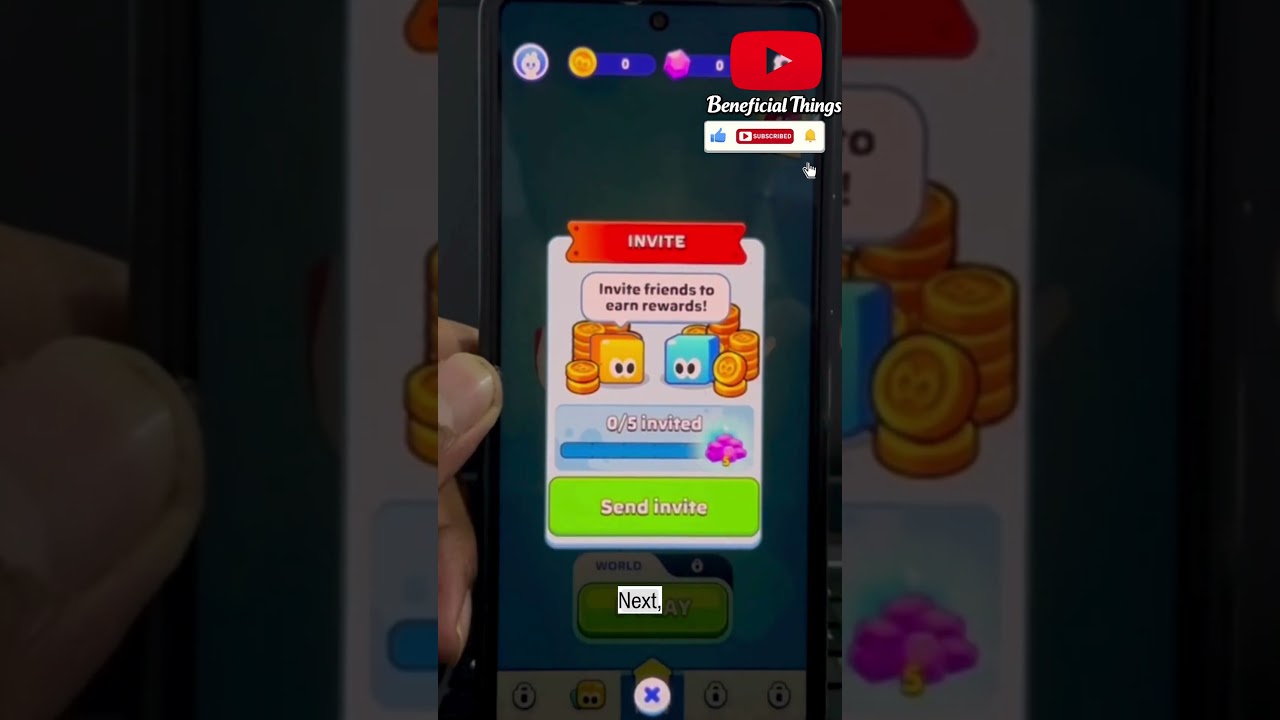
To play with friends in Paper.io 2, open the party menu from the home screen, generate a private room link, and share that link or room code with your group. All participants must use the same platform type—either web browsers or mobile apps—and be on the latest client version to join the same arena.
How to Set Up and Join a Private Room
Setting up a match requires hosting a custom lobby rather than pressing the standard play button, which automatically queues you into public matchmaking.
- Open the Party Menu: From the Paper.io 2 home interface, select the multiplayer friend or party icon located next to the primary play button or within the side menu.
- Generate the Lobby: Entering party mode creates a private lobby instance with a unique room URL and identifier code.
- Share the Link or Code: Copy the generated invite link to your clipboard and send it to your friends through a messaging service.
- Join the Lobby:
- Mobile: Tapping the link directly launches Paper.io 2 and places the player into the host's party roster. If deep linking fails, the player can manually copy the room code suffix from the URL and paste it into the custom room field inside their party menu.
- Web Browser: Players must paste the full invite link into an active browser window.
- Start the Match: Once all players appear in the staging roster, the host selects the start button to launch the game simultaneously.
Match Rules and Platform Requirements
Before starting a private match, make sure your group accounts for server boundaries and standard combat rules:
- Platform Compatibility: Paper.io 2 separates mobile application users and desktop web browser users onto distinct server clusters. To join the same room, every player in your party must connect through the same ecosystem. Web players cannot join mobile lobby codes, and mobile players cannot join web links.
- Bot Balancing: Private matches run standard Free-For-All (FFA) rules. If you host a lobby with only two or three players, the game automatically populates the remaining arena spawn points with computer-controlled bots to maintain normal map density.
- No Teaming Immunity: Friendly matches do not feature cooperative mechanics or collision immunity. Crossing a friend's active trail will eliminate them from the round immediately, exactly like an encounter with any other opponent.
Troubleshooting Matchmaking and Connection Issues
If your group experiences connection errors or cannot locate the host's party, check the following failure points:
| Issue | Cause | Fix |
|---|---|---|
| "Room Not Found" Error | The host closed the room or the invite link expired. | Have the host generate a new party link and resend it. |
| Separated into Different Matches | Cross-platform mismatch between mobile and web clients. | Ensure all participants play strictly on the mobile app or strictly in a web browser. |
| Infinite Connecting Screen | Outdated game version or corrupted cache data. | Update the Paper.io 2 app through your device's app store and restart the game. |
| Invite Link Fails to Redirect | Browser ad blockers or script shields are interfering with the handshake. | Whitelist the site and temporarily disable aggressive tracking shields. |
| Friend Drops Out After Death | Rounds use single-elimination without mid-match respawns. | Wait for the active match to finish, then have the host start a new party lobby. |

Free Paper.io 2 Codes
Current active codes and how to redeem them.

Sarah Williams
Sarah specializes in RPG and collection games, explaining team building, character growth, and beginner-friendly ways to avoid expensive early mistakes.
COMMUNITY
Player Comments
102 players commented on this guide.
I wish I had read this before upgrading the wrong thing.
Good guide for Paper.io 2 players. The strategy part was useful.
This helped me understand strategy much better.
I tried this today and it worked better than my old setup.