
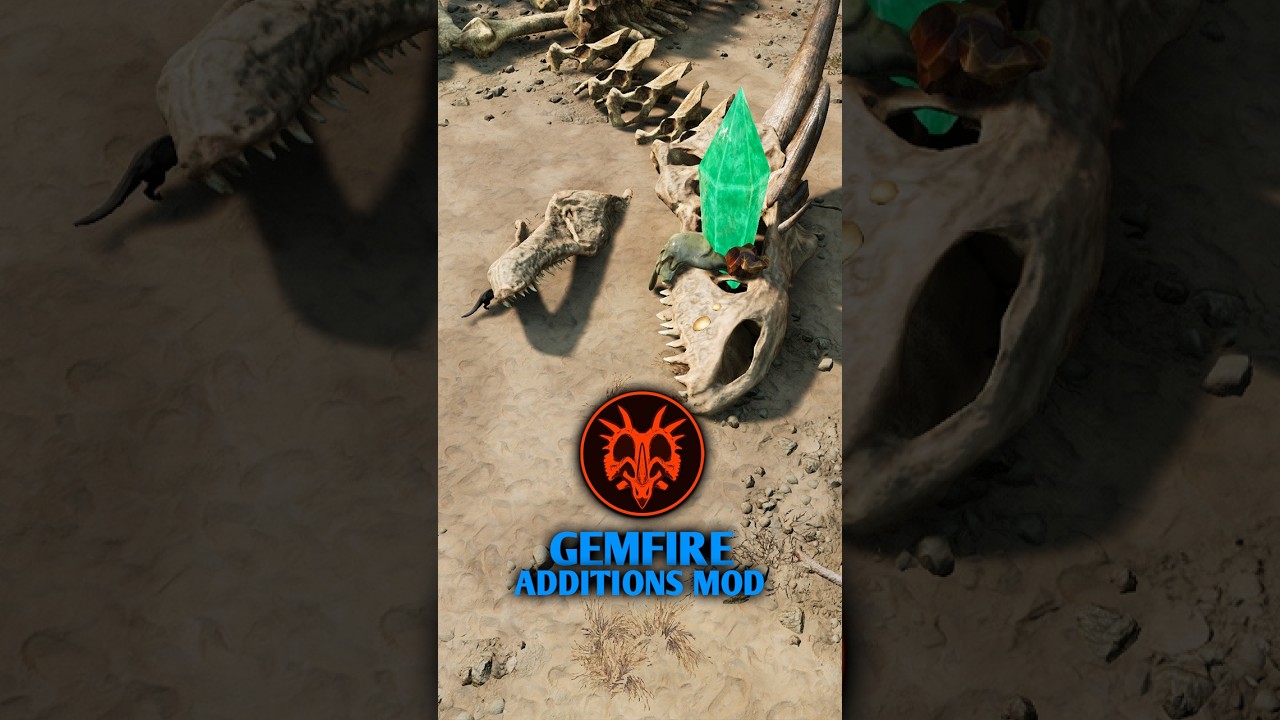
To use Gemfire Additions items in Path of Titans, you must install the mod on a private session, single-player sandbox, or dedicated community server and open Creator Mode with administrative permissions. These modded fantasy assets are not available on official multiplayer servers.
Enabling Gemfire Additions on a Server
Server hosts must register the mod before the assets appear in the Creator Mode menu.
- Add the Mod ID: Enter the Gemfire Additions mod ID into your server hosting management dashboard or your server's
GameUserSettingsconfiguration file. - Restart the Server: Reboot the server to let it download and verify the mod files.
- Open Creator Mode: Log into the server with administrative privileges, then launch Creator Mode through the in-game command console or the admin radial menu.
- Locate the Asset Folder: Open the item placement browser and navigate to the Gemfire folder, which appears alongside the standard base game foliage, rock, and structure categories.
Gemfire Additions Asset Categories
The mod introduces fantasy-themed decorative and environmental assets that alter map aesthetics and lighting.
| Asset Category | Visual Characteristics | Map Placement Role |
|---|---|---|
| Luminous Gem Formations | Colored crystal clusters with self-emitting light | Illuminating dark caves, night paths, and water sources |
| Carved Stone Foundations | Weathered fantasy stonework and pediments | Defining arena perimeters, meeting hubs, and waypoints |
| Decorative Fantasy Accents | Small gem shards, mineral nodes, and stylized trims | Outlining trails, detailing nests, and accenting cliffs |
| Macro Landscape Features | Large crystal spires and towering pillars | Serving as distant horizon landmarks and territory markers |
Placement and Layout Guidelines
When arranging Gemfire Additions props, consider how the objects affect dinosaur movement, lighting, and server performance.
Navigation and Arena Boundaries
- Form natural barriers: Use stone foundations and large crystal formations to enclose custom PvP arenas or server hubs without relying on invisible walls.
- Control movement speed: Place medium gem clusters near chokepoints and turns to break up straight sprint paths during chases.
- Mark vertical drops: Set small glowing crystal nodes along cliff edges or canyon gaps, such as around Gondwa cliffs, to give running players visible drop-off warnings during dark night cycles.
Lighting and Emissive Balance
Because luminous gem items emit light, over-clustering them can create severe glare and wash out dinosaur models. Space glowing crystals far enough apart to illuminate pathways and shallow watering holes without obscuring dinosaur combat animations or hitboxes.
Collision Testing and Performance
Every placed prop adds collision calculations and memory overhead. Overloading a compact area with dense crystal formations can drop client frame rates, especially for players on lower-spec hardware or mobile devices.
After placing assets, test movement corridors using both small, fast species and large apex dinosaurs. Certain irregular crystal meshes can trap juveniles or catch the wide turn radii of heavy playables if placed too close to natural rock geometry. Ensure adequate clearance along all designated paths before opening the area to players.
Free Path of Titans Codes
Current active codes and how to redeem them.

Michael Smith
Michael covers live-service games, events, reward systems, and efficient daily routines, turning frequent updates into clear actions for players.
COMMUNITY
Player Comments
102 players commented on this guide.
This guide answered the exact question I had.
Can you add more details about strategy in a future update?
The explanation is clear, especially for beginners.
This helped me understand strategy much better.