
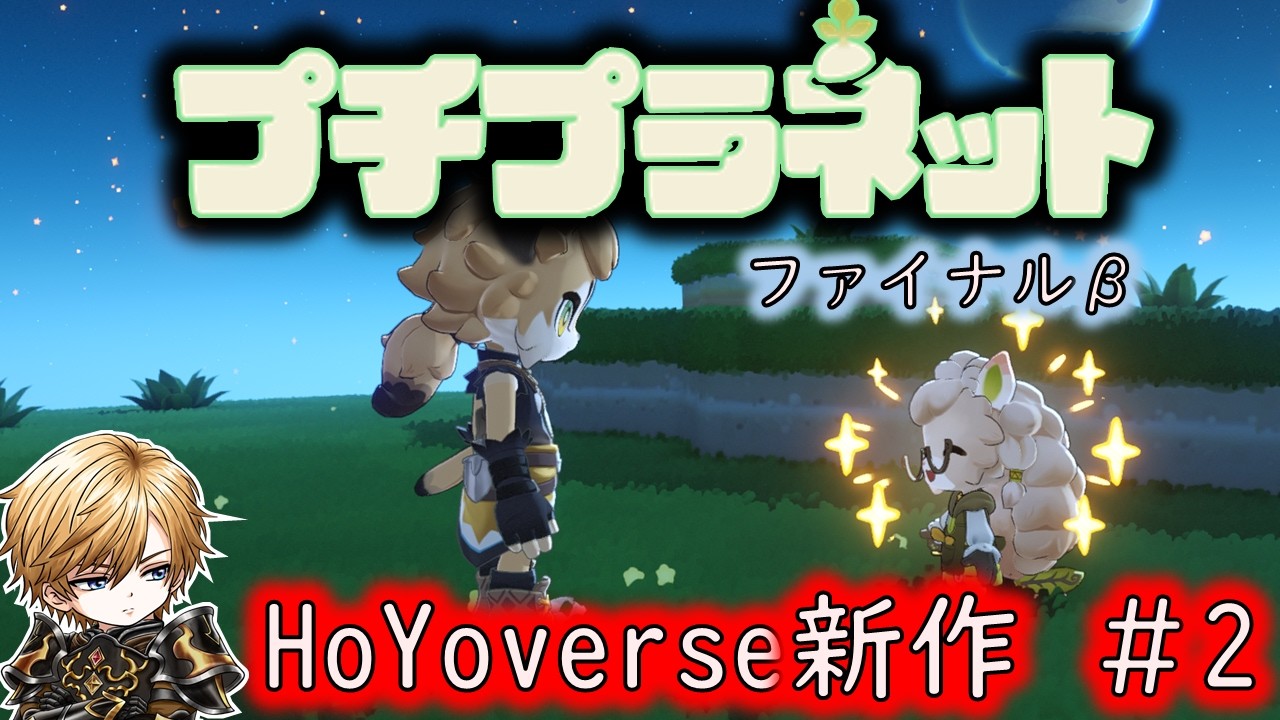
In Petit Planet, daily progression resets at 07:00. If you ever get lost or do not know what objective to tackle next, open the in-game memo pad immediately to check your current goals and prioritize active tasks.
Server Reset Time
The server reset occurs every morning at 07:00. Completing time-sensitive activities before this boundary ensures you do not miss daily progression opportunities.
- Daily Refresh Window: 07:00
- Affected Mechanics: Daily mission availability, NPC request resets, and time-limited resource spawns.
- Testing Considerations: During beta phases—such as the final beta test—event times and server maintenance can temporarily affect task refresh behavior. Check your local time zone against the server clock to ensure daily tasks are turned in before the 07:00 mark.
Using the Memo Pad for Task Management
When you lose track of your current path, open the memo pad menu to restore structure to your play session.
- Open the Memo Pad: Access the feature whenever your active objective is unclear.
- Review Active Notes: Read your saved tasks to identify unfulfilled NPC requests or pending exploration goals.
- Set Priorities: Complete short-term requests near your current position before traveling to distant terrain.
- Update Tasks: Log complex multi-step base or quest requirements so you can swap between activities without forgetting your primary objective.
Keeping your daily routine anchored to the 07:00 refresh while regularly updating the memo pad maintains steady progression across complex environments.

Free Petit Planet Codes
Current active codes and how to redeem them.

Emily Johnson
Emily writes practical mobile strategy guides with a focus on resource planning, base progression, and the early decisions that shape a long-term account.
COMMUNITY
Player Comments
136 players commented on this guide.
The tips are practical and easy to follow.
This helped me understand strategy much better.
I wish I had read this before upgrading the wrong thing.
This guide answered the exact question I had.