
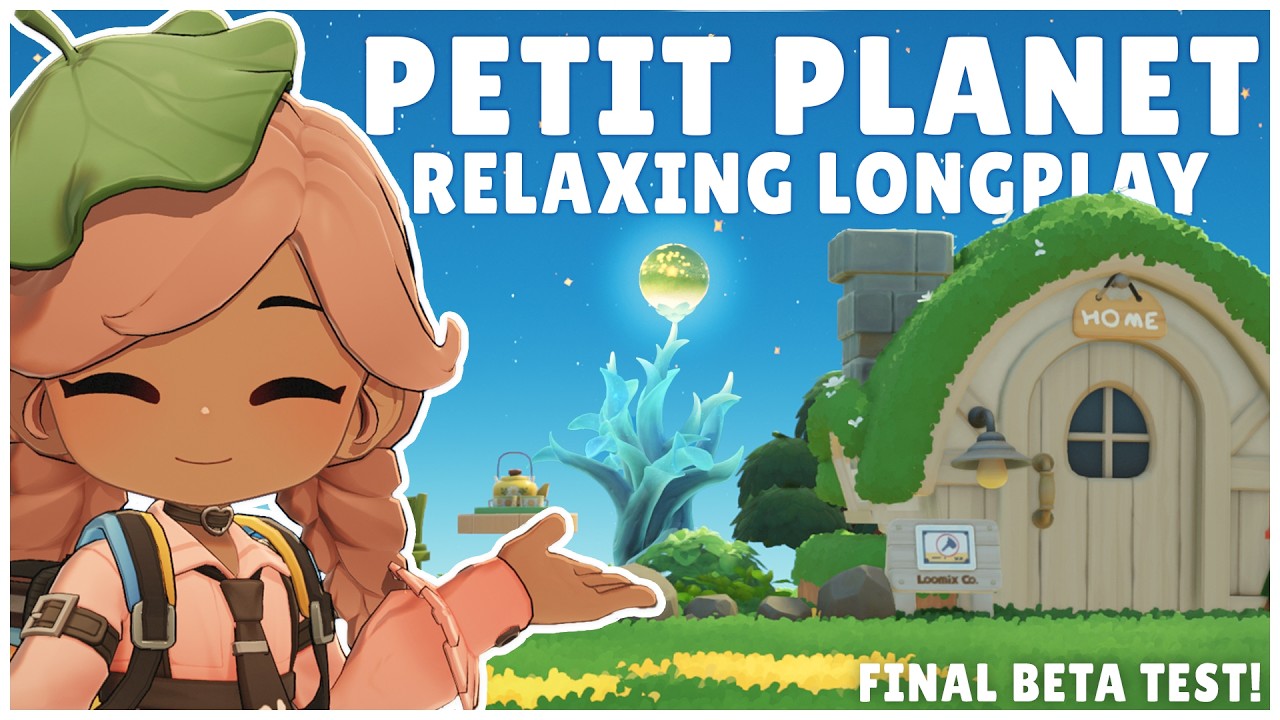
To maintain an efficient play session during the Petit Planet Final Beta, assign your frequently used tools—such as the watering can and harvest sickle—to fixed slots on your radial menu. Configuring this menu early reduces UI navigation time, streamlines resource gathering, and prevents unnecessary inventory management.
Configuring the Radial Menu for Tool Swaps
The radial menu handles tool transitions, social emotes, and interaction triggers. Assigning your most active gathering items to dedicated positions establishes muscle memory, allowing you to swap items without interrupting your movement.
Because early-game storage capacity is limited, carrying too many specialized tools at once forces frequent trips back to your storage chest.
- Primary Slots: Reserve these for high-frequency tools like the watering can and sickle.
- Secondary Slots: Use these for situational tools needed for terrain clearing.
- Social Shortcuts: Place quick emotes here to initiate NPC dialogue without searching through sub-menus.
Structuring Daily NPC Requests and Base Expansion
Engaging with NPCs provides the primary currencies and items required to upgrade your planet's facilities. Prioritize checking NPC visual cues at the start of each session to identify active tasks. Completing these requests early supplies the materials needed for farm maintenance and construction.
Before placing large structures or permanent decorations, physically move your character around the intended footprint. Cosmetic placements remain fixed until you manually pick them up and re-position them. Testing pathfinding beforehand avoids blocked routes and unnecessary re-terraforming.
Environmental Traversal and Daily Workflow
Navigating complex terrain efficiently relies on camera adjustment and route planning. Adjusting to a wide camera angle lets you spot resource clusters across foliage and water features before committing to a path, limiting backtracking.
Follow this checklist during your daily sessions to balance space management and progress:
- Clear space: Clear one quadrant of your planet to open room for new crops or furniture.
- Turn in tasks: Check in with at least two NPCs for daily requests and event items.
- Adjust UI layout: Re-organize radial menu slots based on the tools required for your current task.
- Test paths: Verify that your character moves cleanly around new decorations before leaving them in place.

Free Petit Planet Codes
Current active codes and how to redeem them.

Sarah Williams
Sarah specializes in RPG and collection games, explaining team building, character growth, and beginner-friendly ways to avoid expensive early mistakes.
COMMUNITY
Player Comments
38 players commented on this guide.
Can you add more details about early game in a future update?
The explanation is clear, especially for beginners.
This saved me time in the early game.
This guide answered the exact question I had.