
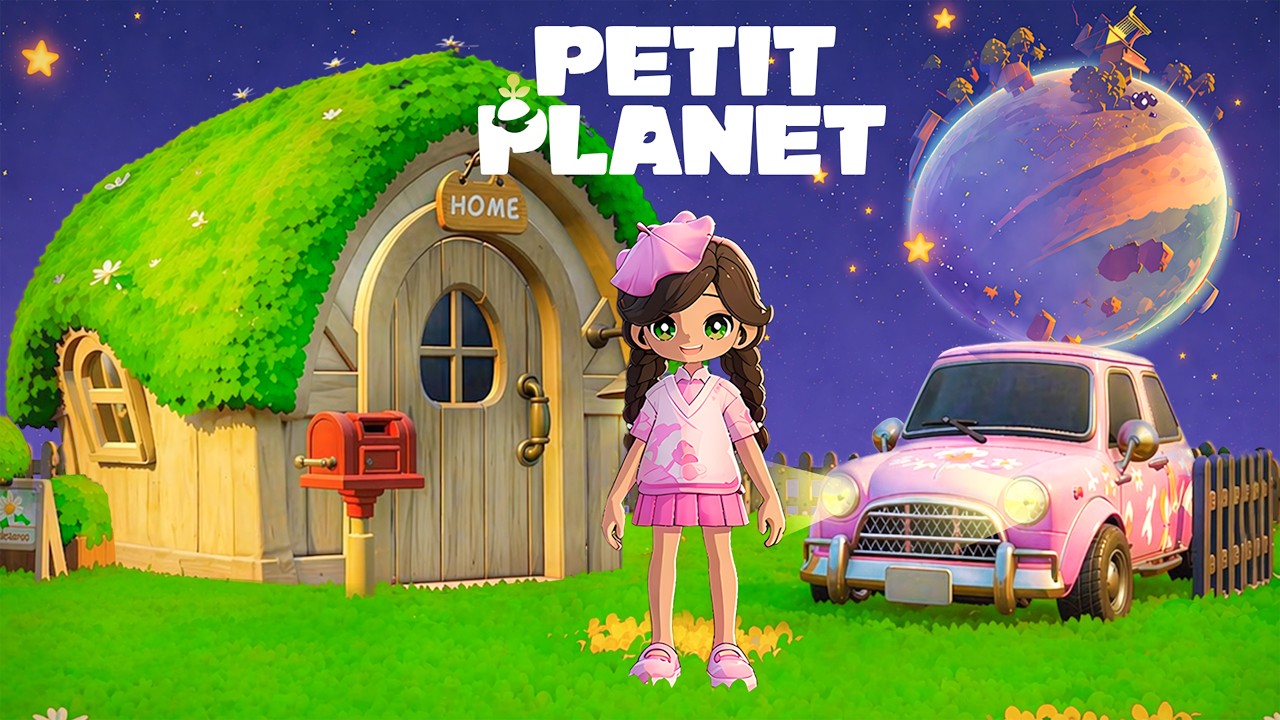
Building a dream house in Petit Planet is one of the most rewarding ways to express your creativity and optimize your daily gameplay experience. Whether you are aiming for a cozy minimalist retreat or a sprawling, activity-filled mansion, the secret lies in balancing architectural flow with intentional decoration. By moving beyond simple object placement and adopting a design-first mindset, you can transform a basic plot into a high-functioning sanctuary that reflects your unique style.
Planning Your Floor Layout for Better Flow
The foundation of a dream house in Petit Planet starts with defining functional zones before placing a single piece of furniture. A common mistake is to treat the home as a single, open room; instead, evaluate your square footage and designate specific areas for utility—such as a kitchen corner, a hobby zone, and a relaxation space. By grouping related items, you create a "natural pathway" that makes navigating your home faster and more intuitive during high-activity periods.
When designing your layout, consider the game’s fixed perspective. Because Petit Planet utilizes a specific camera angle, placing tall furniture or walls in the foreground can obstruct your view of your character or interactable objects. To maintain a clean visual experience, keep your primary furniture arrangements toward the center or back of the room. This ensures that your most frequently used items—like crafting stations or storage units—remain visible and accessible without requiring constant camera rotation.
Strategic Furniture Selection and Acquisition
Furniture is the primary currency of home customization in Petit Planet. To elevate your house from a collection of random assets to a cohesive living space, you must prioritize thematic consistency. Before you start buying, decide on a theme—such as modern, rustic, or whimsical—and stick to it. A unified aesthetic makes a limited space appear larger and more intentionally designed, which is a key factor in boosting your home’s aesthetic rating.
Tips for Effective Catalog Management:
- Check the Rotating Stock: Inventory cycles in the shop can limit your access to specific styles. If you see a piece that fits your current theme, purchase it immediately, as it may not reappear for days.
- Prioritize Dual-Purpose Items: Maximize your space by choosing furniture that serves multiple functions. For example, tables that allow you to display smaller decorative items or chairs that provide both seating and a decorative flair are significantly more efficient than purely cosmetic items.
- Theme Integration: Avoid "clutter-buying." If an item doesn't fit your chosen theme, it is better to save your currency for a piece that does, preventing your room from feeling disorganized or disconnected.
Mastering Object Placement Mechanics
The placement tool in Petit Planet is a robust system that rewards precision. To achieve a professional, polished look, you must go beyond basic "drop and drag" techniques. Use the rotation and snapping features to align furniture flush against walls or other surfaces. This eliminates awkward gaps that can make a room feel incomplete or "floaty."
If you find yourself struggling to align items, zoom in as far as the camera allows. Micro-adjusting your items in the zoomed-in view ensures that edges are perfectly parallel to walls. Furthermore, avoid overlapping hitboxes; even if items look fine visually, overlapping objects can trigger clipping glitches or interfere with your character’s pathfinding, which can be frustrating when you are trying to move quickly through your home.
Balancing Aesthetics with Functional Utility
The greatest challenge in Petit Planet is finding the balance between a "showcase" home and a functional living space. A house filled with decor may look impressive in screenshots, but if it is difficult to navigate, its utility drops significantly.
Best Practices for Functional Design:
- The One-Tile Rule: Always leave at least one clear tile or pathway around interactable furniture. This ensures your character can reach the interaction prompt without getting stuck on corners or other furniture items.
- Embrace Negative Space: Don't feel pressured to fill every corner. Strategic use of empty space creates a focal point, drawing the eye to your most prized possessions. A room with "breathing room" feels more realistic and comfortable to inhabit.
- Social Readiness: Remember that your house is often a social hub. If you plan to invite other players to visit your Petit Planet world, ensure that pathways are wide enough for multiple avatars to move around without clipping through your decor.
Utilizing Outdoor Spaces for Expansion
If your interior has reached its object capacity limit, your build isn't finished—it’s just moving outside. In Petit Planet, your plot of land is an extension of your living space. By moving non-essential or large items to the exterior, you can clear up valuable floor space inside for higher-quality or more detailed furniture.
Treat your outdoor area with the same care as your interior. Use paths to connect your front door to garden features, and coordinate your outdoor lighting with the indoor aesthetic. For example, if your interior is minimalist, use clean-lined stone paths and simple landscaping outside. If you are going for a rustic look, use wooden fences and floral beds. By treating the entire plot as a cohesive unit, you effectively double your creative options and create a much more immersive experience for anyone who visits your home.
Final Thoughts: The Iterative Process
Building a dream home in Petit Planet is an iterative process. It is rare to get the perfect layout on the first attempt. Start with a basic structure, populate it with functional essentials, and then slowly replace lower-tier items with thematic pieces as you acquire them. By focusing on flow, utilizing the grid system for alignment, and respecting the need for functional paths, you will create a space that is not only visually stunning but also a pleasure to use every time you log in. Keep experimenting, keep updating, and let your home evolve alongside your character.

Free Petit Planet Codes
Current active codes and how to redeem them.

Emily Johnson
Emily writes practical mobile strategy guides with a focus on resource planning, base progression, and the early decisions that shape a long-term account.
COMMUNITY
Player Comments
45 players commented on this guide.
I tried this today and it worked better than my old setup.
I wish I had read this before upgrading the wrong thing.
This helped me understand strategy much better.
Good guide for Petit Planet players. The strategy part was useful.