
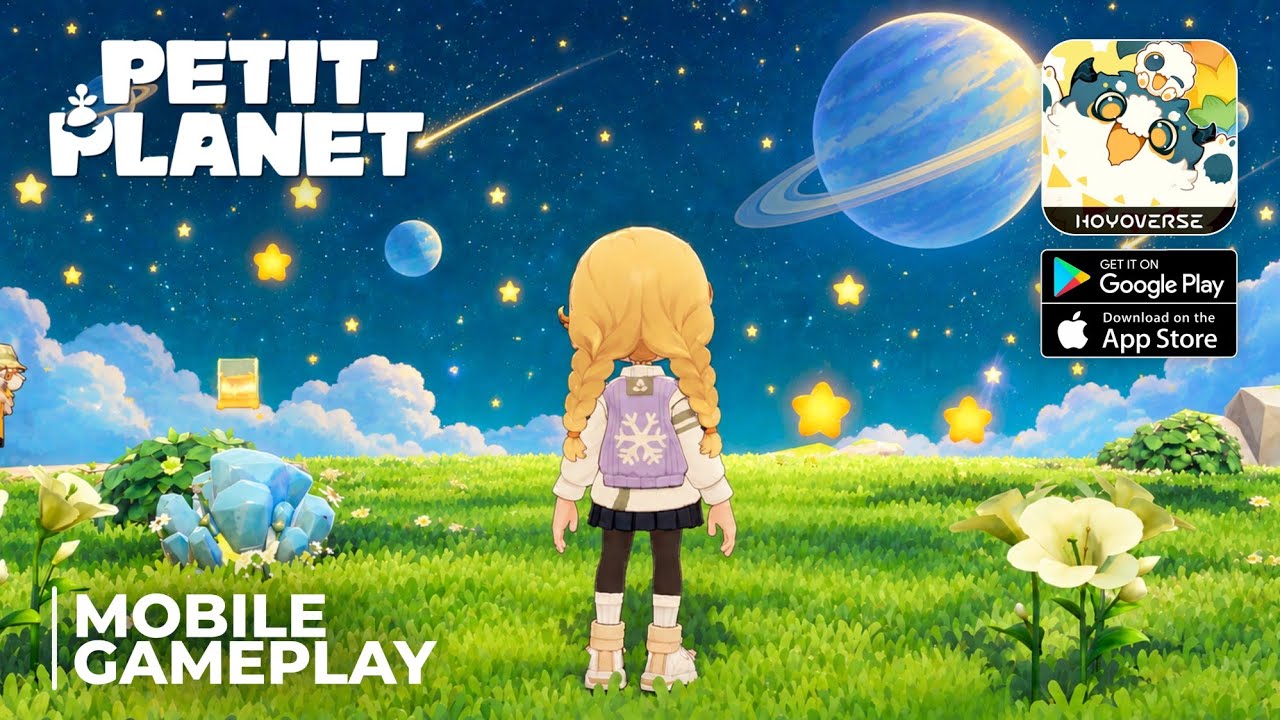
To use the radial menu in Petit Planet, hold down the designated input button to expand the wheel overlay, then select your desired tool or emote without interrupting your character's movement. You can customize which items appear on the wheel by opening your inventory or equipment management tab and dragging active equipment directly into the radial slots.
How to Equip Tools and Shortcuts
Assigning your daily tools to dedicated radial slots eliminates the need to pause and search through full inventory screens while harvesting resources or terraforming.
- Open the inventory or equipment settings tab.
- Select an active tool (such as the axe, shovel, hoe, or watering can) or a unlocked emote.
- Drag and drop the item into an open slot on the radial wheel.
- Place complimentary tools side-by-side—like placing the hoe directly next to the watering can—to establish a fast rhythm for farm work.
- Save your changes and return to the main gameplay screen.
Recommended Radial Layout Configurations
Because the radial wheel has limited slots, keeping your layout focused on immediate tasks prevents unnecessary menu navigation.
| Layout Type | Primary Cardinal Slots | Secondary Quadrant Slots | Best Use Case |
|---|---|---|---|
| Agricultural / Farming | Hoe, Watering Can, Seed Bag | Shovel, Axe | Clearing plots and managing daily crop cycles |
| Social / Multiplayer | Wave Emote, Thank You Emote | Lantern, Decoration Tool | Hosting visitors and interacting with neighbors |
| Balanced Active Loop | Primary Gathering Tool, Utility Item | Core Greeting Emotes | Daily exploration and general planet maintenance |
Assigning high-frequency tools to the primary cardinal directions (top, bottom, left, right) makes selecting items reliable through muscle memory. Reserve secondary diagonal slots for quick social responses or situational utility tools like lanterns.
Radial Menu Limits and Story Lockouts
While the radial menu is the fastest way to perform daily tasks, it has specific functional limits:
- Capacity Limits: Specialized crafting materials, rare collectibles, and low-priority items should remain in main inventory storage to avoid cluttering active quick-slots.
- Story Lockouts: During certain quest-driven dialogue sequences or cinematic story beats in the Final Beta on Android and iOS, the radial wheel may become temporarily unresponsive.
- Troubleshooting: If your shortcut wheel stops responding, check your active quest log to verify if you are currently locked in a scripted zone or event before attempting to rebind your slots.

Free Petit Planet Codes
Current active codes and how to redeem them.

Sarah Williams
Sarah specializes in RPG and collection games, explaining team building, character growth, and beginner-friendly ways to avoid expensive early mistakes.
COMMUNITY
Player Comments
102 players commented on this guide.
Good guide for Petit Planet players. The strategy part was useful.
Nice guide. I am checking the other Petit Planet articles next.
The tips are practical and easy to follow.
I tried this today and it worked better than my old setup.