
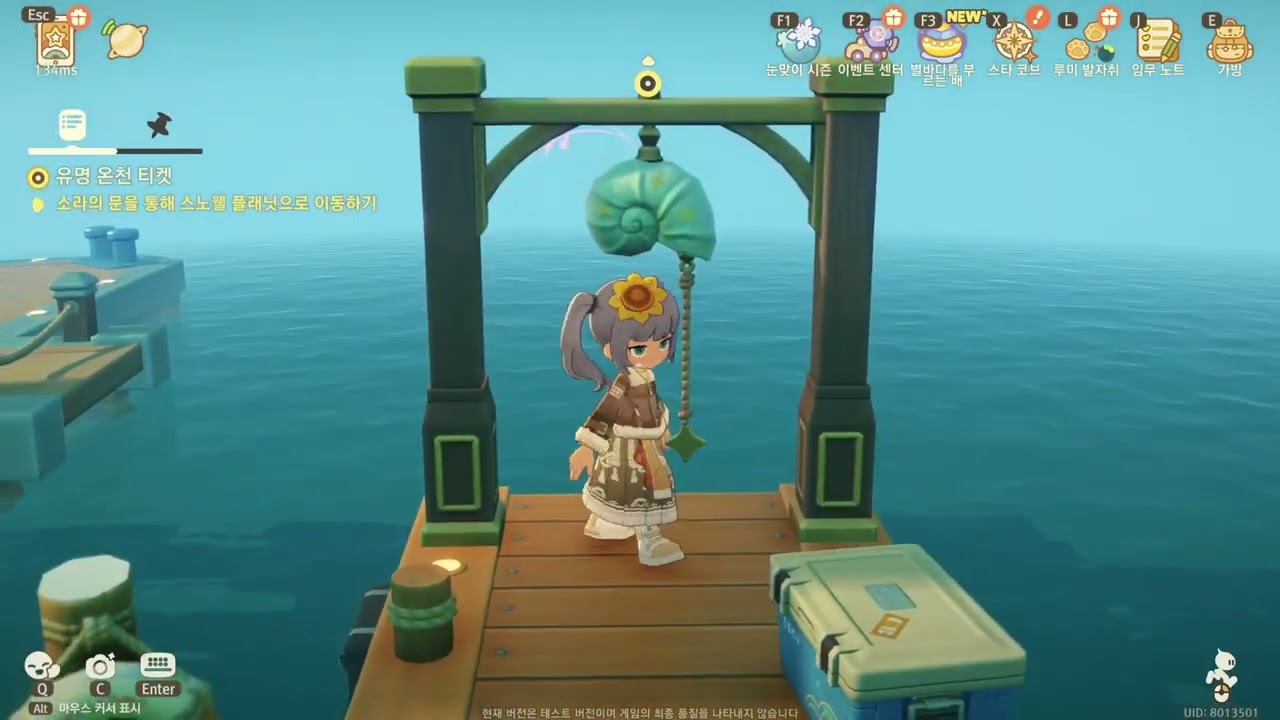
To optimize your resource collection and daily efficiency in Petit Planet, cluster your crafting stations next to your primary storage crates, assign essential gathering tools to the radial menu, and queue batch-crafting orders aligned with active NPC requests.
Storage Organization and Radial Menu Setup
Managing physical storage and tool swapping correctly prevents accidental resource loss and cuts down on menu navigation during exploration.
- Separate Raw and Refined Materials: Place raw crafting components in one storage container and processed goods in another. Distinguishing raw stock from finished items ensures you do not inadvertently spend refined materials on basic tasks.
- Maintain Expedition Packs: Keep a dedicated storage chest filled with specific expedition items required for Starsea Voyages. Having these supplies pre-packed allows you to launch new voyages immediately without searching through general storage.
- Clear Excess Capacity: When storage containers reach full capacity, use the in-game "Sort" feature to identify surplus inventory that can be sold at the Star Market.
- Map Primary Tools: Open the settings menu to assign high-frequency gathering tools—such as the axe, shovel, and fishing rod—directly to specific radial menu slots to avoid scrolling through full inventory screens.
- Pair Renovation Controls: If actively redecorating or editing your island, place the terrain-editing tool and the decoration placement tool side-by-side on the radial wheel to switch fluidly between construction and placement modes.
Batch Production and NPC Energy Management
Batch processing reduces repetitive crafting station interactions, which is essential when operating with low energy reserves.
Production Queue Steps
- Check Active NPC Requests: Open your active request list to confirm what items residents require for the day before queuing any crafting jobs.
- Queue Batches at Clustered Stations: Access production stations located right next to your sorted storage hubs. Queue items in bulk rather than individual pieces to minimize walk cycles and crafting animations.
- Monitor Container Limits: Track remaining inventory slot availability on the production tab. Overproducing items while your inventory is full causes excess materials to drop or be lost.
Optimizing Social Interactions
Social energy is a limited daily resource that governs relationship progression. To get the highest return on social energy:
- Complete Crafting Before Approach: Carry the required finished goods in your inventory before speaking to NPCs so you can complete requests in a single trip.
- Target High-Value Residents: Prioritize spending social energy on NPCs who award structural upgrades, island production expansions, or rare blueprints.
- Track Daily Gifts: Use the memo pad to log which residents have already received their daily items so you do not waste duplicate materials on the same NPC.

Free Petit Planet Codes
Current active codes and how to redeem them.

Sarah Williams
Sarah specializes in RPG and collection games, explaining team building, character growth, and beginner-friendly ways to avoid expensive early mistakes.
COMMUNITY
Player Comments
75 players commented on this guide.
I tried this today and it worked better than my old setup.
Can you add more details about strategy in a future update?
This helped me understand strategy much better.
This saved me time in the early game.