
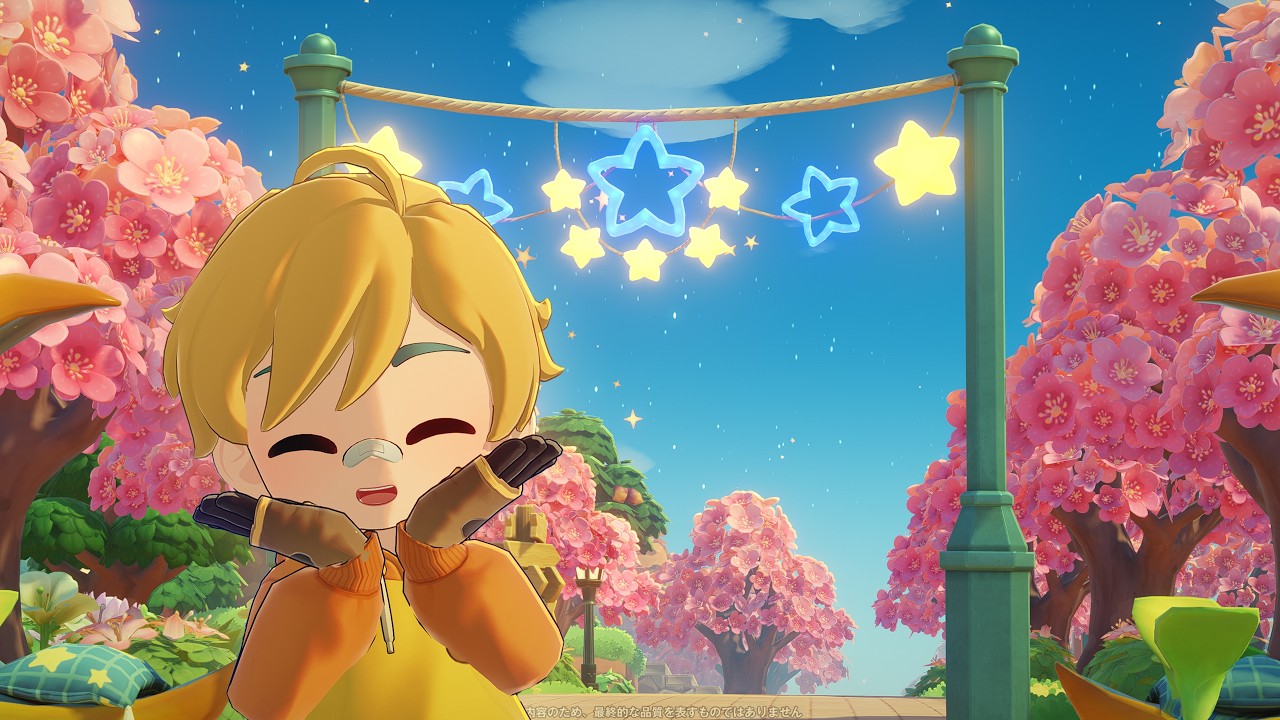
In Petit Planet, the transition from a collection of scattered structures to a cohesive, thriving coastal town is the hallmark of a master designer. Urban planning in this game is about more than just placing objects; it is an exercise in environmental integration, spatial management, and flow optimization. By studying successful layouts—such as those found at UID 808700—players can learn how to turn the shoreline into the centerpiece of their digital world.
This guide provides the expert strategies needed to elevate your Petit Planet town, focusing on the mechanics of coastal placement, the importance of walkability, and how to utilize the social features of the beta to refine your architectural vision.
Leveraging UID 808700 for Architectural Inspiration
The most efficient way to accelerate your growth as a town designer is to analyze the work of established players. The town associated with UID 808700 serves as an exemplary model of effective coastal design, specifically regarding the implementation of "Namiki-dori" (tree-lined streets).
When you visit this UID, look beyond the individual decorations and focus on the macro-layout. Observe how the creator uses the shoreline as a fixed boundary rather than an afterthought. The key takeaway from this specific base is the deliberate relationship between the main thoroughfare and the water. By aligning the central axis of the town parallel to the coast, the designer creates a natural flow that feels intentional rather than haphazard. Use your visit to UID 808700 to measure how much space is left between the street and the water—this "buffer zone" is vital for keeping a town feeling spacious rather than cramped.
Strategic Placement of Coastal Infrastructure
Coastal geography in Petit Planet offers a unique aesthetic advantage, but it requires a disciplined approach to structure placement. If you treat the shoreline as a secondary zone, your town will lose its thematic identity.
The Zoning Hierarchy
To achieve a professional finish, categorize your structures into three distinct zones:
- The Waterfront (Recreational): Reserve this for low-profile items like docks, benches, and viewing platforms. These should never obstruct the view of the water.
- The Primary Artery (Infrastructure): This is your tree-lined street. It should be the widest path in your town, acting as the backbone that connects all other sectors.
- The Hinterland (Residential/Commercial): Place your larger, bulkier buildings here. By pushing heavy infrastructure away from the coast, you allow the water to remain the focal point of your town’s visual horizon.
Infrastructure Alignment
Always align your roads parallel to the coastline. If your coast is curved, use a series of short, straight paths to mimic the curve rather than attempting to force a rigid grid layout, which often leads to awkward clipping issues with terrain assets.
Optimizing Walkability and Player Flow
A beautiful town is useless if it is difficult to navigate. In Petit Planet, player character pathing is the primary metric for a successful design. If your visitors (or you) are constantly bumping into furniture, your layout needs an audit.
- The "Two-Tile" Rule: Ensure that your main walkways are at least two tiles wide. This allows for fluid movement and prevents clipping issues with decorative objects.
- Clear the Arteries: Never place small, interactive objects like planters or street lamps directly in the center of a path. Keep all decorative elements on the periphery of your roads.
- Entrance Priority: The area where visitors arrive should be the most open part of your town. Avoid cluttering the "arrival zone" with high-density decorations, as this can cause lag and confusion for new visitors trying to find your town’s central path.
Managing Beta-Specific Limitations
The Petit Planet beta environment presents unique challenges, primarily regarding object density and build capacity. Because resources are finite, every item you place must contribute to the overall "vibe" of the town.
The "Density vs. Detail" Balance
Avoid the common trap of "tile filling," where players place small decorations on every available square. This often makes a town feel claustrophobic and can negatively impact performance. Instead, adopt a "minimalist-maximalist" approach:
- Use Repeating Patterns: Instead of using 20 different types of bushes, use three types consistently. This creates a rhythmic visual language that makes the town look professionally designed.
- Check for Performance Dips: If you notice your framerate stuttering while walking your main street, you have reached your object density limit. Prioritize removing small, non-interactive decorations before sacrificing larger, more impactful structures.
Integrating Environmental Themes
To make your Petit Planet coastal town truly stand out, you must commit to a singular environmental theme. The tree-lined street concept works because it provides a sense of scale. A single tree looks like a prop, but a row of thirty trees looks like an urban design choice.
Landscaping Strategies
- Matching Foliage to Architecture: If your town uses modern, sleek buildings, pair them with uniform, manicured trees. If your town is more rustic or cottage-core, use a mix of wildflower patches and varied, organic tree placements.
- Color Palette Consistency: Select a primary color palette for your buildings and match your pathing materials or light fixtures to that theme. Consistency is the primary factor that differentiates a "beginner" town from an "expert" town.
- The Focal Point: Every town needs one signature feature. Whether it is a giant pier extending into the water or a central plaza at the end of your tree-lined street, ensure there is a "destination" that rewards players for walking the length of your path.
Final Recommendations for Aspiring Planners
As you refine your design, remember that Petit Planet is a living, evolving project. Your town does not need to be perfect on the first iteration. Use the social features to invite friends, watch how they move through your space, and ask for their honest feedback on the "flow" of the town.
If a section feels awkward or hard to navigate, do not be afraid to clear it and start over. The most successful designers in the community are those who iterate constantly, using the UID system to pull inspiration from others while injecting their own personal flair. By following the structural guidelines laid out in this guide and studying the efficiency of layouts like UID 808700, you will be well on your way to creating a coastal masterpiece that defines the standards of the Petit Planet community.

Free Petit Planet Codes
Current active codes and how to redeem them.

Michael Smith
Michael covers live-service games, events, reward systems, and efficient daily routines, turning frequent updates into clear actions for players.
COMMUNITY
Player Comments
116 players commented on this guide.
The explanation is clear, especially for beginners.
Can you add more details about strategy in a future update?
I tried this today and it worked better than my old setup.
Nice guide. I am checking the other Petit Planet articles next.