
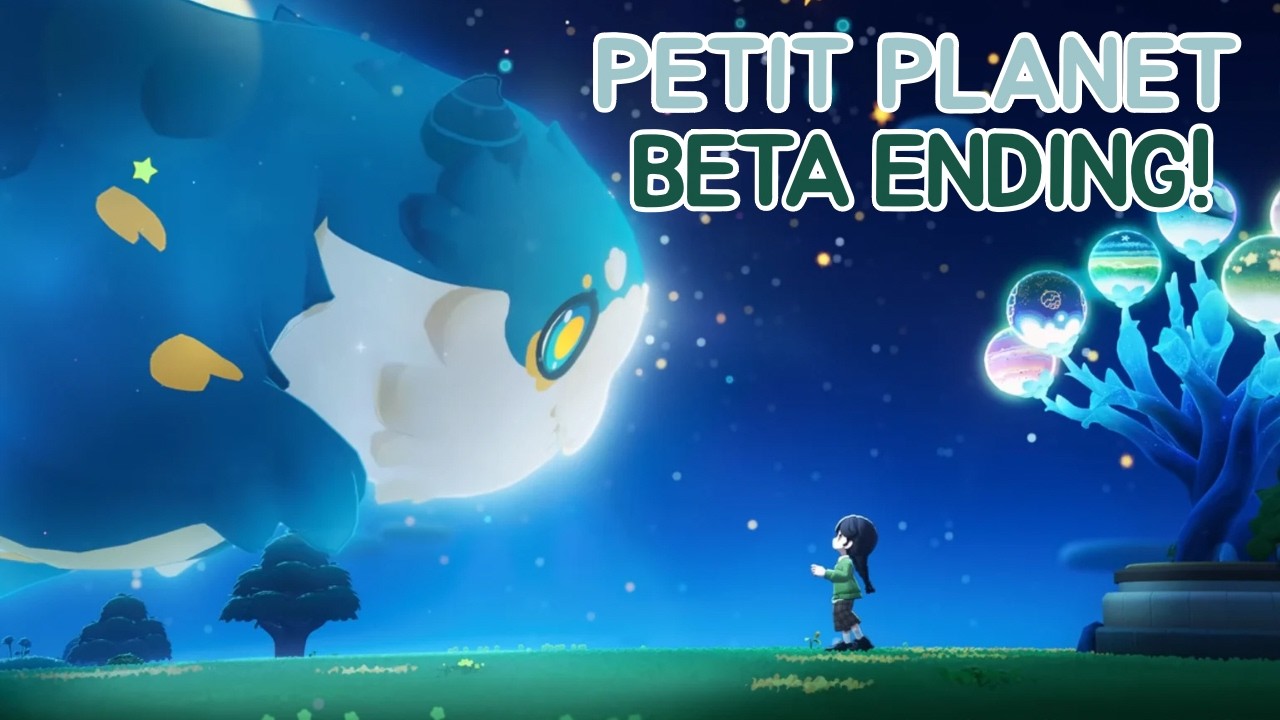
The conclusion of the Petit Planet closed beta marks a pivotal moment for players. While the inevitable server wipe means your current world will vanish, the knowledge you have gained regarding terrain manipulation and object placement is the most valuable asset you can carry into the next phase of development. Because Petit Planet emphasizes creative freedom and complex environmental interaction, the final days of the beta should be dedicated to "reverse-engineering" your own successes and stress-testing the game’s limits to ensure you are prepared for the full launch.
Documenting Your Terraforming Blueprints
Since you cannot export your save file, your documentation strategy is the only way to "save" your progress. To reconstruct your favorite biomes effectively later, you must move beyond simple screenshots.
- Layer-by-Layer Documentation: When taking screenshots, capture your terrain from multiple angles: bird's-eye view for footprint mapping, and eye-level for cliff-face geometry. If you have created complex elevation changes, try to isolate the specific terraforming brushes or tools that created the most natural-looking slopes.
- Resource Mapping: Keep a digital log or physical notepad of the specific flora and environmental assets used in your favorite zones. Note the synergy between certain plants and terrain heights; for instance, if a specific shrub only snaps correctly to a mid-level plateau, document that constraint.
- The "Why" Factor: Don't just record what you built, but why it worked. If a specific harbor design felt "right," document the relationship between the water depth and the shore curvature. This conceptual understanding is far easier to replicate than a purely visual imitation.
Stress-Testing the Engine
The beauty of a beta period is the lack of long-term risk. Use these final hours to act as a "destructive tester." By pushing the Petit Planet engine to its absolute breaking point, you gain insight into what is technically feasible and what causes performance hitches.
- Geometry Limits: Build vertically until you hit the maximum height cap. Observe how the game handles transitions between high-altitude plateaus and sea-level terrain. Do you notice any texture stretching or collision clipping? Knowing where these "seams" occur will help you design more polished landscapes in the future, as you can learn to hide these imperfections behind strategic flora placement.
- Object Density Trials: Select a small, contained area and pack it with the maximum number of decorative assets allowed. This helps you understand the game’s "budget" for object density. Understanding the tipping point where the frame rate drops will allow you to design more efficiently in the future, avoiding performance issues on complex islands.
Evaluating Spatial Design and Asset Synergy
Effective planet design in Petit Planet is an exercise in spatial management. Some players focus too heavily on individual assets, missing the larger picture of how the environment flows. Use your final sessions to evaluate your "spatial footprint."
Some items in Petit Planet serve as "anchors"—large, high-impact pieces that define the tone of a region. Other items are "fillers," intended to add texture. Test your inventory to see which items occupy the most space while providing the least interaction. By identifying which items are inefficient, you can streamline your future builds to focus on high-impact, low-footprint designs that result in a cleaner, more immersive planet.
Recommended Final Session Checklist:
- Water Interaction Test: Experiment with how water bodies react to different terrain elevations. Are there specific brush sizes that prevent jagged edges?
- Lighting & Shadow Assessment: Place your favorite assets in different biomes to see how they interact with the game’s lighting engine. Does the shadow cast by a specific tree change the perceived scale of your terrain?
- Pathfinding & Flow: Run through your terraformed areas. Do the paths feel natural, or are there "choke points" where the terrain feels too steep or cluttered?
Moving from Beta to Full Release
It is natural to feel frustrated when a world you have poured hours into is wiped. However, in games like Petit Planet, the "meta" is not a set of stats, but a set of skills. The players who dominate the next phase of the game will not be those who kept their old worlds, but those who learned the "hidden rules" of the terraforming engine during the testing phase.
Consider the wipe a professional reset. You now have the unique opportunity to approach the game’s full release with a "first-build" advantage. You know which biomes are the most difficult to terraform, you know which assets cause lag, and you have a mental library of layouts that work. Treat your current, doomed world as a high-stakes training simulation. Every bug you find, every clipping issue you identify, and every design layout you successfully document is an investment that will pay dividends when the servers go live again.
Final Decision: Prioritize Experience Over Output
As the final hours of the Petit Planet beta approach, ask yourself: Am I building for the screenshot, or am I building for the knowledge?
Prioritize the latter. If you find yourself struggling with a specific cliff-side transition, don't just walk away from it—spend your final hour figuring out the exact combination of tools required to fix it. If you discover a bug that allows for unique, unintended geometry, play with it until you understand the underlying mechanic. By the time the servers close, you should have a clear, documented vision of how to build your "dream planet" from scratch. This preparation ensures that when Petit Planet returns, you won't be fumbling with basic mechanics while others are still learning; you will be ready to execute your vision with precision.

Free Petit Planet Codes
Current active codes and how to redeem them.

Michael Smith
Michael covers live-service games, events, reward systems, and efficient daily routines, turning frequent updates into clear actions for players.
COMMUNITY
Player Comments
149 players commented on this guide.
Can you add more details about strategy in a future update?
I wish I had read this before upgrading the wrong thing.
This helped me understand strategy much better.
Good guide for Petit Planet players. The strategy part was useful.