
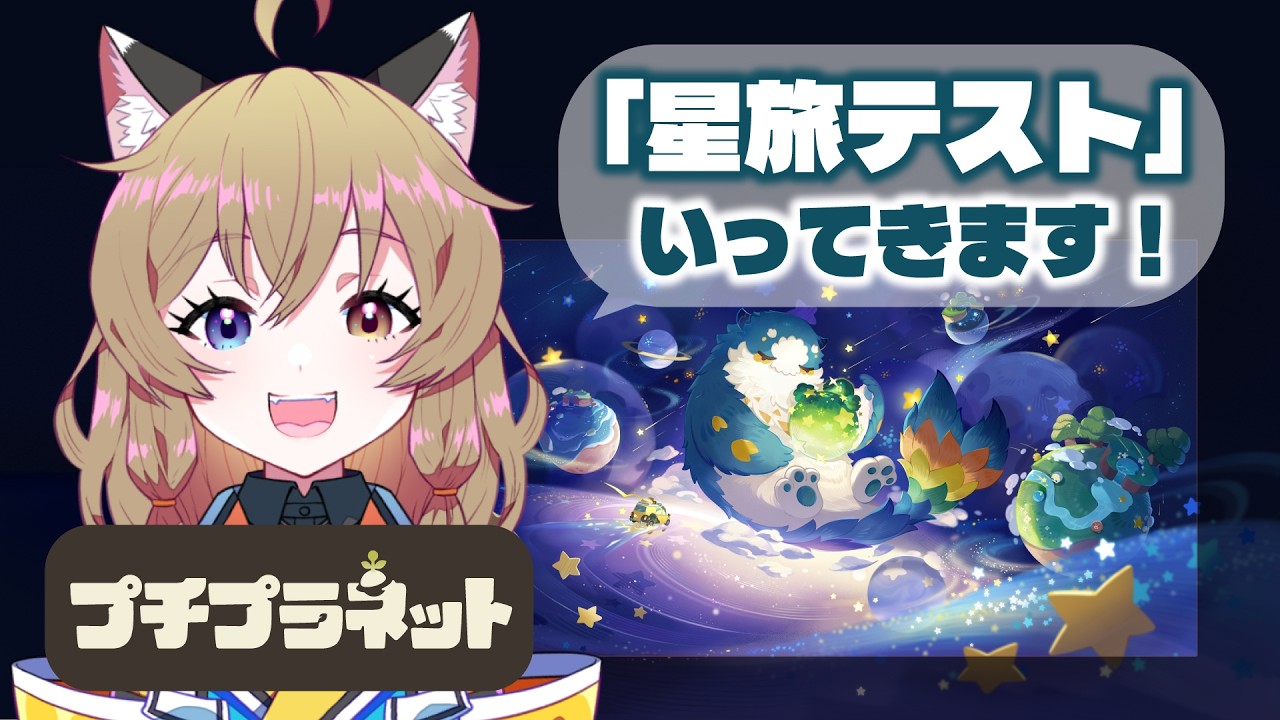
In Petit Planet, the ability to express your creativity through island design is only half the battle; the other half is presenting your work to the community. As a player, your island serves as a canvas, and mastering the game’s integrated photography and social interaction systems is essential to making your mark in this vibrant world. Whether you are terraforming vast landscapes or crafting cozy, intimate corners, understanding how to frame your creations and engage with other players is the key to becoming a standout member of the Petit Planet community.
Leveraging the In-Game Camera System
The most efficient way to document your progress in Petit Planet is through the dedicated photo mode. This tool is designed to strip away the user interface, allowing for clear, cinematic shots of your terraformed landscapes and character interactions.
When capturing a scene, access the camera menu to adjust your perspective, ensuring that both your character and your most intricate environmental details are centered within the frame. To elevate your photography:
- Depth of Field: Use the focal point settings to blur the background slightly. This technique draws the viewer’s eye toward your primary build, making it look more professional and polished.
- Perspective Adjustments: Don’t just rely on the standard eye-level view. Lower the camera to ground level to emphasize the height of your structures, or use a high angle to showcase the layout of your island’s geography.
- Cinematic Panning: Experiment with the zoom functions to isolate specific assets. If you have spent hours meticulously placing decor items, a tight zoom highlights your attention to detail and rewards the viewer for noticing the smaller, intentional elements of your design.
Styling Your Character for Social Media
Your character acts as the focal point of your island, making their appearance a critical element of your shared content. A well-styled character provides a sense of scale and life to your screenshots, turning a static image into a narrative moment.
Before taking photos, navigate to the customization menu to ensure your character’s outfit matches the atmosphere of the area you are photographing. Coordinating your character with the background environment creates a cohesive and professional visual presentation. Consider these expert styling tips:
- Color Theory: Match your character's primary color palette to the environment or surrounding flora to create a balanced composition. If you are in a forest-themed zone, earthy tones work best; for high-tech zones, prioritize metallic or neon accents.
- Emotive Posing: Use the game's emote-based poses to bring personality to your character. Static standing often lacks the visual impact needed for social media; a character sitting on a custom bench or performing an animation makes the scene feel "lived-in."
- Lighting and Timing: Observe the time of day on your island. Morning light provides a soft, warm glow perfect for cozy builds, while sunset creates dramatic, long shadows that add depth to your structures, highlighting textures in your furniture and terrain.
Optimizing Layouts for Visual Appeal
A successful social post in Petit Planet relies on the "readability" of your island layout. When building for the purpose of sharing, avoid cluttering your screen with too many overlapping objects. Instead, create distinct "vignettes" or zones that tell a story.
If you are showcasing a garden, ensure there is a clear path for your character to walk through. This implies a functional, lived-in space that viewers can visualize themselves exploring. When balancing aesthetics versus utility, consider these principles:
- Zone Segmentation: Designate specific "showcase areas" on your planet that prioritize aesthetics, while keeping your high-utility, resource-heavy zones (like crafting stations or storage) in separate, less visible sections of the map.
- Negative Space: Do not feel the need to fill every tile. Strategic use of empty space allows the eye to rest and makes your focal points pop.
- Pathing and Flow: Use the terrain tools to create natural paths that lead the viewer's eye through the scene. A well-laid path acts as a visual guide, ensuring visitors see the best angles of your build.
Engaging with the Community Through Media
Sharing your creations is not just about the image; it is about the story behind the build. In Petit Planet, social interaction is a core loop, and by sharing your progress, you invite others to visit your island, which often leads to reciprocal visits and increased resource trades.
When you post your snapshots, include context regarding the effort required to gather the materials or the inspiration behind your design. Transparency about your creative process—such as explaining why you chose a specific color scheme or how you overcame a difficult terrain obstacle—fosters meaningful conversation.
Additionally, treat your island as an exhibition space. If you are expecting visitors or planning to share a tour:
- Clean Up: Remove temporary debris or unfinished projects that might distract from your intended design.
- Signage and Direction: Use decorative elements to guide visitors toward your best work. If you have built a complex structure, ensure there is a clear approach or vantage point so visitors don't miss the detail.
Utilizing Test Phase Features for Growth
Since Petit Planet is currently in a testing phase, take advantage of the feedback loops provided by the developers. The tools available now are the foundation of your future experience. If you find that certain camera angles are limited or that specific items are difficult to display clearly, use the in-game reporting or feedback tools to share your experience.
Furthermore, adopt a data-driven approach. Keep track of which of your posts receive the most engagement within the Petit Planet community. By observing what others find interesting—whether it is your architectural choices, character fashion, or clever use of environmental hazards—you can refine your creative process. This proactive strategy ensures that as the game evolves and new features are added, you are already well-positioned to remain a prominent and active member of the creator community. Engaging with the game's social ecosystem today builds the reputation and skills that will define your success as the game reaches its full potential.

Free Petit Planet Codes
Current active codes and how to redeem them.

James Brown
James focuses on Android gaming on PC, emulator setup, controls, performance tuning, and practical troubleshooting for longer play sessions.
COMMUNITY
Player Comments
133 players commented on this guide.
I tried this today and it worked better than my old setup.
Can you add more details about strategy in a future update?
I wish I had read this before upgrading the wrong thing.
This saved me time in the early game.