
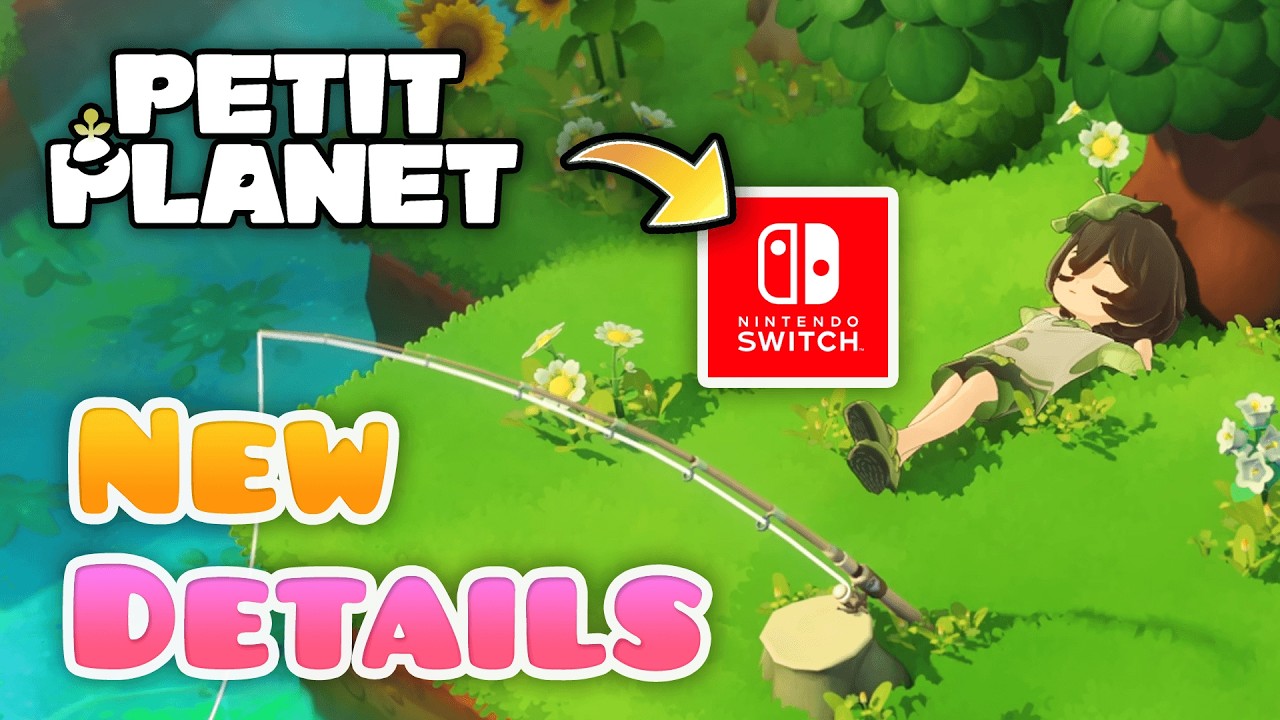
To excel in Petit Planet, you must look beyond basic exploration and master the interplay between environmental physics, camera precision, and task management. As the game transitions into its official launch, success is defined by how effectively you navigate complex terrain and optimize your creative workflow. This guide serves as your authoritative resource for mastering the technical nuances required to build, maintain, and expand your world with maximum efficiency.
Mastering the Refined Camera and Navigation Controls
The camera system in Petit Planet is your most vital tool for high-level construction. Navigating complex terrain requires more than just standard third-person movement; it demands mastery of the camera's spatial utility.
- Perspective Toggling: The transition between third-person view and the new overhead "top-down" utility mode is essential for precision. Use the top-down mode when aligning furniture or decorative paths. This eliminates the depth-perception errors that often lead to "floating" assets or misaligned garden structures.
- Grid-Assisted Placement: Always utilize the "snap-to-grid" function while in camera mode. For players focusing on structured environments like courtyards or uniform pathways, this tool is non-negotiable. It forces object alignment to the underlying geometry of the Petit Planet environment, preventing the erratic physics that occur when placing items manually.
- Sensitivity Tuning: Adjust your navigation sensitivity early. High-sensitivity settings are beneficial for rapid traversal across open, flat zones, but lower settings are superior when performing minute adjustments in tight, high-density areas.
Utilizing Expanded Item Interaction Logic
Petit Planet has introduced a sophisticated logic layer to environmental interactions. Items are no longer mere static assets; they possess physical properties that react to your placement order and environment.
Understanding the Physics Toggle
The "physics toggle" is a game-changer for interior and exterior design. By locking specific items in place, you prevent accidental displacement caused by character collision. This is particularly useful in high-traffic zones of your world where your character frequently walks past decorative assets.
Streamlined Editing
Avoid the tedious cycle of returning to the inventory menu for minor adjustments. By holding the interaction button, you can trigger the "quick-edit" overlay. This allows for immediate rotation, color-swapping, and asset replacement. Prioritizing this workflow saves significant time during intensive renovation sessions, keeping you in the creative "flow state" rather than menus.
Optimizing Workflow with the Updated UI
Efficient players are those who minimize downtime. The Petit Planet UI redesign prioritizes task management to help you maintain a clean, productive play session.
- Task Priority Tab: Do not let your daily resource gathering or time-sensitive events fall by the wayside. Pin your most critical objectives to your main screen using the Task Priority tab. This prevents "task creep," where you spend too much time on low-value activities while ignoring progression milestones.
- Inventory Categorization: Stop sorting by acquisition order. Instead, leverage the new filtering system to organize by "utility," "rarity," or "aesthetic set." When you are in the middle of a build, knowing exactly where your high-utility materials are located minimizes the mental friction of switching between construction modes.
Strategic Preparation for Launch Progression
As you move toward the official release, shift your mindset from short-term decoration to long-term sustainability. The game’s progression system rewards those who think structurally.
Prioritizing Environment Milestones
Environment Milestones are the fastest way to access high-tier blueprints. These milestones often require specific configurations of terrain or item density. By targeting these early in your development cycle, you unlock advanced building materials that make future expansion significantly cheaper and more visually rewarding.
Balancing Density and Performance
A common trap for new players is over-populating a single zone. While Petit Planet offers deep creative freedom, excessive object density in a small area can lead to minor frame rate drops, especially on portable hardware configurations. To mitigate this:
- Create Anchor Points: Focus your most detailed, high-item-count builds in specific "anchor points" of your map.
- Clean Peripheries: Use lower-density, high-impact items in the surrounding areas to maintain visual quality without taxing system resources.
- Test Regularly: Periodically walk through your newly built areas at high speed to ensure the navigation remains responsive and fluid.
Common Mistakes to Avoid
Even experienced players often fall into these traps during the early stages of a new build:
- Ignoring Terrain Geometry: Attempting to force items onto uneven ground without using the leveling tools will result in permanent clipping issues. Always prep your terrain before placing your anchor objects.
- Neglecting the "Locked" State: Failing to lock high-traffic furniture often leads to the "nudge" effect, where you accidentally push items out of place while navigating your base. Use the physics toggle liberally in busy walkways.
- Inventory Bloat: Storing every item you find creates a nightmare for navigation. If an item is not part of your current aesthetic or utility set, store it in your secondary inventory or discard/trade it to keep your core building materials accessible.
Conclusion: Setting the Foundation for Success
Mastering Petit Planet is a process of balancing creative ambition with technical efficiency. By leveraging the overhead camera, utilizing the physics toggle to lock your progress, and keeping your UI clean with the Task Priority tab, you move from simple exploration to becoming a true architect of your own world.
Remember that every high-tier blueprint and complex structure starts with a well-organized workflow. Whether you are building your first garden or expanding into complex, multi-layered terrain, these techniques will ensure that your Petit Planet experience remains smooth, productive, and, most importantly, fun as you progress toward the official launch.

Free Petit Planet Codes
Current active codes and how to redeem them.

Sarah Williams
Sarah specializes in RPG and collection games, explaining team building, character growth, and beginner-friendly ways to avoid expensive early mistakes.
COMMUNITY
Player Comments
151 players commented on this guide.
This helped me understand base building much better.
Can you add more details about base building in a future update?
This guide answered the exact question I had.
The explanation is clear, especially for beginners.