
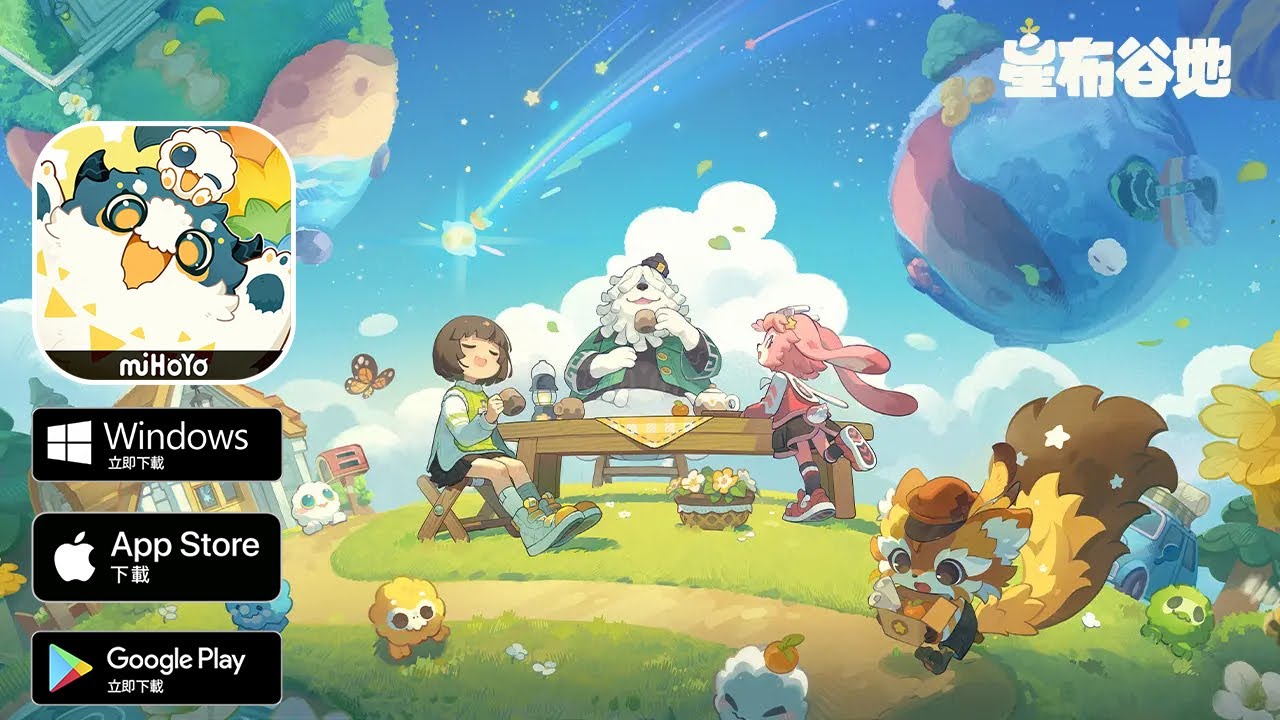
In the immersive world of Petit Planet, the environment is more than just a backdrop—it is a canvas that demands precision, planning, and a deep understanding of the game's physics-based building systems. Whether you are terraforming vast landscapes or curating the perfect interior, the way you utilize your tools and interact with objects will determine the success of your island’s development.
This guide serves as an authoritative resource for players looking to transition from novice builders to expert architects. We will explore the technical nuances of tool selection, the physics of object placement, and the strategies required to keep your Petit Planet experience running smoothly.
Understanding Tool Selection and Workflow Efficiency
The core gameplay loop of Petit Planet relies on a specialized suite of tools, each tailored for distinct environmental interactions. To master building, you must treat your toolset as an extension of your creative workflow.
The Two Core Modes
The most common mistake for players is failing to distinguish between "Edit" and "Interact" states.
- Edit Mode: Used for placing, rotating, scaling, and deleting assets. Always double-check your UI indicators before attempting to manipulate an object; trying to interact with an object while in Edit mode often triggers unintended menu overlays.
- Interact Mode: Reserved for triggering functions (e.g., sitting on a chair, opening a container, or activating a machine).
Pro Tip: Bind your most-used tools to a quick-access hotbar. In the current beta build, the ability to toggle between these modes instantly is the primary differentiator between an efficient builder and one who constantly navigates through sub-menus.
Precision Placement and Physics Constraints
In Petit Planet, objects are governed by a physics engine that accounts for collision boundaries. Neglecting the grid or ignoring physics constraints often leads to "floating" objects or flickering assets that break immersion.
Leveraging the Grid System
Always utilize the snapping features within the build menu. When placing structural assets or furniture, snapping to grid lines ensures that walls align perfectly and floors remain level. If you place items free-form without grid assistance, you will inevitably face "alignment creep," where objects become misaligned over distance, making it impossible to join structures seamlessly.
Managing Physics and Anchoring
Objects in Petit Planet require stable surfaces. If you build on uneven terrain without flattening, you may find that objects "slide" or fail to register as properly placed.
- Flatten First: Before starting a large build, use your terrain modification tools to create a level foundation.
- Verify Anchors: Large structures must have a solid connection to the terrain. If you see an object vibrating or showing a "physics warning" icon, it is likely lacking proper contact with the ground plane.
Managing Tool Durability and Resource Logistics
Building is a resource-intensive endeavor in Petit Planet. Your tools are not infinite; they degrade with use, and your inventory space is a finite commodity.
The Durability Threshold
Each tool has a durability meter that depletes as you terraform or place complex assets. Efficiency is not linear—as a tool reaches the final 10-15% of its durability, you will notice a significant drop in interaction speed and, occasionally, a failure to register placement commands.
- The Workflow Rule: Never let your tools hit 0%. Establish a workstation hub at the center of your construction zone. Before beginning a new project, perform a "Maintenance Pass" to repair all active tools.
Inventory Management
Before you start a major architectural project, clear your inventory of "trash" items or secondary resources. Carrying too many items leads to frequent menu navigation, which breaks the flow of your design process. Use storage crates locally near your construction site to act as staging areas for building components.
Optimizing NPC Interactions and Pathfinding
Your structures function as interaction hubs for NPCs. If your island feels "dead" or if NPCs are constantly bumping into walls, the issue is almost always a failure in your layout logic rather than an AI bug.
Designing for Pathfinding
NPCs in Petit Planet utilize navigation meshes (nav-meshes). When you place furniture or decor, you are essentially modifying the terrain's walkability.
- Clearance Zones: Ensure at least one to two "blocks" of space around interactive furniture.
- The "Traffic Jam" Test: Observe how NPCs approach a bench or a crafting table. If they walk in circles or stop abruptly, it indicates that the object is placed too close to a collision boundary (a wall, a tree, or another object).
- Density Control: Avoid placing large quantities of decorative clutter in high-traffic corridors. Keep the main "arteries" of your island open to facilitate natural NPC movement.
Troubleshooting Common Placement Glitches
Even in the most controlled environments, physics conflicts can occur. If an object fails to render or becomes impossible to select, use this diagnostic order:
- The Toggle Reset: Simply exiting and re-entering the current mode often forces the game to recalculate the object’s collision mesh.
- The Grouping Check: Sometimes, an object becomes part of a "locked" group. Check your Edit menu to see if the object is parented to a larger structure. You must select the parent structure to move or delete the child object.
- The Save-State Revert: Always perform a manual save before beginning a major terraforming operation. If a physics glitch renders a structure permanently stuck, reverting to a save-state is significantly faster than trying to "fix" a broken piece of geometry.
Final Thoughts on Creative Freedom
The beauty of Petit Planet lies in the interplay between player creativity and the game's systems. By prioritizing a clean workflow, respecting the game’s physics constraints, and designing with NPC pathfinding in mind, you will find that the building process becomes intuitive. Master these fundamentals, and you will be able to construct increasingly complex and vibrant environments with minimal friction, ensuring your island remains a functional, beautiful, and efficient space for all who visit.

Free Petit Planet Codes
Current active codes and how to redeem them.

Michael Smith
Michael covers live-service games, events, reward systems, and efficient daily routines, turning frequent updates into clear actions for players.
COMMUNITY
Player Comments
84 players commented on this guide.
The tips are practical and easy to follow.
Good guide for Petit Planet players. The resources part was useful.
This guide answered the exact question I had.
This saved me time in the early game.