
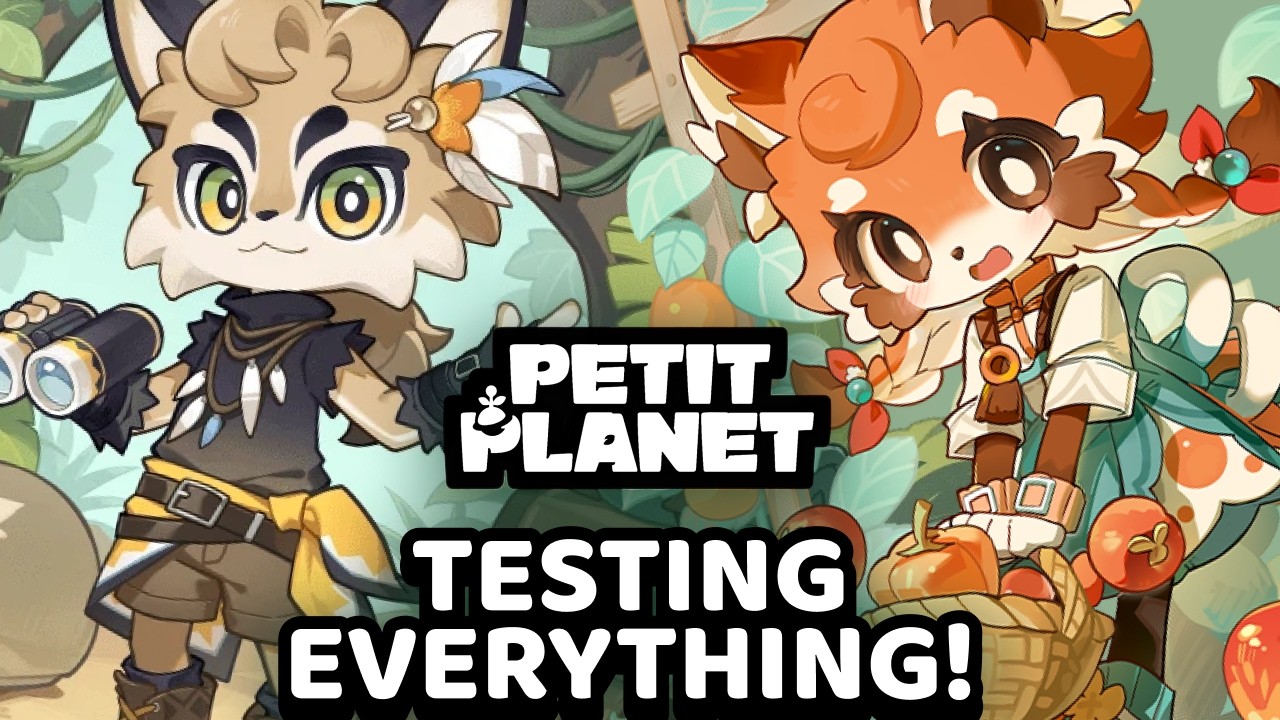
To prevent latency sync issues and item placement failures during the Petit Planet Stardrift Test, pick a single server region (Asia, EU, or America) and stay on it for your entire play session. If your character becomes stuck in terrain or actions stop responding due to server hitches, open the character menu and select the unstuck feature to reset your location without losing inventory items.
Regional Server Stability
Switching between Asia, EU, and America servers mid-session creates latency spikes and sync delays. High latency causes ghosting, where character movement renders locally but item placements and quest interactions fail to register on the server.
- Session Consistency: Select the lowest-latency region available when launching the game and avoid changing regions until you finish your current play session.
- Latency Checks: Watch the connection status indicator when opening your inventory or placing decor. If actions delay by several seconds, stop interacting with objects immediately.
- Manual Relogging: Force a manual log-out and re-log if interaction prompts stop responding to prevent item placement errors or lost quest triggers.
UI Navigation and Decor Placement
The Stardrift Test interface features event pop-ups and compressed HUD menus that can interfere with precise building tasks.
- Locate the Social Menu: Open the social tab to access player lists, event notifications, and the Cat Box hub to visit neighboring planets.
- Clean Up the HUD: Disable non-essential HUD pop-ups in the settings menu before starting base building to prevent notification overlays from blocking your view.
- Adjust Camera Angle: Zoom in using the camera controls when placing furniture. Alignment relative to the grid prevents items from dropping onto incorrect elevation layers or background terrain.
Resolving Stalls, NPCs, and Inventory Constraints
Interaction hitboxes and asset loading during test builds require specific positioning and troubleshooting routines.
| Issue | Cause | Immediate Action |
|---|---|---|
| Missing NPC Prompt | Misaligned interaction hitbox | Step slightly to the side of the NPC to refresh the interaction trigger. Note that dialogue and trades vary by in-game time of day. |
| Stuck Quest Spawns / Menus | Unloaded asset chunk | Walk away from your current location or house area to force the server to reload regional chunk assets. |
| Character Frozen in Geometry | Collision bug or queued inputs | Do not spam inputs. Open the character menu and select the unstuck option to return to the planet spawn point. |
| Full Resource Spawns | Daily or event cap limits | Transfer excess items into base storage containers before gathering limited event materials. |
When visiting other players' planets, test preview prompts on Stardrift-exclusive decor assets before purchasing or crafting them to confirm how they function with complex terrain.

Free Petit Planet Codes
Current active codes and how to redeem them.

Emily Johnson
Emily writes practical mobile strategy guides with a focus on resource planning, base progression, and the early decisions that shape a long-term account.
COMMUNITY
Player Comments
49 players commented on this guide.
The tips are practical and easy to follow.
Good guide for Petit Planet players. The heroes part was useful.
This saved me time in the early game.
The explanation is clear, especially for beginners.