
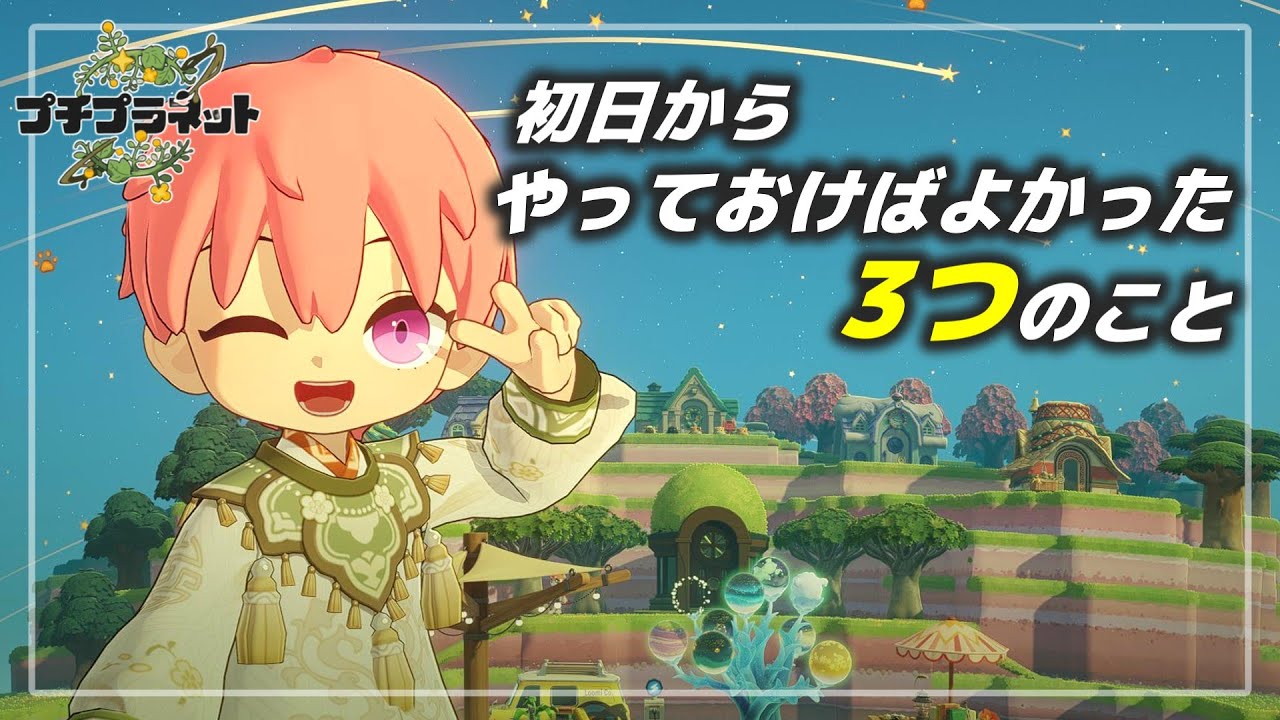
If you are just starting your journey in Petit Planet, the sheer freedom of the game’s creative systems can feel overwhelming. To succeed, you must move beyond basic placement and begin thinking like a designer. The most effective way to establish a strong foundation is to focus on three core pillars: deep star customization, active environmental exploration, and strategic community engagement. By mastering these areas early, you ensure your progress is efficient, your designs are functional, and you avoid the common pitfalls that lead to early-game stagnation.
1. Master Advanced Star Customization
In Petit Planet, your star is more than just a plot of land; it is a complex simulation sandbox. New players often make the mistake of scattering items randomly, which leads to cluttered, unmanageable environments later on.
From Placement to Design
Transitioning from "placing items" to "designing spaces" requires a shift in mindset. Instead of thinking about what objects you have, think about what experience you want to create for visitors or for your own simulation goals.
- Layering for Depth: Use overlapping objects to create visual complexity. The game’s engine rewards players who create layered horizons rather than flat, single-level surfaces.
- Functional Zoning: Divide your star into specific zones. For example, keep your technical infrastructure (generators or logic triggers) separate from your aesthetic zones. This keeps your build organized as you scale up.
- Iterative Design: Your first design is a prototype. Don't fear the "delete" button. Use the early game to test how different assets interact with one another before committing to a massive, long-term project.
2. Prioritize Active Environmental Exploration
Petit Planet hides much of its mechanical depth within the environment itself. Exploration is not merely about finding new areas; it is about gathering data on how the game’s physics and object-interaction systems function.
Uncovering Hidden Mechanics
When you explore, do not just look for aesthetic inspiration. Look for "interaction loops"—the specific way an object reacts when a character interacts with it or when environmental variables (like lighting or physics triggers) change.
- System Testing: Identify objects that provide feedback. If a bridge sways or a platform triggers a light effect, study how that was achieved. These are the building blocks for your own custom creations.
- Observational Learning: Visit other players' stars to see how they have solved terrain challenges. If a creator has built a particularly complex staircase or a seamless transition between biomes, examine their logic. Understanding how they solved a problem saves you hours of trial-and-error.
- Resource Gathering: Exploration is the fastest way to unlock new assets and tools. By pushing into new zones early, you gain access to a larger palette of items, which in turn fuels better customization.
3. Leverage the Power of the Community
Petit Planet thrives on its social ecosystem. Treating the community as a resource is one of the most underutilized strategies for beginners. You are part of a global creative network, and tapping into this can significantly accelerate your learning curve.
Social Feedback as a Tool
Don’t wait until your star is "perfect" to share it. Sharing early, even if your star is a work-in-progress, invites constructive feedback from veteran players who have already mastered the mechanics you are currently struggling with.
- The Feedback Loop: When you share your star, pay attention to which elements people interact with most. If players consistently visit a specific section of your star, that is a sign your design logic is working.
- Creative Inspiration: When you find a design element you admire, look for the creator’s other stars. Many veteran players have a "signature style" or a specific way of utilizing space that can become the foundation for your own unique aesthetic.
- Collaborative Problem-Solving: If you encounter a bug or a logic issue that you cannot resolve, check community forums or social feeds. Often, the solution to a complex building problem has already been documented by the community.
Balancing Creativity with Progression Cycles
A common trap for new Petit Planet players is attempting to build an overly ambitious project before understanding the core progression cycles. While creativity is the heart of the game, it must be supported by a stable, functional base.
Strategic Planning for Long-Term Growth
To ensure your star continues to grow, follow these rules for balancing your time:
- The 70/30 Rule: Spend 70% of your time on building and 30% of your time on maintenance and exploration. This keeps your creative momentum high while ensuring you never run out of the resources or knowledge required for your next big project.
- Small, Manageable Goals: Break large projects into smaller, bite-sized tasks. Instead of building a whole city, build a single functional hub. Completing these small tasks provides a sense of progression that prevents burnout.
- Future-Proofing: Always leave space for expansion. As you unlock more advanced creative tools, you will want to upgrade your initial builds. If you crowd your star too early, you will find it difficult to integrate new technology.
Why These Strategies Work
The logic behind these three pillars is rooted in the game’s design. Petit Planet is an evolving simulation; the systems you learn in the first hour—movement physics, object placement, and spatial awareness—are the exact same systems you will use when designing advanced, complex stars.
By focusing on customization, you learn the geometry of the game. By focusing on exploration, you learn the mechanics of the game. By focusing on community, you learn the creative possibilities of the game. Combining these three ensures that you aren't just playing Petit Planet; you are mastering it.
Common Mistakes to Avoid
- Over-reliance on Defaults: Never settle for the default placements. The game is designed to be modified; customizing every detail is how you make your star unique.
- Ignoring Physics Triggers: Don't just focus on how things look. Focus on how they move. A static star is a boring star. Use triggers and interactive elements to bring your environment to life.
- Playing in Isolation: Trying to figure out every mechanic on your own is inefficient. Use the community to fast-track your understanding of the game's more complex, hidden systems.
By keeping these principles in mind, you will find that your Petit Planet experience is far more rewarding. Take your time, experiment, and remember that every star you create is a stepping stone toward becoming an expert builder.

Free Petit Planet Codes
Current active codes and how to redeem them.

Michael Smith
Michael covers live-service games, events, reward systems, and efficient daily routines, turning frequent updates into clear actions for players.
COMMUNITY
Player Comments
39 players commented on this guide.
I wish I had read this before upgrading the wrong thing.
Nice guide. I am checking the other Petit Planet articles next.
This guide answered the exact question I had.
The explanation is clear, especially for beginners.