
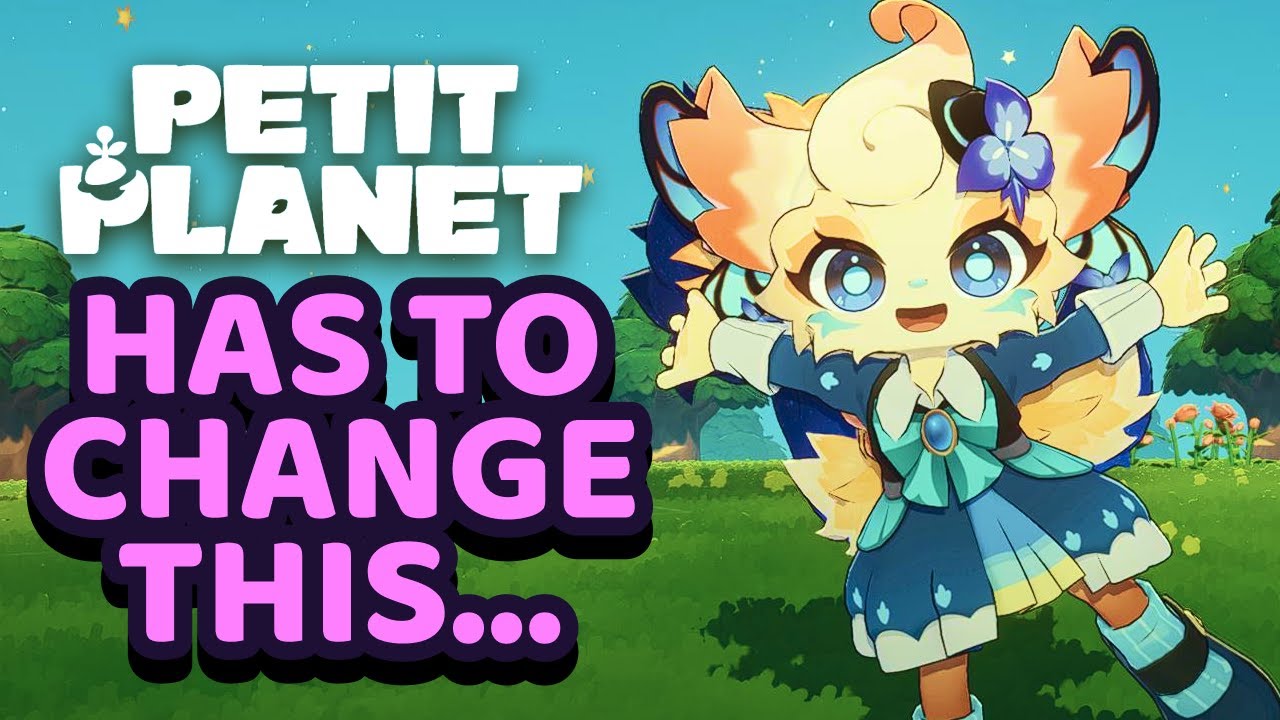
For dedicated players of Petit Planet, the difference between a relaxing session and a grindy one often comes down to how effectively you manage your time and resources. While the game offers a charming world, its current structure demands a proactive approach to Quality of Life (QoL) management to keep your progression moving forward. By optimizing your inventory habits, navigating the UI with intention, and focusing your social efforts, you can eliminate the friction that holds back many daily players.
This guide provides the expert strategies needed to turn your Petit Planet experience from a series of clunky chores into a streamlined, efficient, and rewarding daily routine.
Mastering Inventory and Storage Management
In Petit Planet, inventory space is your most precious commodity. Because the game currently lacks advanced auto-sort features or sophisticated filtering, you are responsible for the structural integrity of your storage.
The "Categorize-First" Strategy
To avoid the mid-game "clutter trap," adopt a strict, manual categorization system. Do not dump resources into the nearest chest. Instead, designate specific containers for:
- Primary Crafting Components: Wood, stone, and basic ores.
- Decorative Assets: Furniture, lighting, and aesthetic flair items.
- Consumables: Food, stamina boosters, and niche event items.
Expert Insight: Maintain a "staging area" chest near your crafting stations. Only items needed for immediate projects should be here. If a chest becomes full, it is a sign that you are hoarding low-tier materials that can be easily gathered later. If you aren’t using an item for a project within the next three days of play, either sell it or offload it to a secondary, out-of-the-way storage unit.
UI Optimization and Menu Navigation
The UI in Petit Planet can feel redundant if you rely solely on mouse clicks. To reclaim your time, you must move toward keyboard-heavy navigation.
- Memorize Hotkeys: Every second spent clicking through a sub-menu is a second not spent gathering or building. Learn the shortcuts for your inventory, quest log, and map.
- The "Slow-Click" Rule: During periods of high server load or visual lag, the UI can become unresponsive. Avoid "spam-clicking" when moving items, as this is the primary cause of accidental item deletion or misplaced inventory slots. If the game stutters, pause for a half-second to let the client sync before confirming a trade or craft.
- Visual Cues: Pay close attention to the highlight box around items in your menu. Before you hit "Confirm," verify the highlight. This simple check prevents the frustration of trashing a rare item during a hurried inventory cleanup.
Enhancing Social Interaction Flow
Social progression is a significant part of Petit Planet, but it can easily become a time sink if you interact with every NPC you encounter.
Prioritizing Your Social Energy
Not all NPCs are created equal. To maximize the return on your social investment:
- Blueprint Prioritization: Focus your daily social actions on NPCs that provide utility-based rewards, such as new crafting recipes or storage upgrades.
- Dialogue Efficiency: Once you have exhausted the unique dialogue for an NPC, stop treating them as a priority unless there is a time-sensitive event.
- The "Social Burnout" Pivot: If you find yourself mindlessly clicking through dialogue, stop. Use that time to terraform or expand your base. Your base expansion provides permanent, tangible gameplay advantages, whereas social interaction is often a secondary goal.
Navigating Environmental and Quest Constraints
Even the most seasoned Petit Planet players encounter roadblocks due to pathing or quest difficulty spikes. The key is to avoid "forcing" your way through these moments.
Managing Performance and Pathing
If you notice frame rate drops while traversing different biomes, stop performing complex actions. Crafting or inventory management during a lag spike is when the game is most likely to encounter a crash or an input error.
- Pro-Tip: If you are in a high-density area, minimize your inventory interactions. Wait until you reach your home base where the assets are pre-loaded to perform your bulk sorting.
Overcoming Difficulty Spikes
When a quest requires a tool you haven't unlocked or a resource you haven't farmed, do not ignore your base development to chase it.
- The Trade-off: If a quest is gated, spend that time upgrading your existing tools. Improving your harvesting speed or inventory capacity will make the eventual completion of that quest much faster than if you had struggled through it with under-leveled equipment.
Future-Proofing Your Gameplay Strategy
As Petit Planet continues to grow, developer updates will inevitably shift the "meta" of resource value and crafting recipes. To stay ahead:
- Diversify Your Buffer: Never put all your resources into one type of material. If the developers decide to rebalance a specific crafting recipe, a player who has diversified their inventory will be able to pivot to new recipes immediately, while a player who invested heavily in a single resource may see their efficiency plummet.
- Stay Informed: Join the official Discord or follow the community updates. Knowing about a potential patch before it drops allows you to burn through "expiring" resources or finish projects that might become more expensive to complete post-patch.
Summary Checklist for Daily Success
- Start the day by clearing your inventory of low-tier trash.
- Use hotkeys for all menu navigation to save time.
- Focus social interactions only on NPCs providing direct upgrades.
- Prioritize base growth over forced quest completion when you hit a wall.
- Keep a diversified supply of materials to adapt to future balance patches.
By applying these principles, you move from simply "playing" Petit Planet to truly mastering your environment. Consistency, organization, and strategic patience are the hallmarks of a veteran player, and by following this guide, you will ensure that your daily routine remains as efficient as it is enjoyable.

Free Petit Planet Codes
Current active codes and how to redeem them.

Emily Johnson
Emily writes practical mobile strategy guides with a focus on resource planning, base progression, and the early decisions that shape a long-term account.
COMMUNITY
Player Comments
130 players commented on this guide.
I wish I had read this before upgrading the wrong thing.
This guide answered the exact question I had.
Can you add more details about strategy in a future update?
This helped me understand strategy much better.