
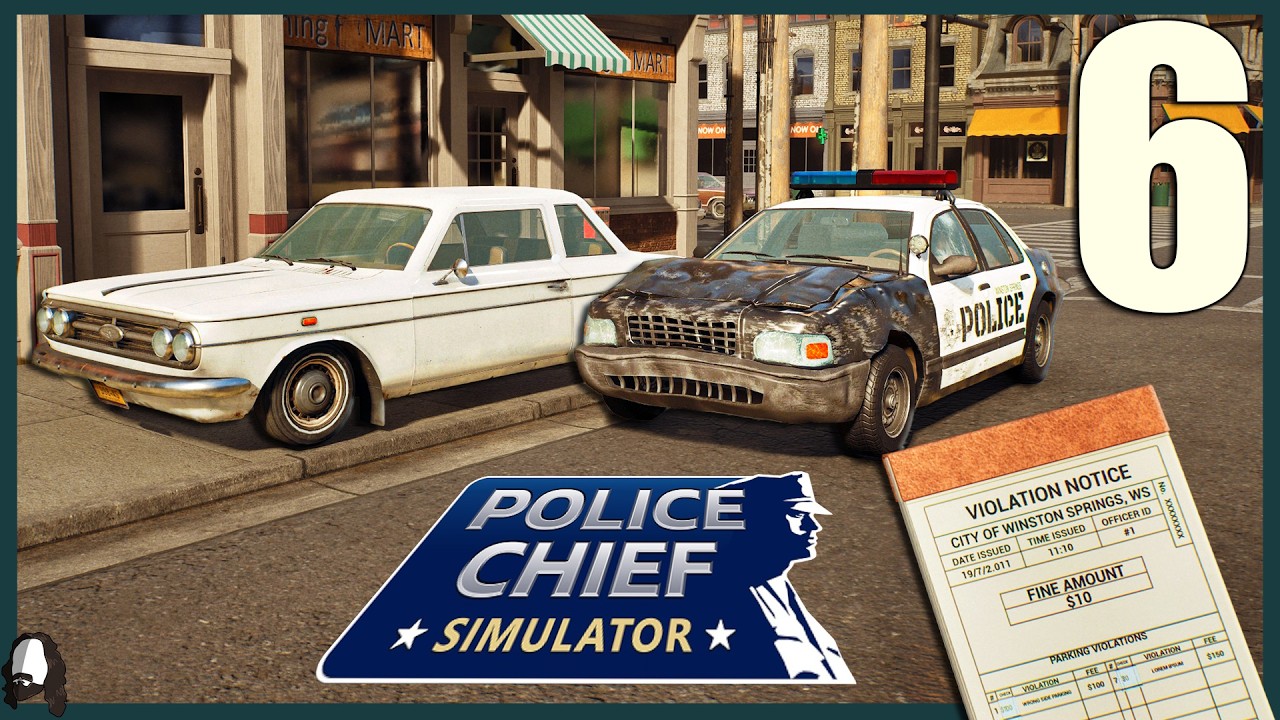
To establish effective traffic enforcement in Police Chief, place portable radar units along long, straight stretches of road with clear lines of sight, calibrate each device toward the center of the lane, and position patrol officers nearby to intercept flagged drivers immediately. Automated radar flags speeding vehicles, but your precinct must physically complete the stop and process paperwork to generate revenue.
Selecting Optimal Radar Locations
Radar effectiveness depends on traffic speed and line of sight. Place radar units where vehicles naturally travel at peak speed rather than where traffic slows down.
- Target Straight Roadways: Deploy units on long, open streets. Drivers in Police Chief maintain higher speeds when they have clear lines of sight without visual obstructions.
- Avoid Intersections: Do not set up radar immediately before or after intersections, turns, or stop zones where vehicles slow down naturally.
- Observe Traffic Shifts: Monitor precinct logs throughout the day. If city traffic patterns shift to another district, manually move your radar units to stay in high-volume zones.
Setting Up and Calibrating Portable Radar
Deploying radar requires manual setup on the roadside to ensure accurate detection.
- Position near the curb: Place the portable unit close to the edge of the roadway. Units set too far back from the street fail to register passing traffic.
- Angle toward lane center: Calibrate the device angle to cover the middle of the active traffic lane to ensure reliable tracking.
- Verify orientation: Turn the unit directly toward incoming or outgoing traffic flow to maximize detection range.
- Inspect regularly: Periodically check deployed devices to confirm they have not been knocked over or blocked by parked vehicles.
Integrating Traffic Stops into Precinct Workflow
Flagging a speeder only generates precinct revenue if your officers execute the traffic stop and process the case.
| Enforcement Phase | Action Required | Objective |
|---|---|---|
| Detection | Radar flags speeding vehicle automatically | Log ordinance violation |
| Interception | Nearby patrol officer pulls over vehicle | Initiate traffic stop |
| Processing | Officer approaches driver and confirms violation | Issue ticket and finalize stop |
| Transport | Officer escorts suspect to precinct if required | Clear paperwork to generate fine income |
To keep the enforcement loop running, assign officer patrol routes directly around active radar zones. Short distances between the radar alert and the responding officer prevent missed interceptions. If your officers become backlogged with paperwork or paperwork processing at the precinct, pause new stops or reassign officers to prevent unhandled alerts from overwhelming available manpower.

Free Police Chief Codes
Current active codes and how to redeem them.

Emily Johnson
Emily writes practical mobile strategy guides with a focus on resource planning, base progression, and the early decisions that shape a long-term account.
COMMUNITY
Player Comments
93 players commented on this guide.
This helped me understand strategy much better.
Can you add more details about strategy in a future update?
I wish I had read this before upgrading the wrong thing.
This guide answered the exact question I had.