
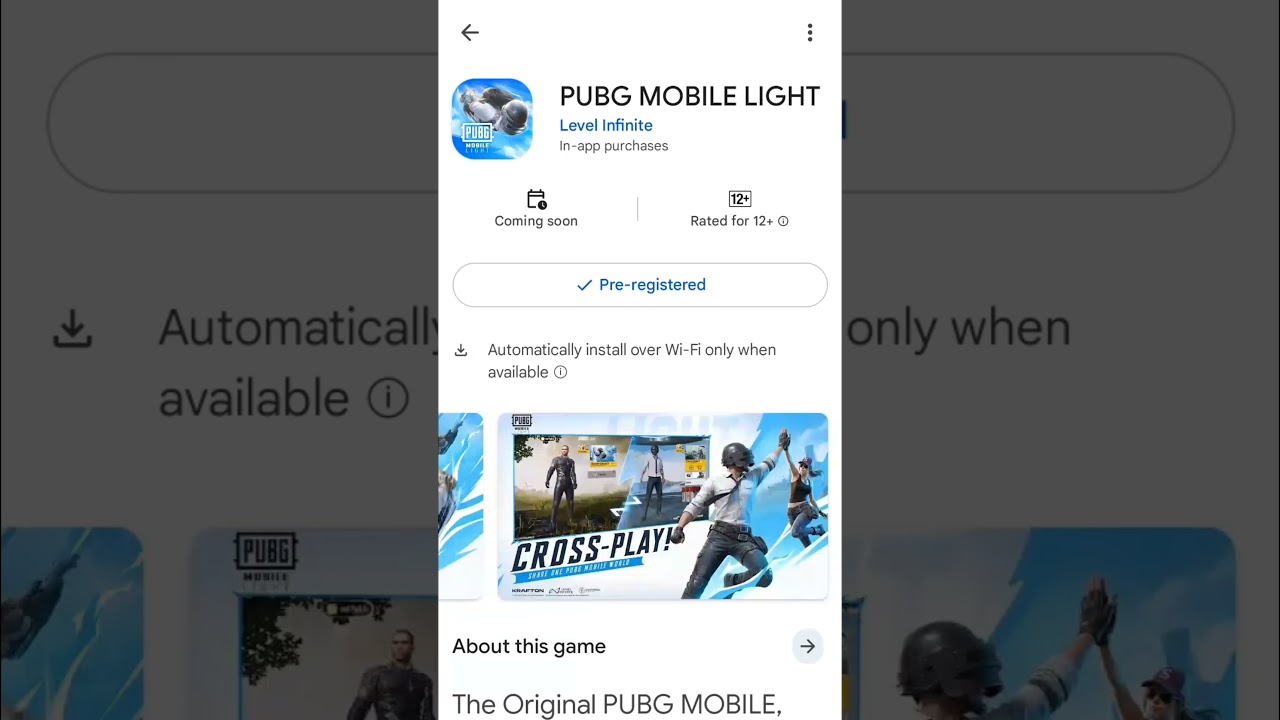
To download PUBG MOBILE LIGHT LIGHT from the Google Play Store, switch your store region to an eligible market, clear your local Google Play cache, and install the verified client directly from the store listing. The game is geographically restricted and does not appear on storefronts configured for unlisted countries such as the United States, Canada, and parts of Western Europe. Setting up an account aligned with an active territory allows Google Play to index the official listing and deliver verified game files with automatic patch support.
How to Make the Store Listing Visible
Google Play determines your accessible game catalog using your account's registered country and active network information. In unsupported regions, standard searches only return unofficial clones, companion guides, or the standard resource-heavy edition.
To make PUBG MOBILE LIGHT LIGHT appear in the store:
- Use an alternate Google account configured for an active distribution market, such as Brazil or the Philippines.
- Disconnect lingering location telemetry by resetting the storefront application cache.
- Search the store only after switching to the regionally aligned profile.
Step-by-Step Google Play Store Installation
Follow these steps to clear your local store index and install the official game client:
- Set Up an Eligible Profile: Sign into a secondary Google account configured for a region where PUBG MOBILE LIGHT LIGHT is officially distributed.
- Clear Google Play Store Data: Open your device Settings, go to Apps (or Application Manager), select Google Play Store, tap Storage, and select Clear Cache followed by Clear Data.
- Clear Google Play Services Cache: From the same Apps menu, open Google Play Services, tap Storage, and select Clear Cache to remove lingering regional location data.
- Switch Accounts in the Store: Open the Google Play Store app, tap your profile icon in the upper-right corner, and switch to your regionally configured account.
- Search and Install: Type "PUBG MOBILE LIGHT LIGHT" into the search bar, open the verified game page, and tap Install. Keep the store open until the initial download and automatic OBB package placement finish.
Identifying the Authentic Store Listing
Because lightweight battle royale titles attract counterfeit uploads, verify the store listing's metadata before installing to avoid adware or compromised clients.
| Verification Factor | Official PUBG MOBILE LIGHT LIGHT Build | Counterfeit or Clone Apps |
|---|---|---|
| Publisher Status | Verified official publishing label | Unrecognized independent developer names |
| Download Volume | Over 100 million recorded installs | Low install counts, often under 100,000 |
| App Permissions | Standard storage, microphone, network access | Excessive requests (SMS, contacts, device admin) |
| Update Channel | Direct, automatic Play Store patches | External redirects or manual APK prompts |
| Account Security | Integrated with official anti-cheat systems | High risk of credential theft or account penalties |
Storage Requirements and File Preparation
Prepare at least 2 GB of free internal device storage before beginning the download. Although the game is designed to run on budget devices with as little as 1 GB of RAM, the installation process requires temporary workspace to decompress assets.
- Initial Play Store Package: Requires roughly 600 MB to 750 MB of data transfer.
- Post-Install Assets: Launching the game extracts essential libraries and downloads mandatory patches. Additional map downloads (such as Varenga and Golden Woods), audio packs, and visual assets bring total storage usage to approximately 1.5 GB.
- Error Prevention: Low internal storage can trigger Play Store error code 495 or crash during the file-writing stage. Free up internal storage before initiating the download.
Troubleshooting Download Errors
If the Google Play Store displays "Item unavailable in your country," the app is still reading cached telemetry from your primary profile or SIM card. Force-stop the Google Play Store, verify that the active account profile belongs to a supported region, and reopen the app.
If the download stalls at "Pending" or gets stuck at 99%, pause the download, toggle Airplane mode on for five seconds, turn it off, and resume. Once installation completes, open the game to finish asset decompression, sign in via Google Play Games or guest access, and confirm server connectivity before switching network profiles.
Free PUBG MOBILE LIGHT Codes
Current active codes and how to redeem them.

James Brown
James focuses on Android gaming on PC, emulator setup, controls, performance tuning, and practical troubleshooting for longer play sessions.
COMMUNITY
Player Comments
158 players commented on this guide.
This saved me time in the early game.
The tips are practical and easy to follow.
Can you add more details about strategy in a future update?
I wish I had read this before upgrading the wrong thing.