
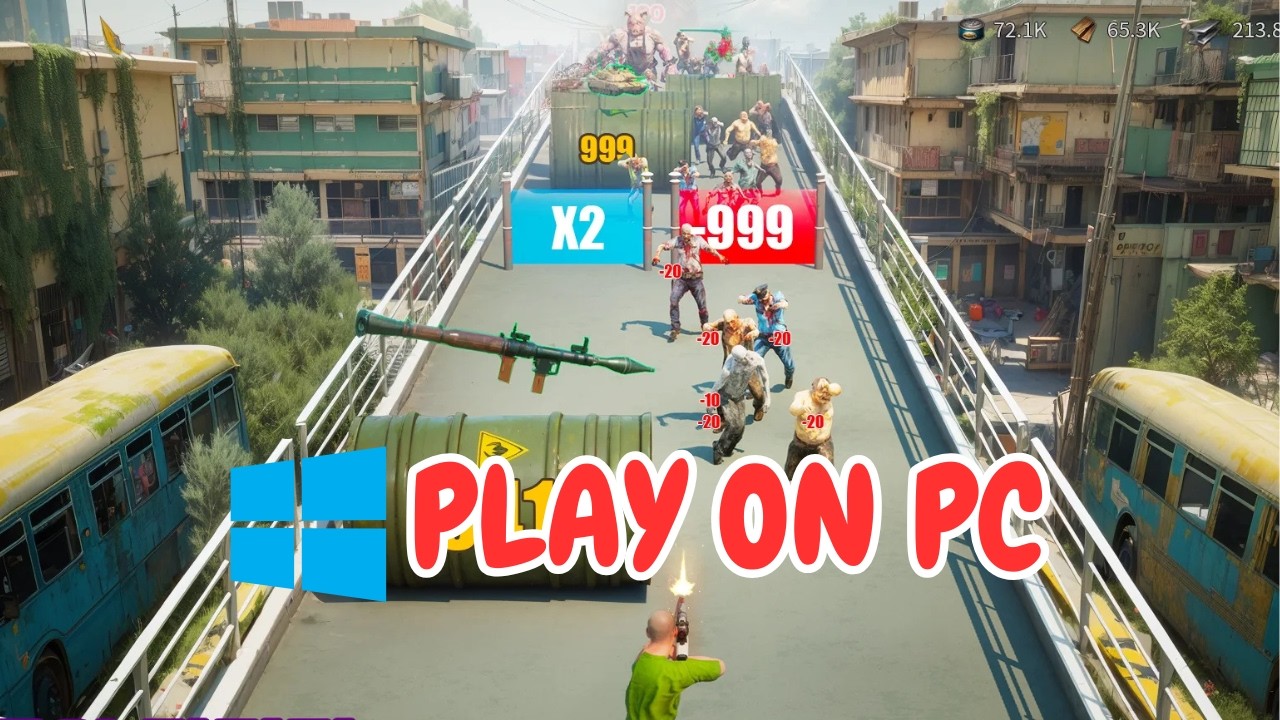
To play Puzzles & Survival on PC, install the 64-bit version of BlueStacks 5, download the game through the Google Play Store, and link your mobile account in the in-game settings. Running the game on a desktop gives you precision mouse control during match-3 battles, a broader view of the world map, and the ability to run multiple farm accounts simultaneously without draining your mobile device's battery.
Installing BlueStacks and Syncing Your Account
Follow these steps to set up the game on your desktop:
- Download BlueStacks 5: Visit the official BlueStacks website and download the client. Use a 64-bit instance (Pie 64-bit or Android 11) for stability with current strategy titles.
- Install the Client: Run the installer and designate your install path. Installing the emulator on a solid-state drive (SSD) significantly reduces loading times when switching between your Sanctuary and the world map.
- Sign In to Google: Launch BlueStacks, open the Google Play Store, and log in with your Google account.
- Install Puzzles & Survival: Search for Puzzles & Survival in the Play Store and install the application.
- Link Your Account: Launch the game, pass or skip the opening tutorial, and go directly to Settings > Account. Bind the game using the same Google, Facebook, or Twitter account attached to your mobile Sanctuary to load your existing progression, troops, and VIP status.
| Step | Setting / Action | Benefit |
|---|---|---|
| Instance Type | Android 64-bit (Pie or Android 11) | Prevents asset crashes and ensures game compatibility |
| Storage Choice | Solid-state drive (SSD) | Minimizes load times during world map zooming and transitions |
| Account Link | Bind existing account under Settings | Restores mobile progress and prevents accidental data overwrites |
Recommended BlueStacks Performance Settings
If you experience frame drops or micro-stutters, adjust the emulator's resource allocations by clicking the gear icon on the sidebar to access Settings:
- CPU Allocation: Set to 4 Cores.
- Memory Allocation: Set to 4 GB (4096 MB).
- Performance Mode: Set to "High Performance" to stop background throttling.
- Graphics Engine Mode: Compatibility.
- Graphics Renderer: OpenGL (switch to DirectX if you experience driver conflicts).
- Interface Renderer: Auto.
- ASTC Textures: Hardware Decoding (offloads texture decompression to your GPU).
Inside Puzzles & Survival, navigate to the game options and set the resolution to match your monitor's native display (such as 1920x1080) to keep text, menus, and match-3 tiles sharp.
Control Mapping for Battles and Map Navigation
Using a mouse replaces touch swipes with precise clicks, preventing accidental tile moves during timed match-3 stages. You can customize keyboard shortcuts using the BlueStacks Keymapping tool (Ctrl + Shift + A):
- Hero Skills: Assign number keys
1through5across the hero portraits at the bottom of the combat screen. This allows you to fire active skills immediately without dragging your cursor away from the puzzle board. - Zoom Controls: Bind
Ctrl + Mouse Wheelor keys likeZandXto zoom smoothly between individual Sanctuary facilities and the kingdom map. - Interface Shortcuts: Assign dedicated hotkeys to menus you check regularly, including your Bag, Mail, Alliance panel, and Campaign screen.
Managing Alt and Farm Accounts
If you run secondary farm accounts to gather resources for your main Sanctuary, you can manage them on PC without logging in and out of different profiles:
- Open the BlueStacks Multi-Instance Manager using Ctrl + Shift + 8.
- Create additional instances to run your secondary accounts side-by-side with your primary game window.
- Turn on Eco Mode (Ctrl + Shift + F) on your secondary instances. Eco Mode caps background instances at 1 to 5 FPS and mutes audio, reducing CPU and GPU loads so your main game runs at full speed while your alts gather resources.
Free Puzzles & Survival Codes
Current active codes and how to redeem them.

James Brown
James focuses on Android gaming on PC, emulator setup, controls, performance tuning, and practical troubleshooting for longer play sessions.
COMMUNITY
Player Comments
160 players commented on this guide.
I tried this today and it worked better than my old setup.
I wish I had read this before upgrading the wrong thing.
The explanation is clear, especially for beginners.
Nice guide. I am checking the other Puzzles & Survival articles next.