
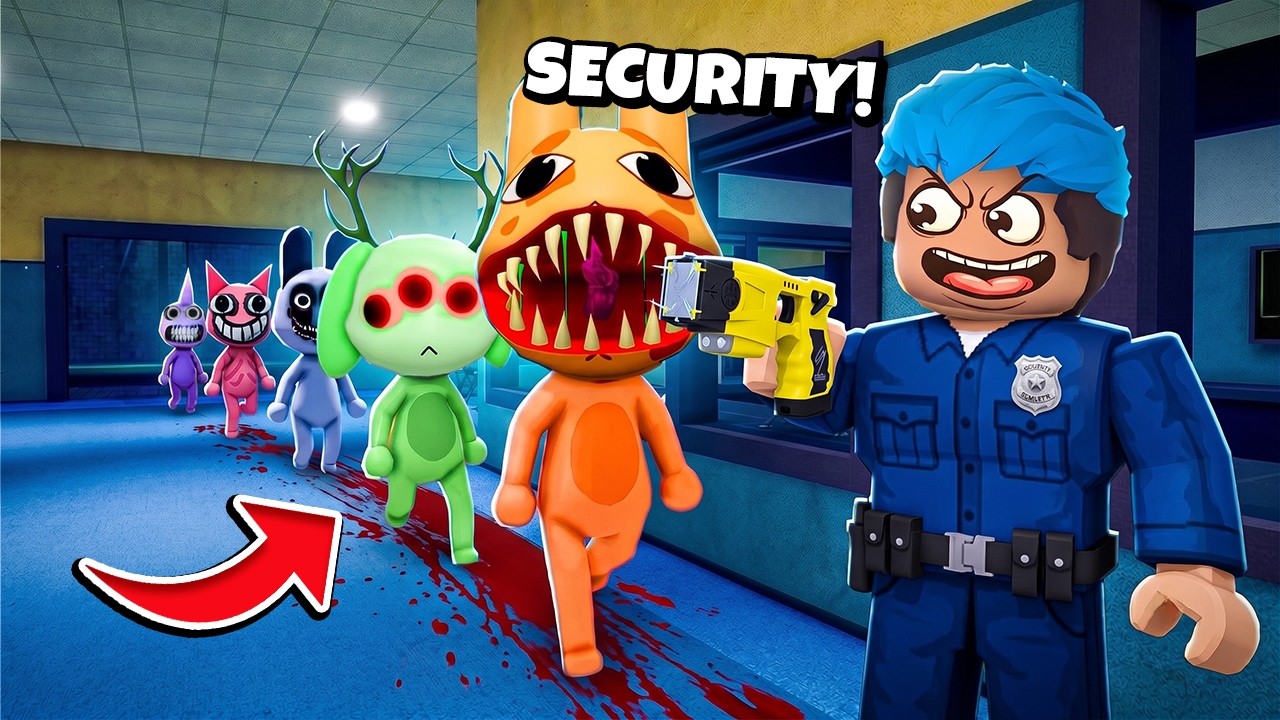
To survive the night shift as a security guard in Roblox Animal Hospital Anomaly, stay inside your security room, cycle through camera feeds to track entity movements, and lock your security door only when a threat directly approaches your station. Unlocking the door as soon as the threat leaves is essential to prevent your limited power supply from running out before the end of the shift.
Camera Surveillance and Anomaly Tracking
Your camera monitor is your primary source of information. Consistently cycle through all hospital rooms to spot anomalies and track moving entities before they reach your office.
- Identify Environmental Anomalies: Watch for subtle changes on camera feeds, such as doors that were previously closed standing open, patient room lights dimming, or displaced objects.
- Track Entity Paths: When you spot an entity lurking in a room or corridor, stay on the monitor to follow its trajectory rather than leaving your office to check the area in person.
- Avoid High-Risk Zones: If a specific hospital ward shows frequent visual distortion or dimming lights, mark it as unsafe and stay clear of that corridor.
Security Door Lockdowns and Power Management
Your security door is your only physical barrier against roaming entities, but keeping it closed constantly will exhaust your facility power.
| Condition | Action | Power Impact |
|---|---|---|
| Hallway clear on camera feed | Leave door unlocked | No power drain |
| Entity confirmed approaching office | Lock security door immediately | Continuous power drain |
| Entity leaves hallway on feed | Unlock security door immediately | Preserves remaining power |
Because doors drain power while closed, lock them only when you have visual or audio confirmation of an approaching threat. Once the entity retreats and the hallway monitor shows a clear path, unlock the door right away.
Audio Cues and Environmental Signals
When you are not looking directly at the camera monitor, rely on environmental sounds to gauge nearby movement:
- Listen for Footsteps and Scraping: Metallic footsteps, heavy scraping noises, or thuds indicate an entity is active in adjacent hallways.
- Check the Monitor Immediately: The moment you hear movement near your station, switch to your camera feed to pinpoint the threat's exact position.
- Trigger the Lockdown: If the feed shows the entity outside your door, activate the door controls until the audio cues stop and the monitor shows a clear hallway.
Handling Mandatory Tasks Outside the Office
Leaving the security office increases your risk of a lethal encounter. If a task requires you to step into the facility:
- Check every camera feed right before stepping into the hallway to ensure your planned route is clear.
- Walk directly to your objective without stopping to inspect altered rooms or anomalies.
- Return to the security station immediately after completing your task to regain control over door locks and camera feeds.

Free Roblox Codes
Current active codes and how to redeem them.

James Brown
James focuses on Android gaming on PC, emulator setup, controls, performance tuning, and practical troubleshooting for longer play sessions.
COMMUNITY
Player Comments
127 players commented on this guide.
This guide answered the exact question I had.
Good guide for Roblox players. The strategy part was useful.
I wish I had read this before upgrading the wrong thing.
Nice guide. I am checking the other Roblox articles next.