
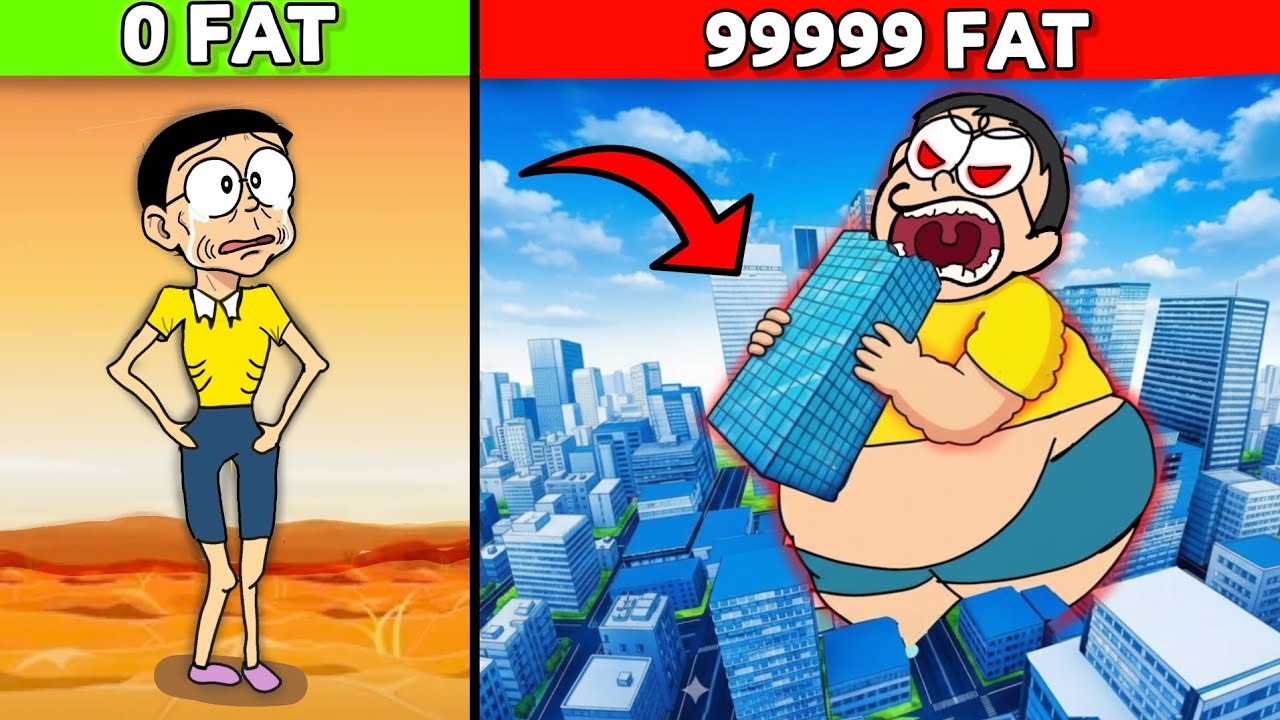
In Roblox eating simulators, the path to becoming the "fattest" character isn't just about clicking as fast as you can—it is about efficiency, resource management, and understanding the scaling mechanics of the engine. Whether you are playing a viral hit like Fat Simulator or a niche custom experience, the core gameplay loop remains the same: convert food intake into weight stats, increase your physical size, and dominate the leaderboard.
To reach the top, you must transition from a casual eater to a strategic harvester. This guide breaks down exactly how to optimize your growth, navigate environmental constraints, and leverage game-specific mechanics to maximize your character's girth.
Mastering the Consumption Loop
The fundamental mechanic in every Roblox eating simulator is the consumption loop. Your goal is to keep your character in a state of constant "eating" animation to minimize downtime.
- Prioritize High-Calorie Density: Not all food is created equal. Early-game items often provide minimal growth, but they serve as a foundation. As soon as you can afford it, pivot to higher-tier food sources. Even if they are slightly further away, the "weight per second" gain is almost always better than spamming low-value snacks.
- The Click-Speed Threshold: Most simulators rely on a click-to-eat mechanic. If your game allows for auto-clickers or has an "auto-eat" pass, these are the most valuable investments you can make. If you are playing manually, focus on rhythmic clicking to avoid "input fatigue," which can cause your character to stop eating during critical growth spurts.
- Zero-Downtime Movement: Never stop moving toward a food source while consuming. If the game allows you to eat while walking, keep your character in constant motion toward the next cluster of food to prevent idle time.
Navigating Environmental Eating Zones
The environment is your greatest asset or your biggest obstacle. High-tier players do not wander the map; they "camp" in high-density zones.
- Identifying Hotspots: Look for areas on the map where food items respawn in tight clusters. The "perfect" spot is one where you can stand still and rotate your camera to consume multiple items without needing to move your character model.
- Geometric Clipping: As your character model grows, you will inevitably experience "clipping"—where your limbs pass through walls or get stuck in doorways. Avoid high-traffic areas or narrow hallways once you reach mid-tier sizes. Stick to open plazas or designated "feeding arenas" where your expanded frame won't get caught on map geometry.
- Server Hopping for Density: In public servers, competition for food can be fierce. If a popular area is picked clean by other players, don't wait for respawns. Switch servers until you find an instance where the high-density areas are uncontested.
Scaling and Weight Multipliers
Growth in Roblox simulators is rarely linear. As your weight increases, the game usually introduces multipliers to keep the pace of the game satisfying.
- The Rebirth Mechanic: Almost all eating simulators feature a "Rebirth" or "Ascension" system. Once you hit a certain weight threshold, you can reset your weight to zero in exchange for a permanent multiplier to your future growth. Always Rebirth as soon as you are eligible. The temporary loss of weight is negligible compared to the long-term compounding effect of a 2x or 5x multiplier.
- Pet and Item Bonuses: Many games include pets or "tools" that provide passive weight-gain bonuses. Equip your best pets before you start a heavy eating session. These often provide a percentage-based boost that acts on top of your base consumption rate, making them vital for reaching the "fattest" rankings.
Strategic Trade-offs: Speed vs. Size
A common pitfall for new players is ignoring the mobility penalty. As your character model scales up, your walk speed often decreases.
- The Mobility Tax: If you have to travel across the map to reach a high-tier food zone, your massive size might make the journey take longer than the growth is worth. Calculate the time it takes to travel versus the time you would spend eating lower-value food in a closer zone.
- Managing Performance: Roblox can struggle to render extremely large, complex character models. If you notice your framerate dropping or the game lagging, it is often a sign that your character model is hitting the engine's limits. In these cases, focus on stationary eating to avoid further taxing the game’s physics engine.
Troubleshooting Common Growth Issues
If you feel your growth has plateaued, check these three common roadblocks:
- Inventory Management: Ensure your "stomach" or "capacity" is upgraded. In some games, you cannot consume more if your current capacity is full. Check the shop menu to see if you need to buy a larger capacity upgrade to keep eating.
- Stat Caps: Check the leaderboard or the UI to see if there is a "soft cap" on your current area. Sometimes you must move to a new zone or purchase a "rank up" to continue gaining weight efficiently.
- UI Glitches: If your weight isn't moving, try resetting your character. Sometimes the server fails to register your size updates due to latency; a quick reset often forces the server to sync your current weight and physical model.
Final Strategy Summary for Leaderboard Success
Becoming the fattest character is a marathon, not a sprint. To stay at the top:
- Automate: Use in-game auto-eat features whenever possible.
- Compound: Prioritize rebirths over hoarding raw weight.
- Optimize: Never stand in an area with fewer than three respawning food items.
- Position: Stay in open areas to avoid getting stuck in the map's geometry.
By consistently applying these principles, you will minimize your idle time and maximize your weight gain, effectively securing your place as the largest player on the server. Remember that the "fattest" status is fluid—stay active, keep your multipliers high, and never stop consuming.

Free Roblox Codes
Current active codes and how to redeem them.

James Brown
James focuses on Android gaming on PC, emulator setup, controls, performance tuning, and practical troubleshooting for longer play sessions.
COMMUNITY
Player Comments
87 players commented on this guide.
I tried this today and it worked better than my old setup.
I wish I had read this before upgrading the wrong thing.
Can you add more details about heroes in a future update?
Nice guide. I am checking the other Roblox articles next.