
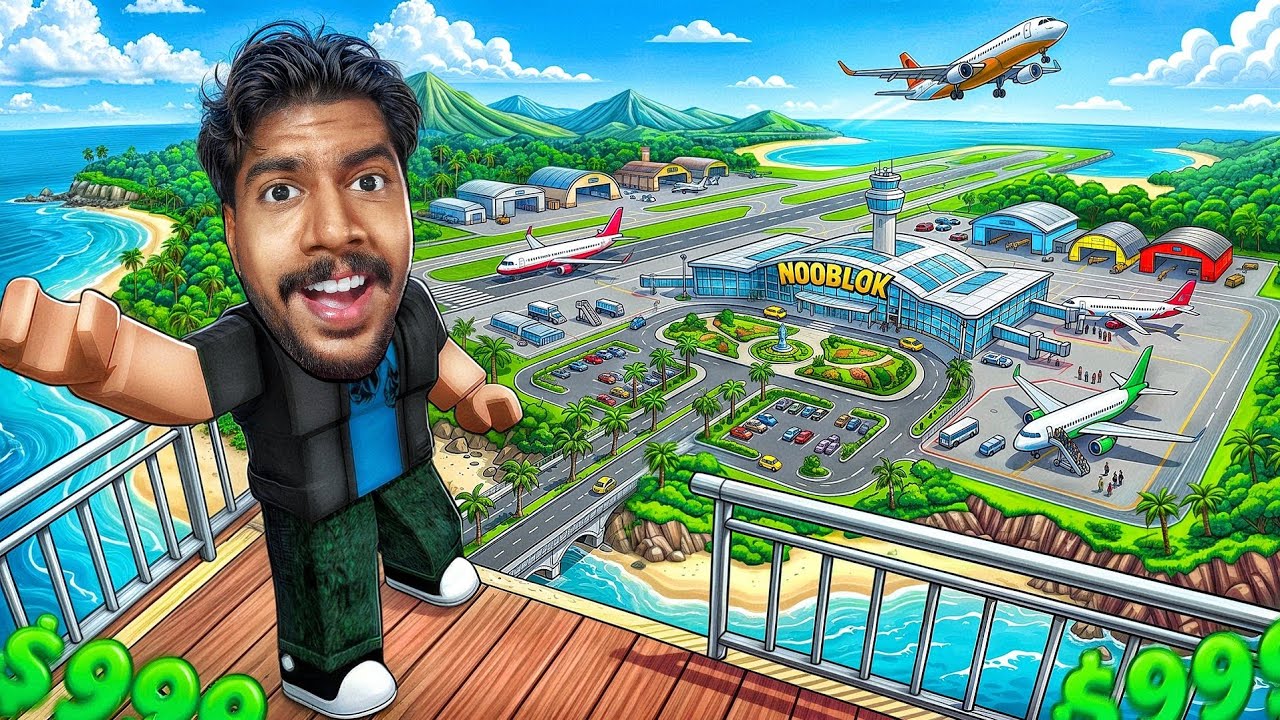
Building the "biggest" airport in Roblox is a major undertaking that balances creative architectural design with complex mechanical logistics. Because Roblox is a physics-based engine, simply placing objects is not enough; you must build with a "traffic-first" mentality to ensure your airport doesn't become a gridlocked mess of glitched aircraft and broken paths. To succeed, you must move beyond basic aesthetics and master the integration of runway logistics, terminal modularity, and server performance management.
Establishing the Foundation for Large-Scale Growth
The most common mistake builders make is starting on uneven terrain. In Roblox, physics objects—especially large vehicles like planes—react poorly to micro-bumps in the ground, which causes shaking, clipping, or permanent stalling.
- Flat-Ground Prep: Use the terrain editor to "Flatten" a massive area. Before placing a single terminal wall, define your boundaries. A massive airport needs a footprint significantly larger than your initial vision to account for future taxiway expansion.
- The Grid System: Adopt a strict grid layout from the start. By keeping your runway and terminal foundations aligned with the global grid, you ensure that every future expansion piece will snap together perfectly, preventing gaps or misalignment that can ruin the player experience.
- Material Choice: Use simple, low-part-count materials for the foundation. Over-detailing your runway surface early on increases the "part count," which is the primary enemy of performance in Roblox.
Optimizing Terminal and Gate Infrastructure
A massive terminal is only as good as its throughput. If players cannot navigate their aircraft from the taxiway to the gate without colliding with buildings, your airport will fail.
Design your terminals using a "Finger Pier" or "Satellite" layout. These modular designs allow you to add new gates as your airport grows without having to demolish the existing structure.
- Gate Spacing: Ensure at least 100–150 studs between gate centers. This accounts for the widest aircraft models currently popular in Roblox aviation games.
- The "Pushback" Zone: Always leave a wide, empty apron space in front of each gate. If a plane is parked too close to the terminal, it will lack the turning radius required to pull out, leading to "stuck" aircraft and server-wide traffic jams.
- Verticality: If you are running out of horizontal space, build multi-level terminals with sky-bridges. This keeps your ground-level footprint dedicated solely to taxiways and aircraft movement.
Mastering Aircraft Parking and Apron Management
Parking management is the hallmark of a professional-level airport build. To handle high traffic, you must categorize your parking bays based on size.
- Heavy/Long-Haul Zone: Dedicated areas with extra-wide taxi lines for jumbo jets.
- Regional/Short-Haul Zone: Smaller bays closer to the terminal for quick turnarounds.
- The Remote Apron: When your main terminal reaches capacity, build a secondary "Remote Apron" at the far end of the field. Use this for aircraft that don't need immediate passenger boarding, which prevents the main terminal from becoming a cluttered parking lot.
Pro-Tip: Use distinct colors of painted lines on the ground to indicate taxi paths. In Roblox, visual cues are essential for players who are unfamiliar with your specific airport layout.
Implementing High-Throughput Runway Logistics
The runway is the bottleneck of your entire airport. If your runway is inefficient, your airport will never feel "big" because planes will be stuck in a holding pattern forever.
- The Parallel Taxiway: Never force a plane to backtrack down the runway after landing. Build a full-length taxiway that runs parallel to the main runway. This allows a landing plane to exit the runway at the earliest possible taxiway turnoff, clearing the path for the next arrival.
- Runway Length vs. Surface: A runway that is too short limits the types of planes that can land, while one that is too long wastes valuable map space. Aim for a length that accommodates the largest aircraft in the game, but utilize "runway ends" (the striped zones) for visual length rather than physical concrete where possible.
- Lighting and Signage: Use high-visibility lighting markers. In Roblox, landing in the dark or during weather events is challenging; clear, bright runway end identifier lights (REIL) help pilots align their approach, which keeps traffic moving smoothly.
Balancing Aesthetics with Performance
The "biggest" airport in the world is useless if the server crashes or lags every time a player approaches. Roblox servers have limits on how much data they can process simultaneously.
- Part Budgeting: Use "Mesh" parts for complex assets like jet bridges or terminal seating. Meshes are significantly more performance-friendly than building these items out of standard Roblox "Parts."
- Collision Complexity: If you are building detailed ground support equipment (tugs, fuel trucks), set their collision property to "false" or use simplified hitboxes. This prevents vehicles from "bumping" against aircraft and causing catastrophic physics glitches.
- Detail Zoning: Focus your high-detail modeling on the "Landside" (the areas players see when they walk around the terminal) and keep the "Airside" (the runways and taxiways) relatively simple.
Strategic Decisions: When to Expand
Knowing when to expand is as important as knowing how. Avoid building your entire airport in one session. Instead, build in "Phases":
- Phase 1: Single runway and basic terminal with 4–6 gates.
- Phase 2: Parallel taxiway and remote parking apron.
- Phase 3: Terminal expansion (adding more gates to the existing structure).
- Phase 4: Specialized infrastructure, such as cargo zones or Hangar facilities.
By building in phases, you can test the functionality of your airport at every stage. If a specific gate layout is causing traffic issues, you can fix it immediately before it becomes a permanent part of your massive structure. Remember, in Roblox, the most successful airport creators are those who prioritize the flow of movement over the beauty of the build. If the planes can move, the players will come, and your airport will naturally become the biggest, busiest hub on the platform.

Free Roblox Codes
Current active codes and how to redeem them.

Michael Smith
Michael covers live-service games, events, reward systems, and efficient daily routines, turning frequent updates into clear actions for players.
COMMUNITY
Player Comments
101 players commented on this guide.
This saved me time in the early game.
The tips are practical and easy to follow.
This guide answered the exact question I had.
I wish I had read this before upgrading the wrong thing.