
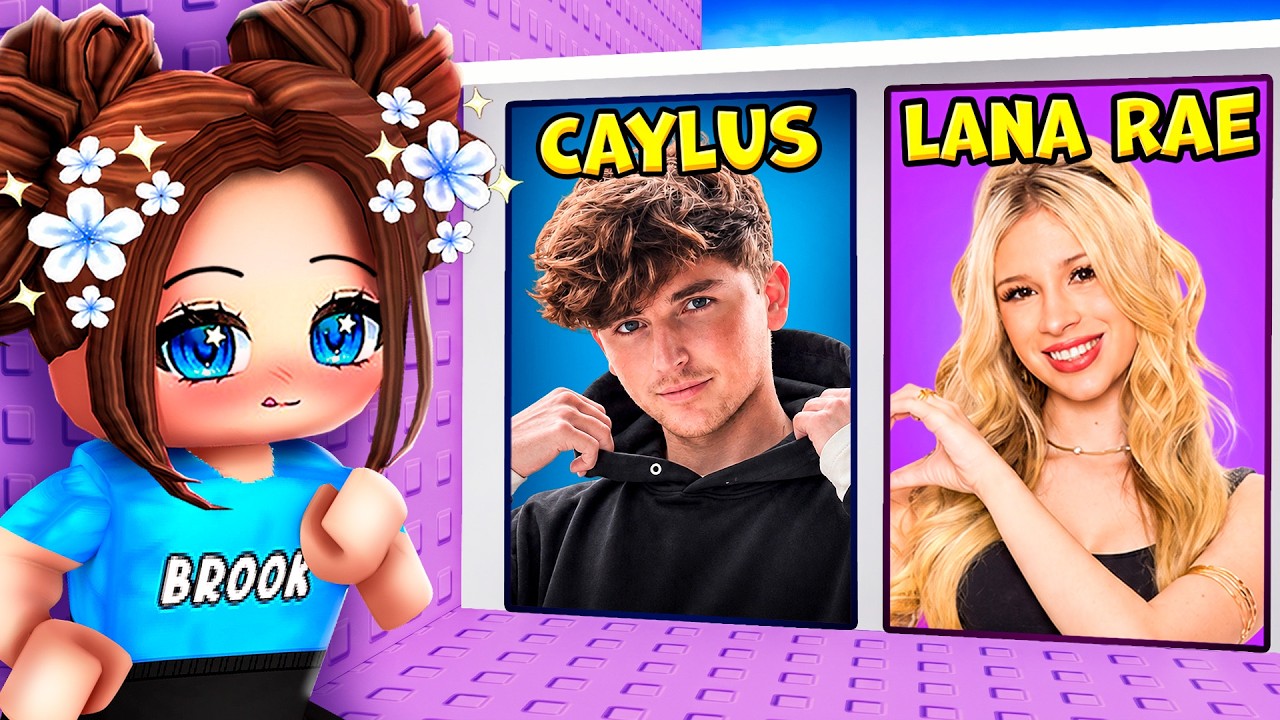
To clear decision points in Roblox YouTuber Tower obbies, select paths by analyzing jump distance, platform width, and visual hazards before jumping. Prioritizing predictable platform spacing over speed prevents unnecessary falls and eliminates long trips back from respawn points.
How to Evaluate "Would You Rather" Path Choices
At each junction in a YouTuber Tower obstacle course, players choose between two themed routes. Comparing the physical traits of each option reveals the safer route before committing to a jump sequence.
| Path Indicator | Low-Risk Signal | High-Risk Signal |
|---|---|---|
| Platform Spacing | Short, uniform gaps between blocks | Irregular or expanding gaps between ledges |
| Landing Footprint | Large base icons or wide solid blocks | Narrow beams, small icons, or cramped decorations |
| Surface Types | Stationary, single-color blocks | Disappearing colors or moving platform segments |
When evaluating two choices, look past creator logos or flashy themes. Select the route offering the largest landing zones and most consistent gaps. If a path features heavy decorative elements near the centerline, avoid it; decorative visual clutter often creates tight hitboxes that catch player avatars mid-jump.
Step-by-Step Navigation Strategy
Follow this sequence at every intersection to maintain control and avoid sudden falls:
- Approach the intersection on foot: Walk toward the decision point without jumping erratically. Staying grounded gives you maximum movement control while scanning both options.
- Identify visual hazards: Check the upcoming platform colors and surfaces. Watch out for disappearing blocks or moving parts linked to specific themed zones.
- Use scout players: If other players are ahead, watch them take a path. If a player falls through a fake block or misses a gap, immediately choose the alternate route.
- Commit to the center line: Aim your jump toward the middle of the targeted platform rather than its edges to clear hitboxes cleanly.
- Pause for camera stabilization: After stepping onto the new path, pause for a split second. Waiting for the camera angle to settle prevents disorienting input errors on your next jump.

Free Roblox Codes
Current active codes and how to redeem them.

Sarah Williams
Sarah specializes in RPG and collection games, explaining team building, character growth, and beginner-friendly ways to avoid expensive early mistakes.
COMMUNITY
Player Comments
101 players commented on this guide.
Nice guide. I am checking the other Roblox articles next.
The tips are practical and easy to follow.
The explanation is clear, especially for beginners.
Can you add more details about strategy in a future update?