
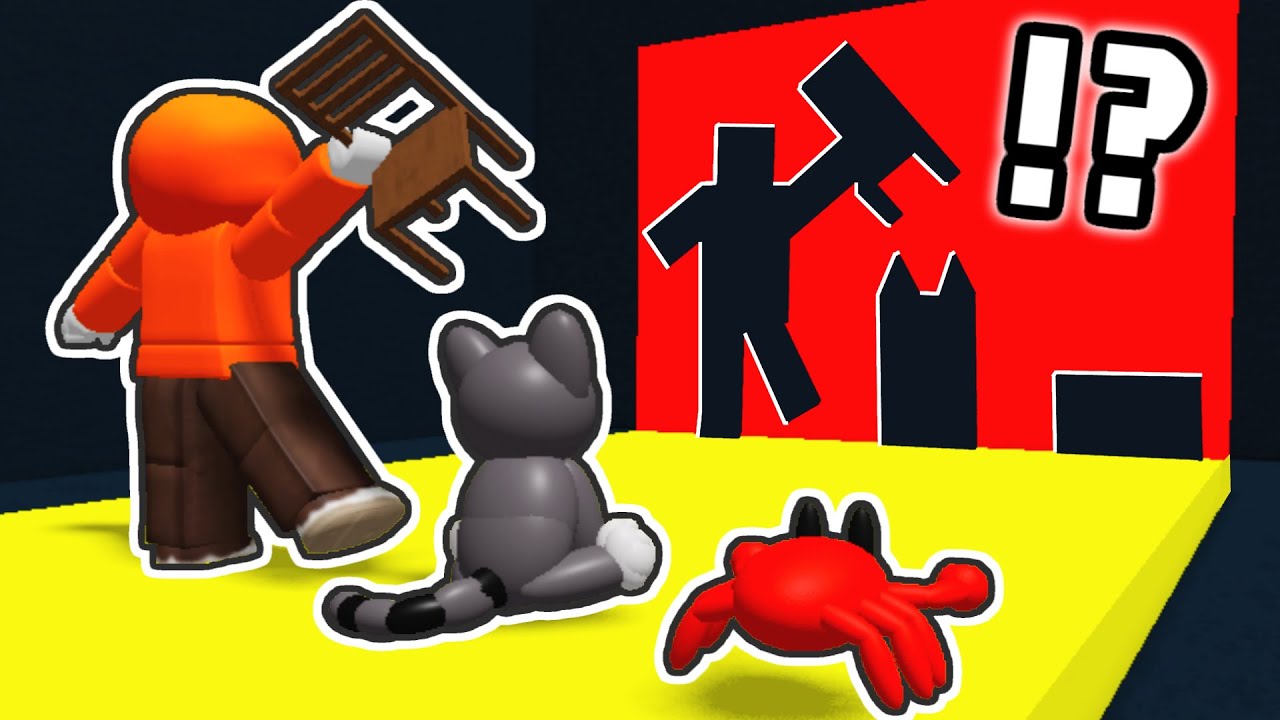
To clear moving walls in Roblox Hole in the Wall experiences, stand in the middle third of the platform, square your camera directly forward, and align your avatar with the approaching cutout before the barrier reaches the platform edge. Touching any solid part of the wall pushes your character backward off the ledge into the hazard pit, ending your run.
Managing Platform Positioning
Your standing position controls how much time you have to interpret an approaching cutout and correct your character's alignment.
| Platform Zone | Reaction Time | Knockback Margin | Recommended Use |
|---|---|---|---|
| Front Edge | Minimal | High | Avoid; gives no time to correct lateral errors. |
| Center Platform | Balanced | Moderate | Default zone; provides time to read shapes and recover. |
| Back Ledge | Maximum | None | Risky; allows maximum reading time, but any clip causes instant elimination. |
Reset your character to the center of the platform horizontally and vertically between waves. Standing in the center minimizes the travel distance required to reach cutouts positioned on the far left or far right edges of the barrier.
Aligning Avatar Hitboxes with Cutout Types
Roblox collision models rely on standard avatar boundaries. Any accessory, limb, or torso collision with the solid frame triggers displacement.
Ground-Level Openings
- Align your avatar directly with the middle of the opening as soon as the wall renders.
- Rotate your camera to point straight ahead rather than at an angle. Angled camera views warp depth perception and make it difficult to judge shoulder clearance.
- Stop lateral movement once centered. Strafing right before contact frequently drags avatar hitboxes into the boundary trim.
Elevated and Jumping Cutouts
High cutouts require matching your jump arc's apex to the exact moment the wall passes your position:
- Jump Initiation: Jump roughly one to two avatar lengths before the moving wall reaches your position.
- Early Jump Failure: Jumping too early causes your avatar to begin falling before the barrier passes, catching your upper body on the lower ledge.
- Late Jump Failure: Jumping too late causes your avatar's head to collide with the upper solid frame of the barrier.
Handling Crowded Multiplayer Platforms
Other players share the same platform and can physically block openings, obscure your view, or push your avatar off-target.
- Claim an open slot: If a wall presents multiple safe openings, move toward an unoccupied lane rather than trailing directly behind another player.
- Pitch your camera upward: Raise your camera angle slightly downward toward the track. A top-down tilt lets you read cutout silhouettes over taller avatars.
- Commit early: Pick a lane immediately and hold your position. Indecisive path adjustments increase the chance of bumping into adjacent survivors.
Adjusting for High-Speed Rounds
As barrier movement speeds increase in later rounds, visual processing speed becomes the primary survival factor:
- Scan the barrier the moment it renders at the far end of the lane to identify cutout height and lateral lane.
- Sprint directly to the required horizontal lane before making any height adjustments.
- Lock your position and execute your jump timing only after your lateral footing is stable.
- Unequip oversized avatar bundles or wide cosmetic accessories if you struggle with visual clearance, as large items obscure where your active collision boundaries sit.

Free Roblox Codes
Current active codes and how to redeem them.

Emily Johnson
Emily writes practical mobile strategy guides with a focus on resource planning, base progression, and the early decisions that shape a long-term account.
COMMUNITY
Player Comments
156 players commented on this guide.
Can you add more details about early game in a future update?
The explanation is clear, especially for beginners.
Nice guide. I am checking the other Roblox articles next.
I wish I had read this before upgrading the wrong thing.