
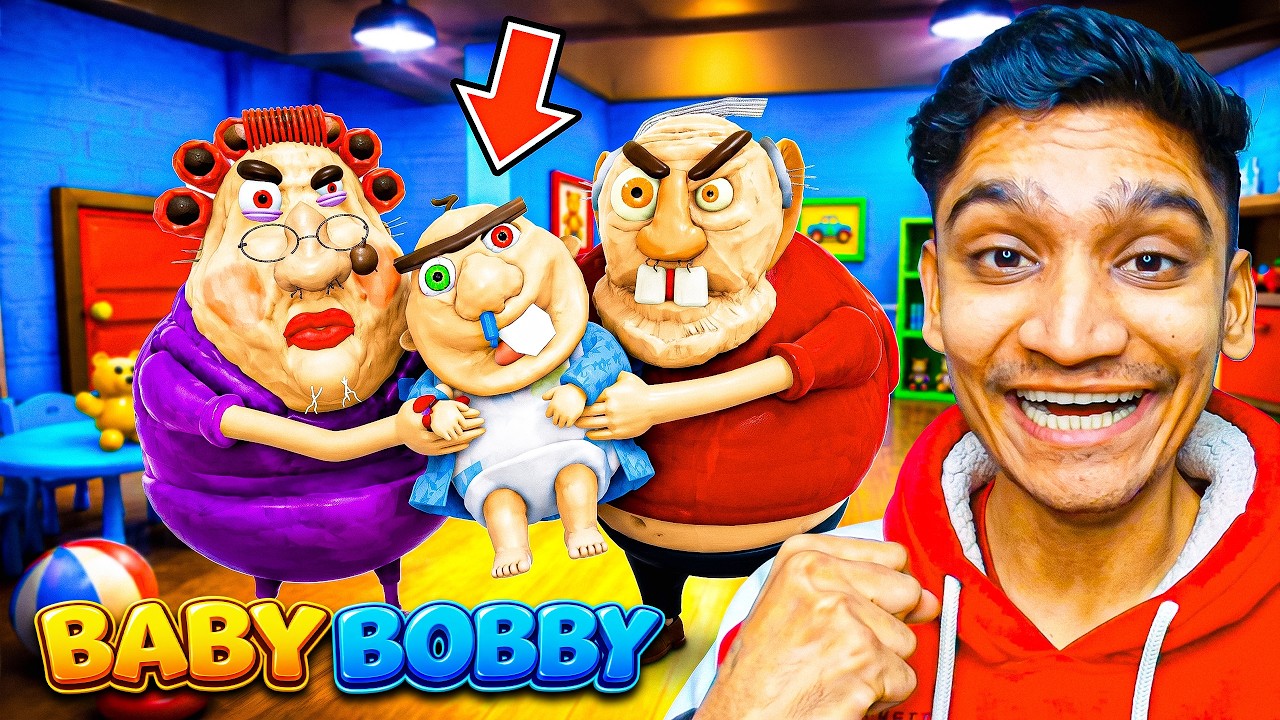
Surviving "Escape Evil Baby Bobby" or "Evil Grandpa" style obbies in Roblox requires more than just standard jumping mechanics; it demands a fusion of high-level spatial awareness and split-second reaction times. In these high-intensity horror experiences, the antagonist acts as a dynamic AI-driven hazard that actively tracks your position, turning simple navigation into a high-stakes game of cat and mouse.
To survive the persistent pursuit of Evil Baby Bobby, you must prioritize distance management, optimize your movement pathing, and master the specific technical quirks of the Roblox engine. This guide breaks down the essential strategies needed to navigate these hazard-filled environments without falling victim to the antagonist.
The Mechanics of AI Pursuit
In most Roblox horror obbies, the antagonist—whether it’s Evil Baby Bobby or an Evil Grandpa—utilizes a "chase" script that follows the player’s coordinates. Understanding how this AI functions is the first step to beating it.
The AI typically relies on pathfinding that follows the shortest distance to your current position. However, this pathing often fails when it encounters complex geometry or vertical elevation changes. Because the AI is programmed to move toward your last known location, "breaking" its line of sight or forcing it to navigate around complex furniture setups can buy you the precious seconds required to finish a puzzle or pass a difficult jump sequence. Treat the AI not as a scripted event, but as a dynamic obstacle that reacts to your presence; if you remain in its path, it will catch you.
Mastering Movement Under Pressure
The primary challenge in any "Escape" obby is maintaining momentum while avoiding collision. If you stop moving, the antagonist will inevitably catch up. To maintain an edge:
- Rhythmic Jumping: Do not spam the jump button. Practice a consistent rhythm to ensure your character lands squarely on the platform rather than clipping the edge, which can cause a "stumble" animation that kills your speed.
- Avoid Wall-Hugging: Collision detection in Roblox can be finicky near corners. When moving through narrow hallways, stay toward the center or perform a "strafe-jump" to clear doorways. Hugging the wall often results in your character model snagging on environmental geometry, giving the AI the opening it needs.
- The "Active Idle" Strategy: If you encounter a puzzle or a locked door, never stand perfectly still. Move your character in small, tight circles or back-and-forth patterns. This keeps your character’s momentum high, allowing you to transition into a full sprint the moment the path opens.
Strategic Use of Environmental Hazards
The map design in these Roblox experiences is intentionally cluttered. While this makes movement difficult, you can turn the environment into your strongest defense.
Leveraging Verticality
Most AI pathing in Roblox is optimized for flat, floor-level movement. Whenever possible, jump onto tables, chairs, or elevated platforms. If you force the AI to navigate around a large obstacle or climb an object, you significantly increase the time it takes for them to reach you.
Kiting the Antagonist
"Kiting" is the art of leading the enemy into a longer route than the one you are taking. If you are in a room with a central obstacle (like a kitchen island or a bed), run around it in a wide arc. By the time the AI reaches your previous position, you should already be on the opposite side, moving toward the next objective. This creates a "buffer zone" that is essential for surviving high-tension sequences.
Advanced Camera Control for Precision
One of the most common mistakes players make in horror obbies is leaving the camera in its default position. In the tight, cluttered indoor spaces typical of these maps, the camera often clips into walls, forcing your character into a blind spot.
- Top-Down Perspective: Adjust your camera to a higher, slightly top-down angle. This gives you a clear view of the floor, the platforming gaps, and the distance between you and Evil Baby Bobby.
- Preemptive Rotation: Before landing a jump, use your mouse to rotate the camera toward your next landing spot or the next hallway. By the time your character touches the floor, you should already be looking at your exit route. This removes the "reaction lag" that causes most players to die.
Prioritizing Objectives Over Exploration
It is tempting to look at the high-quality assets and creepy details in these Roblox games, but these are often traps designed to distract you.
- Identify the Objective: As soon as you enter a room, scan for the "goal" (a key, a button, or a doorway).
- Pathing Efficiency: Do not take the "scenic route." Take the straightest line possible to the objective.
- Ignore Decoration: Do not waste time jumping on non-essential objects. If an object does not lead to the exit or help you gain height, it is a hindrance to your speed.
Common Mistakes to Avoid
- Panic Jumping: When the antagonist gets close, players often jump uncontrollably. This usually leads to falling off platforms or missing landing zones. Stay calm; controlled, steady movement is always faster than frantic, erratic movement.
- Ignoring Sound Cues: Most horror obbies use audio cues to indicate how close the antagonist is. If you hear heavy footsteps or baby-themed sound effects getting louder, change your pathing or increase your speed immediately.
- Forgetting to Check Your Back: If you have a moment of safety, turn your camera back to check the distance. Knowing exactly how far behind the antagonist is will help you decide whether you have time to solve a puzzle or if you need to keep running.
By treating the obby as a series of tactical movement challenges rather than a standard platformer, you can effectively outmaneuver the AI. Remember, in Roblox horror games, distance is your most valuable resource—keep it, manage it, and use it to reach the end.

Free Roblox Codes
Current active codes and how to redeem them.

Michael Smith
Michael covers live-service games, events, reward systems, and efficient daily routines, turning frequent updates into clear actions for players.
COMMUNITY
Player Comments
92 players commented on this guide.
Good guide for Roblox players. The strategy part was useful.
Can you add more details about strategy in a future update?
Nice guide. I am checking the other Roblox articles next.
The explanation is clear, especially for beginners.