
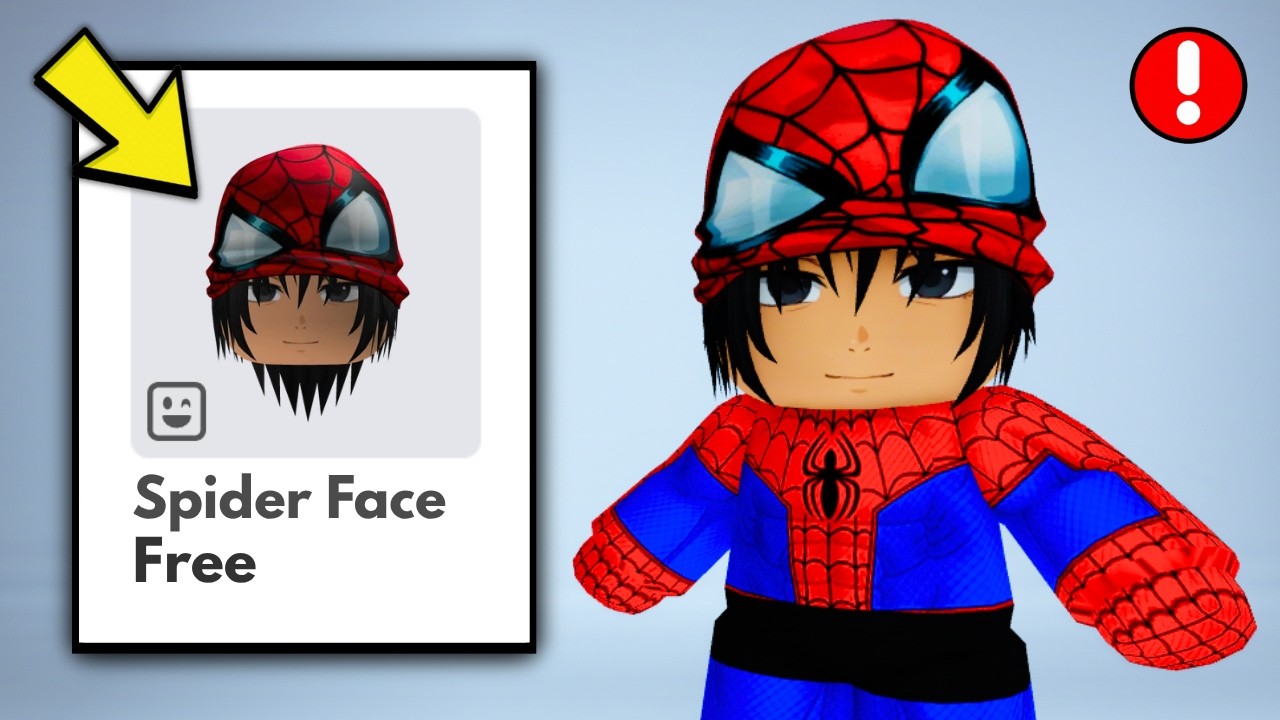
To get free avatar cosmetics in Roblox without spending Robux, join active brand or promotional event experiences and complete their in-game quest objectives. Items unlock directly through event progress, badge achievements, or dedicated reward menus inside participating games.
Finding Active Free Item Events
Most free User Generated Content (UGC) and promotional accessories are earned inside specific branded experiences rather than the standard Avatar Shop.
- Check Game Hub UI: Look for a Free Items, Quests, or Rewards icon on the game's main screen before playing.
- Verify Active Status: Read the experience description and check the Badges section on the game page. If the achievement badge for an item is no longer obtainable, the promotional event has ended.
- Watch Event Countdowns: If an in-game event board features a timer, finish those tasks first before the rewards rotate out of availability.
Completing In-Game Quests
Promotional rewards generally fall into two quest categories: map exploration or mini-game performance.
- Exploration Quests: Tasks requiring you to collect hidden objects (such as finding 10 items around a map) reward systematic searching. Check behind large structures, inside building corners, and on top of elevated platforms.
- Performance Quests: Objectives that require winning rounds or hitting score targets can be completed more easily on free private servers if the experience offers them. This prevents other players from competing for the same interactive nodes or targets.
Claiming and Verifying Inventory Delivery
After completing a quest objective, make sure the cosmetic successfully registers to your Roblox account.
- Trigger the Unlock: Some events award items automatically upon completing a quest, while others require opening the event UI and clicking a manual Claim button.
- Confirm the Badge: Ensure the "Item Unlocked" or badge notification appears in the lower-right corner of your screen before exiting the experience.
- Troubleshoot Delays: If an unlocked item does not show up immediately in your Avatar Editor, filter your inventory under Accessories by Recently Added or restart the Roblox client to force a server synchronization update.
Recommended Hunting Sequence
To maximize your collection speed while avoiding quest burnout, structure your hunting order by task difficulty:
| Priority Level | Quest Type | Strategy |
|---|---|---|
| 1. Immediate | Instant Join Rewards | Join the experience and claim items that grant immediately upon loading in. |
| 2. Short Tasks | Quick Minigames & Scavenger Hunts | Clear tasks requiring under 10 minutes, such as finding a few hidden nodes. |
| 3. High Effort | Long Grinds & Competitive Wins | Save time-consuming score thresholds or multi-day check-in requirements for last. |
Account Security Reminders
Only claim free accessories through official Roblox experiences and verified badge interactions. Avoid third-party websites claiming to generate item codes or requiring account logins. Authentic event rewards are added to your inventory solely through active gameplay and official badge triggers.

Free Roblox Codes
Current active codes and how to redeem them.

James Brown
James focuses on Android gaming on PC, emulator setup, controls, performance tuning, and practical troubleshooting for longer play sessions.
COMMUNITY
Player Comments
98 players commented on this guide.
The tips are practical and easy to follow.
Can you add more details about updates in a future update?
This helped me understand updates much better.
Good guide for Roblox players. The updates part was useful.