
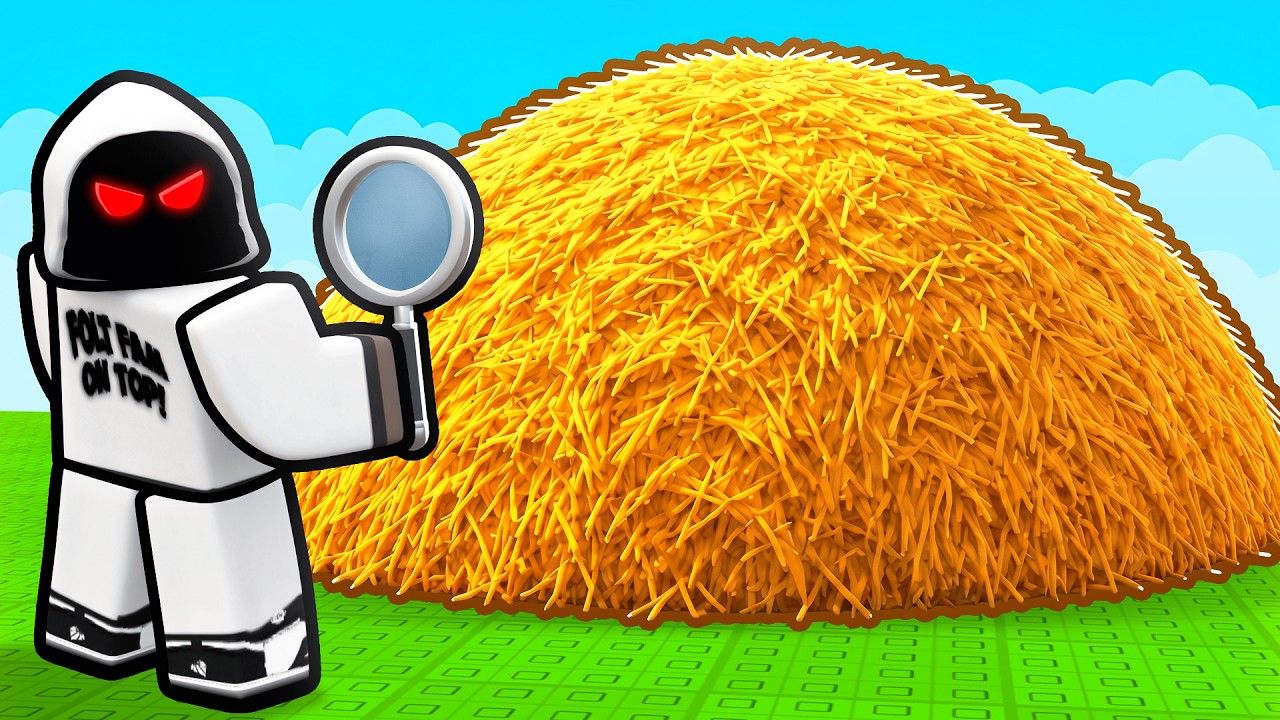
To locate tiny, camouflaged items such as needles in Roblox search maps, immediately switch to a first-person camera perspective, lower your movement speed, and scan cluttered areas in structured horizontal rows.
Switch to First-Person and Adjust Camera Sensitivity
Third-person view frequently causes your avatar or wall geometry to obscure small floor details. Zooming all the way in forces a first-person view, providing an unobstructed line of sight to floor tiles, corners, and hidden crevices.
If precise camera control is difficult, lower your mouse sensitivity. High sensitivity can cause your crosshair to skip across minute pixel details, whereas lower sensitivity makes it easier to track thin outlines across uneven surfaces.
Execute Grid Scanning Patterns
Random searching often leads to skipped spots and unnecessary backtracking. Divide high-density search areas into a mental grid and scan systematically:
- Position your character at the top-left corner of the target zone.
- Pan the camera across the area in a straight horizontal line from left to right.
- Shift your view down one row and sweep back in the opposite direction.
- Repeat this process until you complete full coverage of the floor space.
When an item shares a color palette with its background, watch for slight visual breaks, such as inconsistent shadow edges or subtle lighting highlights on top of environmental models.
Movement Controls Checklist
Adjusting your movement prevents visual distortion and helps expose hidden hitboxes:
- Disable Sprinting: Move at walking speed to eliminate motion blur while inspecting detailed terrain.
- Enable Shift Lock: Use Shift Lock (if permitted by the map) to keep your vision centered while strafing sideways across search lines.
- Vary Eye Level: Jump or crouch near suspicious props. Changing your eye height can reveal items placed slightly underneath surface geometry or trigger an interaction prompt.
- Check Perimeter Radii: Walk directly over dense object clusters to check if close proximity activates a faint glow or particle hint.
Shift Search Angles to Clear Visual Fatigue
Prolonged scanning of cluttered assets can lead to search fatigue. If an area yields no results after a full sweep, change your approach angle. Approaching a section from the opposite side alters how shadows and highlights render, making camouflaged items stand out against the background texture.

Free Roblox Codes
Current active codes and how to redeem them.

Emily Johnson
Emily writes practical mobile strategy guides with a focus on resource planning, base progression, and the early decisions that shape a long-term account.
COMMUNITY
Player Comments
36 players commented on this guide.
This saved me time in the early game.
This guide answered the exact question I had.
Good guide for Roblox players. The strategy part was useful.
I tried this today and it worked better than my old setup.