
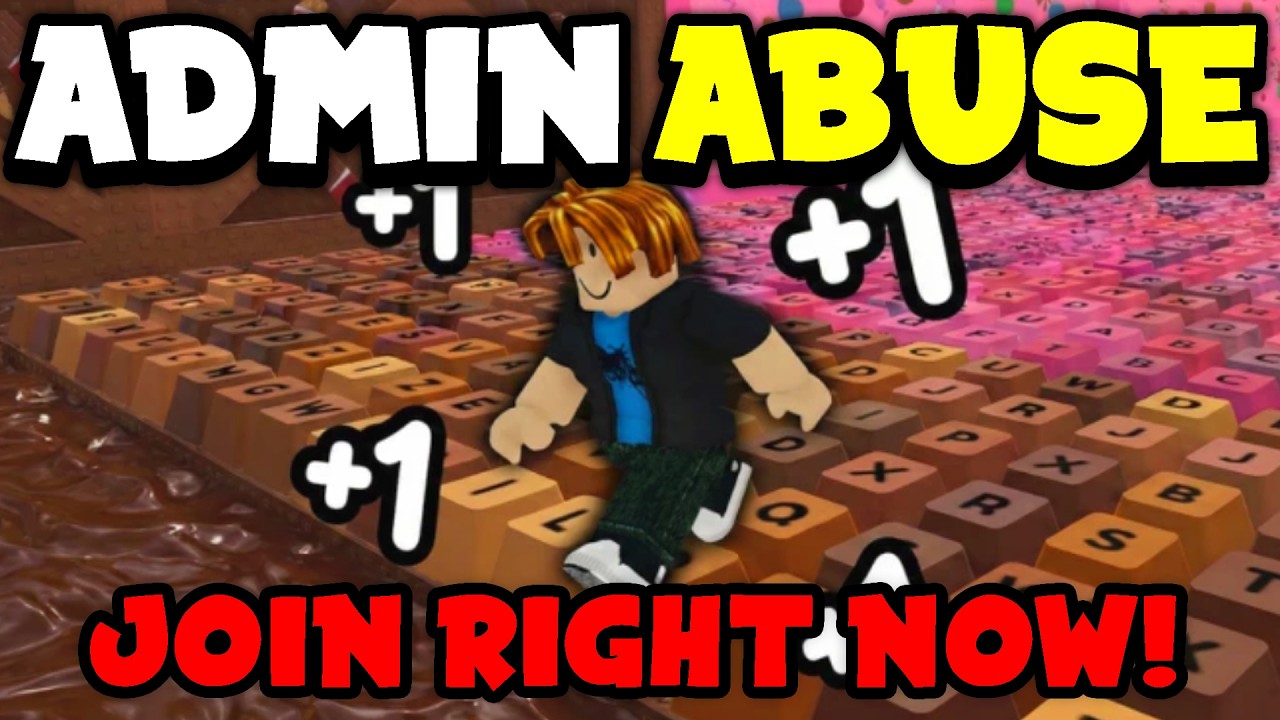
Navigating user-created experiences on the Roblox platform—specifically fast-paced obbies like +1 Speed Keyboard Escape—requires a clear understanding of how to protect your gameplay from disruptive administrative abuse. Admin abuse occurs when players with elevated permissions use tools to manipulate game mechanics, harass others, or halt progression for their own amusement. Because these games rely on consistent physics and fair level design, any unauthorized interference can ruin your progress. This guide provides the expert strategies needed to identify these issues, protect your time, and ensure you remain in control of your Roblox experience.
Understanding Admin Abuse in Obby Games
In the context of +1 Speed Keyboard Escape, admin abuse typically involves the misuse of "Admin Commands." These are scripts that allow users to alter the game environment in real-time. While developers often include these tools for testing or for VIP players, they are frequently exploited to create toxic environments.
Common patterns of abuse include:
- Physics Manipulation: Abusers may set the global jump power or walk speed to extreme levels, making it impossible to navigate the keyboard-themed platforms accurately.
- Forced Teleportation: You might find your character suddenly moved to the end of the course, or more commonly, "spawn-killed" or moved to an inaccessible area of the map.
- Environment Alteration: Removing parts of the floor (creating "voids"), spawning giant objects to block paths, or changing the skybox and lighting to create visual confusion.
- Targeted Harassment: Using server-wide announcements or "kill" commands to specifically target players who are making progress, effectively resetting their run.
Recognizing these patterns early is critical. If you notice the game world behaving erratically—such as objects flickering or your character’s speed changing without you collecting a "+1" speed boost—you are likely in a compromised session.
Immediate Steps When You Encounter Abuse
Your time is valuable, and trying to "outplay" an abusive admin is rarely successful, as they usually hold the power to reset the server or kick you entirely. Follow these steps to minimize frustration:
- Stop Attempting the Course: As soon as you realize the game mechanics are being manipulated, stop moving. Continuing to play often encourages the abuser to focus on you.
- Open the Player List: Press the
Tabkey (or the menu icon on mobile) to view the list of players. Look for players with specific badges or icons next to their names that indicate admin status. - Exit the Server: Do not waste energy arguing in the chat. The most effective action is to leave the server immediately. Click the Roblox icon in the top-left corner, select "Leave," and return to the game’s main page.
- Join a Fresh Instance: If the game supports multiple servers, avoid re-joining the same one. Use the "Servers" tab on the game’s landing page to select a different, smaller, or newer instance.
Utilizing Roblox Reporting Tools
Reporting is the primary way the Roblox community self-regulates. While it may feel like a passive action, consistent reporting creates a data trail that allows Roblox moderation teams to identify and ban repeat offenders.
To report abuse effectively:
- Access the Report Menu: Click the Roblox icon while in-game, select the "Report" tab, and choose the offending player from the list.
- Select the Correct Category: Choose "Harassment" or "Disruptive Gameplay." Be specific if the menu allows for a text description.
- Document the Behavior: Note down the username and, if possible, take a screenshot or screen recording using your system’s built-in tools. While you cannot attach these to the initial report, having evidence is useful if you follow up with game developers via their official community servers or social links.
Strategies for a Safer Experience
Beyond reacting to abuse, you can take proactive measures to ensure your sessions in +1 Speed Keyboard Escape remain uninterrupted.
Server Selection Tactics
Public servers are high-traffic environments where admin abuse is most frequent. If you have friends who play, try to join a "Private Server" (if available) or coordinate to join a server with fewer people. Smaller servers are less attractive to "trolls" who seek a large audience for their disruptive behavior.
Community Engagement
Many high-quality Roblox experiences have a dedicated Discord server or Roblox group. These communities often have strict rules against admin abuse. By joining the official group for +1 Speed Keyboard Escape, you can:
- Find Moderated Servers: Developers often post links to "trusted" or "moderated" servers.
- Report Directly to Developers: If a specific player is a known abuser, reporting them to the game's developers through their official Discord can lead to the player being banned from the game entirely, rather than just being reported to general Roblox moderation.
Managing Your Expectations
Understand the nature of the platform. Because Roblox is an open ecosystem, some games provide admin tools as a monetization feature (e.g., "Buy Admin for 500 Robux"). In these cases, the abuse is an intended, albeit annoying, part of the game’s design. If you find that the game’s community is inherently toxic or that the developers encourage abuse as part of the game loop, it is often better to find a different, more stable obby to play.
Mistakes to Avoid
- Engaging the Abuser: Typing in the chat to complain only feeds the "troll" persona. Abusers want attention; ignoring them is the fastest way to make them move on to a different target.
- Staying in the Server "Just to See": Staying in a lobby where the physics are broken, or where you are being harassed, only wastes your time. Your goal is to enjoy the game, not to document every instance of poor behavior.
- Retaliation: Do not attempt to use exploits or hacks to "fight back." Using third-party software to gain an advantage in response to an abusive admin is a violation of the Roblox Terms of Use and will result in your own account being banned.
Conclusion
Admin abuse is an unfortunate but common reality in many Roblox experiences. By maintaining a proactive stance—recognizing the signs of manipulation early, utilizing the platform’s reporting features, and knowing when to switch to a new server—you can ensure your time in +1 Speed Keyboard Escape remains fun and rewarding. Focus on your own growth and progression, and do not let the actions of disruptive players derail your experience. By choosing stable environments and engaging with well-moderated communities, you ensure that your journey to the top of the keyboard is determined by your skill, not by someone else’s commands.

Free Roblox Codes
Current active codes and how to redeem them.

James Brown
James focuses on Android gaming on PC, emulator setup, controls, performance tuning, and practical troubleshooting for longer play sessions.
COMMUNITY
Player Comments
46 players commented on this guide.
This saved me time in the early game.
I tried this today and it worked better than my old setup.
Good guide for Roblox players. The strategy part was useful.
This helped me understand strategy much better.