
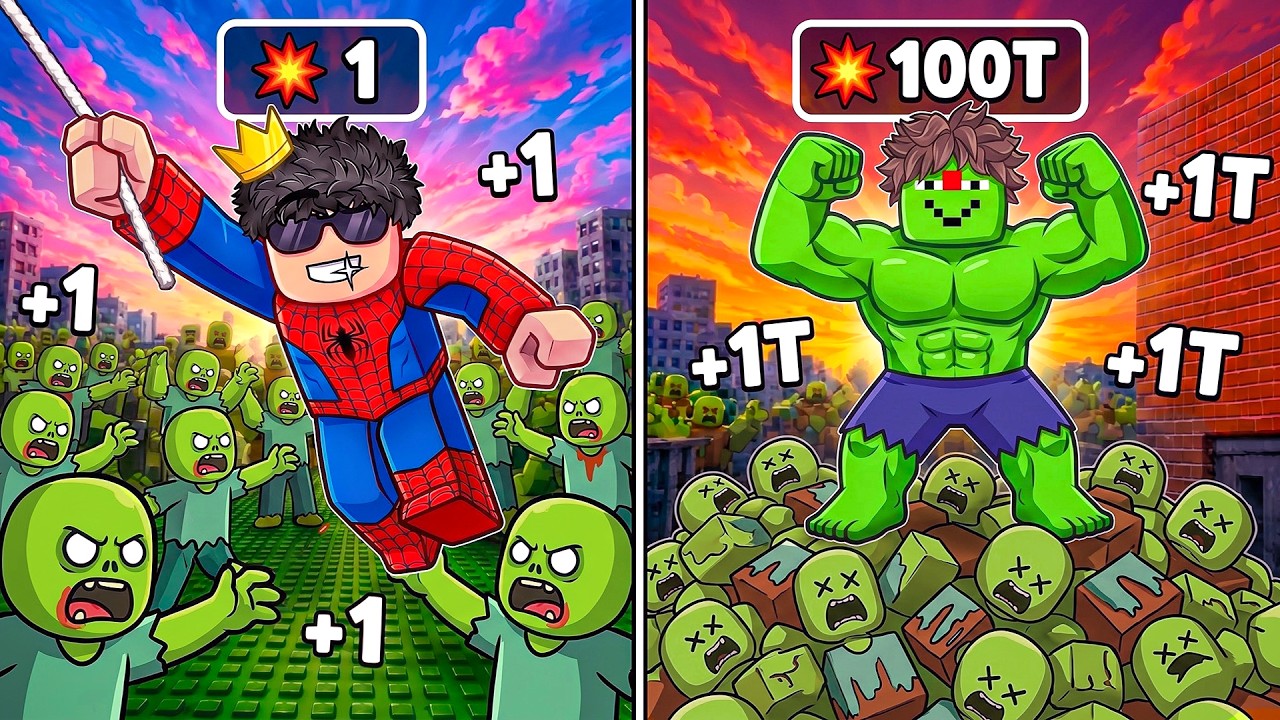
Becoming a superhero in Roblox is one of the most popular ways to experience the platform’s diverse range of user-created games. Whether you are navigating a high-stakes obstacle course (obby) or roleplaying in a custom city map, superhero transformations fundamentally change how you interact with the game engine. Because Roblox hosts millions of unique experiences, these mechanics vary widely, but they generally follow a set of core principles involving state-switching, physics manipulation, and strategic archetype selection.
This guide provides the authoritative breakdown of how to trigger these transformations, optimize your movement once powered up, and avoid common pitfalls that reset your character.
Understanding the Superhero Transformation Mechanic
In most Roblox titles, "becoming a superhero" is a programmatic state change. When you interact with a specific portal, pedestal, or "hero zone," the game script replaces your current avatar model with a specialized hero character.
Triggering the Transformation
Transformations are almost always tied to specific environmental triggers. These are not passive; they require player intent. You will typically find these in the following formats:
- Hero Portals: Physical gateways that, when walked through, instantly swap your character skin and apply status buffs.
- Choice Pedestals: A "Would You Rather" style setup where you stand on a platform to lock in a specific hero archetype.
- Narrative Triggers: In story-driven experiences, your character may transform automatically after completing a specific task or finding a hidden item.
Expert Insight: Always watch for visual cues on the ground, such as glowing particles or color-coded tiles. If you find yourself in a map where transformations seem missing, check for "reset" buttons nearby that return you to your base state, as these often double as the re-entry point for transformations.
Choosing Your Hero Archetype Wisely
Many games offer a choice between different hero archetypes. While this may seem like a purely aesthetic decision, the choice often dictates your movement profile for the remainder of the session.
The Impact of Archetypes
- Speed-Based Heroes: These archetypes typically feature increased walk speeds but lower jump heights. They are ideal for flat obstacle courses or "speed run" challenges.
- Agility-Based Heroes: These models often have a higher jump power and gravity-defying attributes. They are essential for complex, vertical platforming sections.
- Heavy/Power-Based Heroes: These often come with larger hitboxes. While they look impressive, they can make navigating narrow, high-precision pathways significantly more difficult.
Strategic Decision: Before committing to a hero, observe the upcoming terrain. If you see a series of small, floating platforms, choose the archetype with the highest agility. If you see long, linear paths, opt for the speed-based hero.
Navigating Movement Physics and Obstacle Courses
Once transformed, your avatar’s physics often change. A common mistake new players make is assuming their movement remains identical to their default Roblox avatar.
Mastering the "Hero Physics"
- The Hitbox Adjustment: Superhero models are often larger or feature "flair" (capes, weapons, or glowing effects). These visual elements can obscure your feet. Since Roblox hitboxes are anchored at the center/base, you must rely on your camera angle to ensure your character's feet land precisely on the center of a block.
- Momentum Management: Many hero forms have increased walk speed. High speed in Roblox can cause "slippery" movement, where your character slides slightly after you release the movement key. To compensate, start braking (releasing your movement key) roughly half a second earlier than you would with a standard avatar.
- Perspective Control: When navigating difficult jumping sections, zoom your camera into a "Third-Person Over-the-Shoulder" view. This helps you gauge the distance between platforms more accurately than a wide, pulled-back camera.
Limitations and Trade-offs
Superhero forms are rarely permanent. Understanding the "reset" triggers is crucial for maintaining your status throughout a session.
- Boundary Collisions: Many maps have invisible walls or "anti-hero" zones. If you cross these boundaries, the script will force your character back to the default state. Keep an eye on the floor texture; if the ground color shifts, you are likely entering a new zone that might force a transformation reset.
- Interaction Limits: Some hero forms are programmed to be incompatible with certain game objects (like vehicles or weapons). If you find yourself unable to interact with an item, your current hero model may be the culprit. Try finding a "reset" portal to return to your default form before attempting to use the object.
Maximizing Social Interaction and Fun
Beyond the mechanics, superhero transformations are a staple of Roblox social culture. They are designed to be visual spectacles.
- Roleplay Synergy: If you are playing with friends, coordinate your hero choices. Having a "team" of heroes with consistent color palettes or themes makes for much better content and more engaging roleplay.
- Standing Out in Lobbies: In crowded servers, hero transformations are the fastest way to get noticed. Use your hero’s unique animations—often triggered by specific keys—to interact with other players.
- Community Challenges: Many players use these transformations to host "Hero vs. Villain" matches. Lean into the narrative. If you are a speed-based hero, challenge others to a race; if you are an agility-based hero, offer to lead the way through the hardest parts of the obby.
Troubleshooting Common Issues
If you encounter bugs while transforming, follow these steps to resolve them:
- The "Stuck" Transformation: If your avatar appears glitched or partially transformed, walk back into the transformation portal. Most scripts are designed to re-run the "apply" function when you re-enter the zone.
- Missing Abilities: If your hero model loaded but you aren't moving faster, check your settings to ensure you haven't accidentally disabled "Shift Lock." Shift Lock can sometimes interfere with movement scripts in custom games.
- Performance Drops: If the transformation adds too many particle effects and causes lag, look for an in-game settings menu. Many high-quality Roblox games include a "Low Graphics" or "Disable Effects" toggle that keeps the hero form but removes the lag-inducing visual clutter.
By combining an understanding of the game's physics with a strategic approach to selecting your archetype, you can master any superhero-themed experience on Roblox. Remember: the transformation is a tool—use the unique movement properties to your advantage, and always keep an eye on the environmental boundaries to maintain your hero status until the very end.

Free Roblox Codes
Current active codes and how to redeem them.

Sarah Williams
Sarah specializes in RPG and collection games, explaining team building, character growth, and beginner-friendly ways to avoid expensive early mistakes.
COMMUNITY
Player Comments
140 players commented on this guide.
Good guide for Roblox players. The heroes part was useful.
I wish I had read this before upgrading the wrong thing.
This saved me time in the early game.
Nice guide. I am checking the other Roblox articles next.