
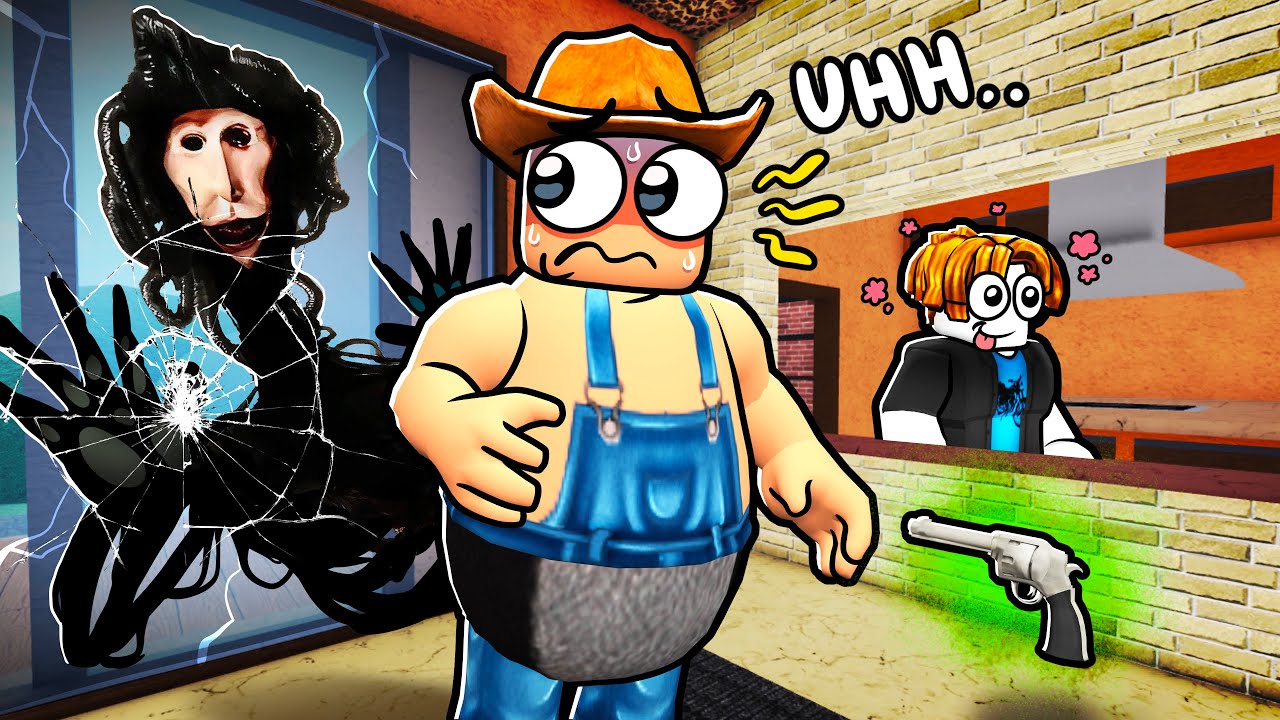
To determine if an unusual Roblox experience is intentionally stylized as a "cursed" or parody game rather than broken, check whether task completion and map navigation remain functional despite audio-visual glitches.
Evaluating Stylized Anomalies vs. Technical Failures
Unconventional Roblox experiences subvert standard design rules using deliberate distortions. Genuinely broken games fail because of unhandled code errors and poor optimization.
| Evaluation Area | Intentional "Cursed" Design | Technical Failure / Bug |
|---|---|---|
| Progression | Tasks and map transitions remain navigable despite visual quirks. | Unusable buttons or crashes prevent basic game progression. |
| User Interface | Custom GUIs subvert standard shortcuts with deliberate font or color clashes. | Menus fail to load or unresponsively lock inputs without design intent. |
| Movement & NPCs | Custom scripts bypass default collision or loop jerky animations on contact. | Avatars lock up or freeze due to server desync and broken physics logic. |
| Audio & Visuals | Screen overlays, ambient lighting shifts, and distorted audio follow set rhythms. | Missing textures and random audio cutouts occur without systematic timing. |
| Asset Quality | Creators use deliberately low-quality variants of default assets for satire. | High-resolution assets fail to render or leave blank collision boxes. |
How to Navigate Unusual Experiences
When exploring an experience with distorted systems, follow these practical steps to manage performance and maintain control:
- Verify Interface Feedback: Test standard Roblox shortcuts. Custom GUIs may block standard hotkeys or display decorative buttons that do not trigger sound effects or highlights.
- Test Physics Before Moving: Do not rely on default jump heights or collision boxes. Check if avatars clip through surfaces without hitting standard death planes.
- Watch Lighting and Environment Shifts: Transitions from bright to dark lighting frequently signal a mechanical shift or a transition into another phase of the experience.
- Manage Audio Levels: If background music becomes distorted or excessively loud, open the Roblox main menu settings to lower the volume balance while keeping gameplay active.
- Check Community Context: Read the experience description and user comments. Player feedback discussing a strange "vibe" or asset parody confirms the design is intentional.
Deciding When to Stay or Exit
Intentional "cursed" experiences function best as short novelties or social distractions. They rarely contain the deep progression loops found in standard Roblox titles. If persistent UI input blocking or grating audio effects become frustrating, leave the session and return to a conventional experience.

Free Roblox Codes
Current active codes and how to redeem them.

James Brown
James focuses on Android gaming on PC, emulator setup, controls, performance tuning, and practical troubleshooting for longer play sessions.
COMMUNITY
Player Comments
32 players commented on this guide.
Can you add more details about strategy in a future update?
Nice guide. I am checking the other Roblox articles next.
This saved me time in the early game.
The explanation is clear, especially for beginners.