
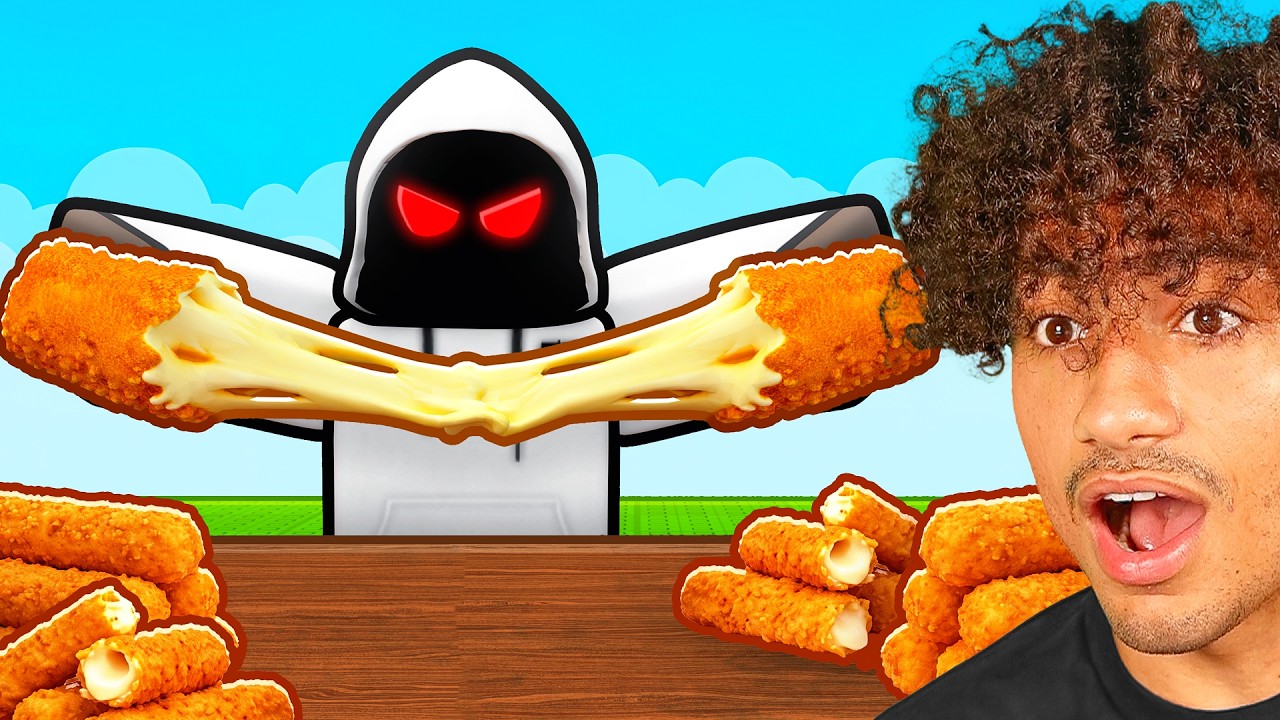
To execute a giant cheese pull in Roblox experiences with physics-based items, grab an elastic object and walk away at a consistent walking speed in a straight line. Maintaining a steady movement pace prevents the physics engine from breaking the object's tension tether or resetting its model.
Finding Stretchable Objects
Not all items in Roblox support stretching. Look for objects in physics sandboxes or food-themed experiences designed with elastic properties, such as rope or spring constraints.
- Tether Indicators: When grabbing a valid item and stepping away, a visible mesh deformation or connecting line should stretch between your character and the item's anchor point.
- Unsupported Items: Objects that instantly clip through surfaces or disappear when moved past a short distance lack variable deformation constraints and cannot be stretched.
Technique for Maximum Extension
Extending an elastic object to its limit requires precise character control and favorable server conditions.
- Move at Walk Speed: Walk in a direct straight line away from the item's attachment point. Avoid sprinting, jumping, or making sudden directional changes, which destabilize the constraint tension.
- Align the Camera: Keep your camera centered on the anchor point to track mesh stretching and spot clipping early.
- Adjust Character Angle: If the stretched mesh begins to jitter, reorient your character to align directly with the object's center of mass.
- Reduce Latency Issues: High ping causes rubber-banding between client movement and server physics calculations. Perform pulls on private servers or instances with low player counts to maximize available processing overhead.
Managing Physics Limits and Glitches
Every elastic object has a structural threshold. Pushing past this limit will break the interaction.
- Recognizing Breakdown Cues: If the stretched texture begins flickering, thins out completely, or snaps back, you have reached the maximum distance threshold for that mesh.
- Handling Collision Traps: If the extended object creates a collision box that traps your character against geometry, release the item immediately to prevent getting flung across the map.
- Unsticking Wall Geometry: If a held item gets stuck inside a wall, rotate your camera toward the anchor point and walk backward. This readjusts tension and often frees the item without resetting the pull.

Free Roblox Codes
Current active codes and how to redeem them.

Michael Smith
Michael covers live-service games, events, reward systems, and efficient daily routines, turning frequent updates into clear actions for players.
COMMUNITY
Player Comments
83 players commented on this guide.
Good guide for Roblox players. The strategy part was useful.
Nice guide. I am checking the other Roblox articles next.
I tried this today and it worked better than my old setup.
I wish I had read this before upgrading the wrong thing.