
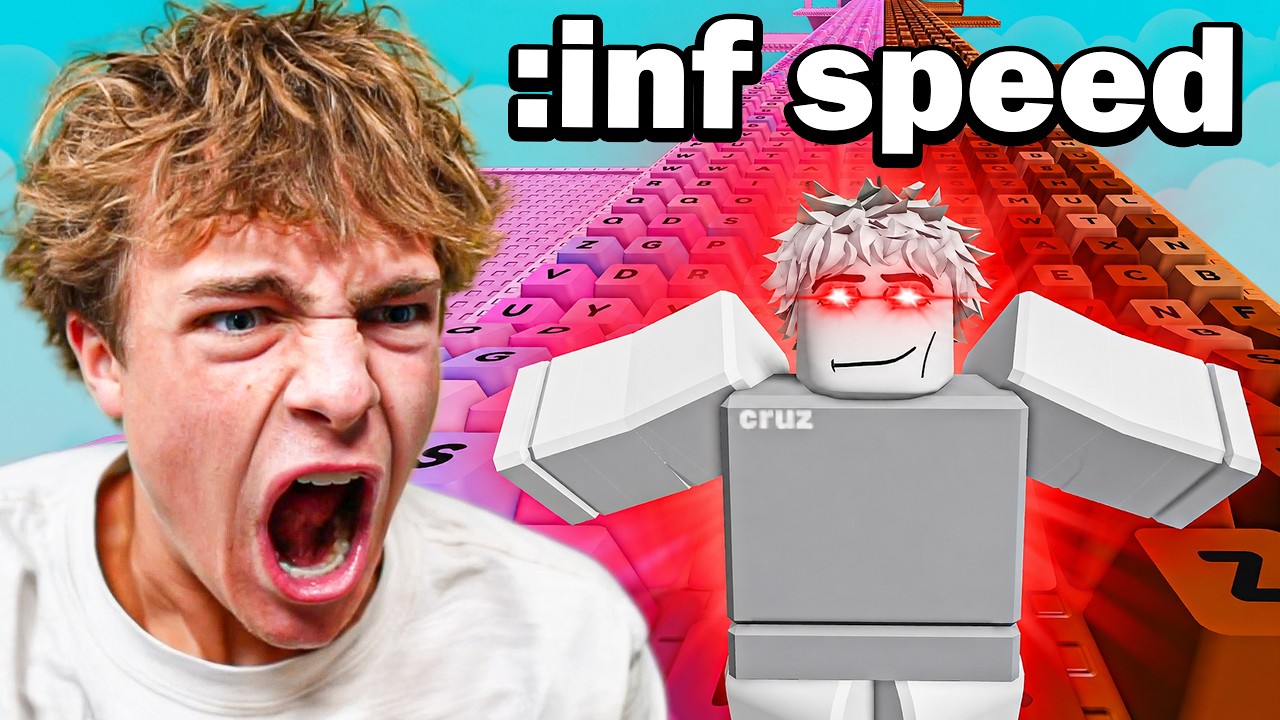
In Roblox Keyboard Escape, the thrill of the obby is often interrupted by the unpredictable nature of user-hosted servers. "Admin abuse"—the misuse of administrative commands by hosts or unauthorized players—can suddenly shift gravity, reset the map, or launch your character into the void. While these disruptions are frustrating, they are a common part of the platform's social ecosystem. This guide provides the expert strategies you need to maintain your composure, adapt your movement, and successfully complete the obby even when the server environment is being manipulated.
Identifying Signs of Admin Intervention
The first step in surviving an unstable Roblox environment is recognizing the difference between a high-difficulty game mechanic and active admin interference. Keyboard Escape is designed with specific physics, and anything that deviates from these norms is likely a result of manual command inputs.
Common indicators include:
- Physics Anomalies: Your character feels significantly lighter, jumps higher than usual, or moves at an unnatural speed.
- Map Desync: Textures or platforms suddenly change color, disappear, or reset without an obvious cause.
- Targeted Teleportation: Players are being moved to random points on the map or clustered together against their will.
- Sudden Environment Resets: The entire map refreshes or clears mid-run, forcing players back to the start.
If you encounter these issues, do not assume it is a game bug. If the behavior persists, you are likely in a compromised server. Rather than attempting to "power through" extreme lag or broken physics, prioritize your positioning. If the environment becomes completely unplayable, the most efficient path to success is to leave the server and rejoin a fresh instance.
Managing Character Momentum During Gravity Shifts
When an administrator alters the game’s gravity or walk speed, your muscle memory for jumping and platforming becomes your greatest liability. In Roblox Keyboard Escape, precision is key; when the physics engine is tampered with, you must adjust your input style accordingly.
- Countering Low Gravity: When gravity is disabled or lowered, your jump height becomes dangerously unpredictable. Avoid holding the jump button, as this often leads to overshooting platforms. Use short, rhythmic taps to maintain tight control and stay closer to the ground.
- Countering High Speed: If walk speed is boosted to a level that makes precision platforming impossible, focus on "micro-adjustments." Instead of holding the movement keys, use quick, tapping inputs to steer. Staying centered on the platform is critical; when speed is high, your character’s hitbox can easily clip the edge of a platform, causing you to slip off.
- The "Wait and See" Strategy: If the server is experiencing heavy fluctuation, stop moving entirely. Waiting for the chaos to subside for five seconds is almost always better than losing five minutes of progress by falling into the void due to a physics spike.
Utilizing Social Awareness and Server Chat
In Roblox, the server chat is your primary source of intelligence. If you suspect abuse, look at the chat logs to identify the "source" of the chaos. Often, the individuals abusing powers are flaunting their actions in the chat or acting out through character emotes.
- Track the Trouble: If a player is repeatedly resetting the map or teleporting others, note their username. Identifying the source allows you to anticipate when a reset or a prank is about to occur.
- Distance Yourself: Many admin tools, particularly those tied to "kill" or "explode" commands, have a limited range or require the abuser to have a line of sight. By staying in the middle of a crowd or hanging back in a less populated section of the obby, you can often avoid being targeted.
- Avoid Engagement: It is tempting to call out an abuser in the chat, but this is a trap. Engaging with a troll only draws their attention to you. If you become the primary target of their focus, you are far more likely to be kicked or trapped. Remain silent and focus on the track.
Prioritizing Progression Over Conflict
Your primary objective in Keyboard Escape is to reach the end of the obby. Every moment spent arguing with a troll or complaining about the server state is a moment you aren't moving toward the next checkpoint.
- Checkpoint Security: If you reach a checkpoint during a period of server instability, take a moment to confirm your progress has saved. If the abuse is intermittent, use these checkpoints as "safe zones" to wait out the worst of the trolling.
- Efficiency vs. Ego: Do not try to "win" a social argument. If a player is ruining the game, your goal is to complete the objective before they force a full server reset or shutdown. Focus entirely on the platforming mechanics, keeping your eyes on your character’s feet rather than the chat window.
Knowing When to Switch Servers
There is a definitive point of diminishing returns. If the game environment is being altered to the point where essential platforms are removed, checkpoints are disabled, or the map is being actively deleted, there is no strategic benefit to staying.
- Recognizing the Point of No Return: If the game has shifted from an obby to a sandbox for trolls, your time is better spent elsewhere.
- Leveraging the "Join" Feature: Always check the player list and the server age. Newer servers are often more susceptible to admin abuse because players are testing permissions. If you are struggling to make progress due to constant, intentional interference, leave the session immediately. The Roblox platform allows you to quickly join a different instance, and you will often find that the frustration of one bad server is easily mitigated by finding a stable, un-tampered experience.
By shifting your mindset from a standard player to an adaptive survivor, you can navigate even the most chaotic servers in Roblox Keyboard Escape. Focus on your controls, ignore the provocations, and know when to seek a more stable environment to ensure you reach the end of the obby.

Free Roblox Codes
Current active codes and how to redeem them.

James Brown
James focuses on Android gaming on PC, emulator setup, controls, performance tuning, and practical troubleshooting for longer play sessions.
COMMUNITY
Player Comments
74 players commented on this guide.
The explanation is clear, especially for beginners.
This saved me time in the early game.
Nice guide. I am checking the other Roblox articles next.
Good guide for Roblox players. The strategy part was useful.