
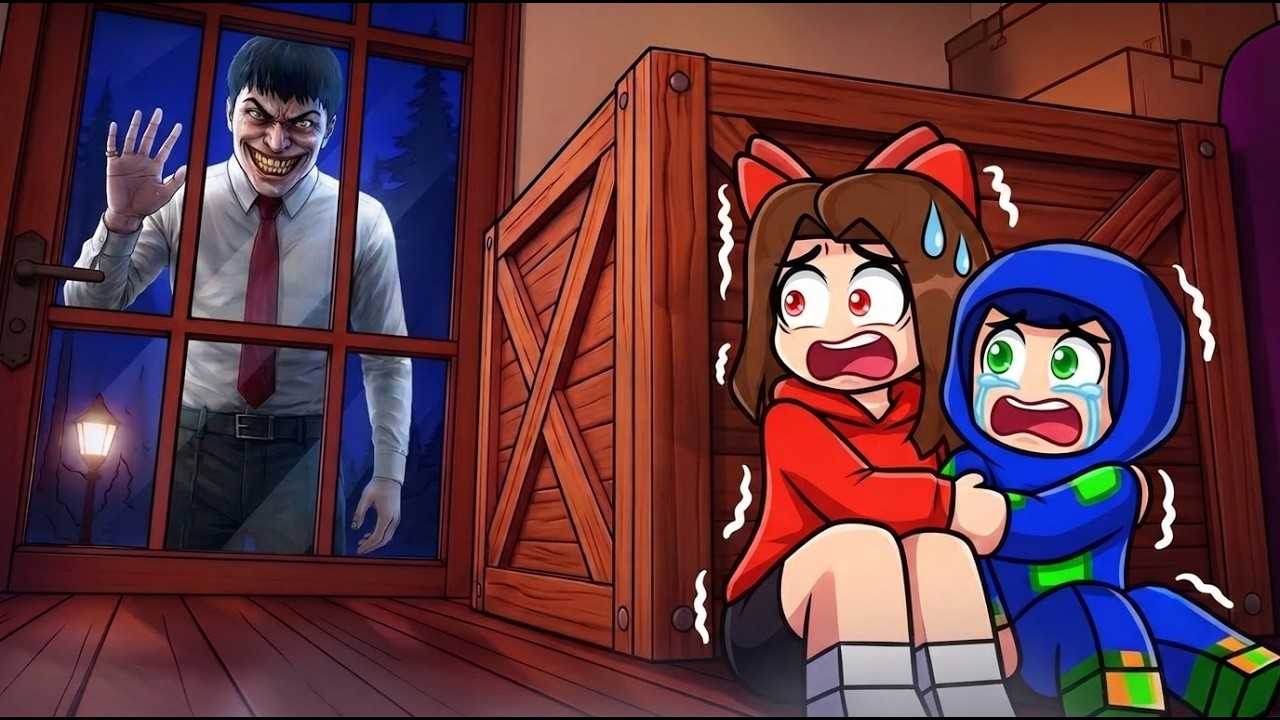
The "Alone at Home" experience in Roblox is a high-tension psychological horror game that tests a player’s ability to remain calm while their surroundings shift unpredictably. Unlike traditional platformers or combat-heavy titles on the platform, this experience relies on atmosphere, procedural layout shifts, and environmental cues to create a sense of unease. To survive and progress, players must transition from a reactive playstyle to a methodical, observational approach.
Success in this game isn't about reflexes; it is about pattern recognition and understanding how the Roblox engine handles spatial geometry. By mastering your camera, respecting the "stop-and-look" movement rule, and identifying anomalies before they trap you, you can navigate even the most chaotic house shifts.
Mastering Interior Movement and Camera Control
In tight, residential environments, the biggest threat is often the camera itself. When you are confined in a small room or hallway, the default camera zoom can clip into walls, obstructing your view and leaving you blind to threats or changes in the environment.
Optimized Camera Settings
For the best results in "Alone at Home," switch your camera mode to "Classic" or "Follow" in the Roblox settings menu and ensure your zoom is set to a "third-person over-the-shoulder" perspective. This offers a wider field of view, allowing you to peek around corners without fully exposing your character model.
Avoiding Physics Glitches
Roblox’s physics engine can struggle with complex collision meshes found in house furniture. If you find your character snagged on a chair or table, do not mash the jump key. Erratic jumping often triggers "clipping," where your character gets stuck inside the furniture geometry. Instead, hold the "back" key (S or Down Arrow) and strafe slowly. Patience is your greatest tool when navigating cluttered rooms.
Identifying Environmental Anomalies
The core loop of this experience is the "shifting house" mechanic. The game will periodically change the furniture layout, lighting, or even the architecture of the rooms you are currently occupying.
The Mental Mapping Technique
To effectively track these changes, you must treat the house as a dynamic entity rather than a static map. Create a "mental anchor" in your mind:
- The Starting Foyer: Always treat your point of entry as a permanent, reliable baseline.
- Item Consistency: If you see a painting, chair, or door that looks "off"—perhaps it’s rotated slightly, flickering, or missing entirely—stop moving.
- Lighting Cues: Sudden drops in ambient light or a change in color tone (e.g., from warm house light to a cold, unnatural hue) often precede a major environmental reset.
When you identify an anomaly, do not walk toward it. Treat it as a "High-Risk Zone." Back away into a wider, more open area, such as a living room or a central hallway, until the environment settles.
Strategic Interaction with Objects
Interaction in "Alone at Home" can be a double-edged sword. While you must interact with objects to progress through the game’s narrative or puzzle elements, many objects are designed to lure you into traps or trigger sound-based alerts that give away your position.
The "Maximum Distance" Rule
The interaction radius in Roblox is often more generous than it appears. You do not need to be touching an object to interact with it.
- Stand back: Position yourself at the furthest possible range from a door handle or item.
- Buffer Zones: Standing at a distance allows you to observe the immediate reaction of the room once the interaction is triggered. If the room begins to shake or the lights shift, you are already standing in a position that allows for a quick exit.
Never stand in a corner while interacting with an object. Being cornered limits your escape options to a single path, which the game can easily block by shifting furniture or closing doors.
Prioritizing Escape Paths and Survival Corridors
Survival in "Alone at Home" depends on your exit strategy. Beginners often make the mistake of wandering deep into the house without a plan for how to get out.
Establishing Escape Corridors
Before you enter a new room, identify the secondary exit. If a room has only one way in and out, consider it a "Dead End" and move through it as quickly as possible. If you must inspect a room, do so from the doorway.
Why Hallways Are Your Best Friend
In the context of the game’s procedural shifting, hallways are the most stable environments. They contain minimal furniture, which reduces the chance of collision bugs, and they offer clear, unobstructed lines of sight.
- Center-Line Traversal: When moving through long hallways, stay in the center. This maximizes your distance from both walls, preventing you from getting caught on props that might suddenly manifest during a shift.
- The "Reset" Strategy: If the environment becomes too chaotic, move toward the outer edges of the map or back to the starting foyer. This forces the game to reload your perspective, which often clears out temporary visual bugs or "ghost" furniture that can interfere with your movement.
Common Mistakes to Avoid
Players new to this specific Roblox experience often fall into predictable traps that lead to early "Game Over" states:
- Over-Exploration: You do not need to inspect every item. If an area feels heavy with atmosphere or starts shifting, leave. The game rewards progress, not completionism.
- Ignoring Audio Cues: Sound in "Alone at Home" is a primary indicator. Listen for subtle clicking, shifting wood, or changes in the ambient drone. If the soundscape changes, your immediate environment is likely changing with it.
- Running Blind: Movement should be consistent. Sprinting (if available) into a new room is the fastest way to get trapped in a wall or caught in an anomaly. Move at a standard pace to give your client time to render assets correctly.
By viewing the game as a series of calculated movements rather than an exploration simulator, you will find that the house becomes much easier to manage. Remember: the game’s goal is to keep you off-balance. By maintaining your camera control, keeping a mental map of your location, and prioritizing clear exit paths, you take the power away from the house and put it back in your hands.

Free Roblox Codes
Current active codes and how to redeem them.

Sarah Williams
Sarah specializes in RPG and collection games, explaining team building, character growth, and beginner-friendly ways to avoid expensive early mistakes.
COMMUNITY
Player Comments
136 players commented on this guide.
This saved me time in the early game.
I tried this today and it worked better than my old setup.
Nice guide. I am checking the other Roblox articles next.
This guide answered the exact question I had.