
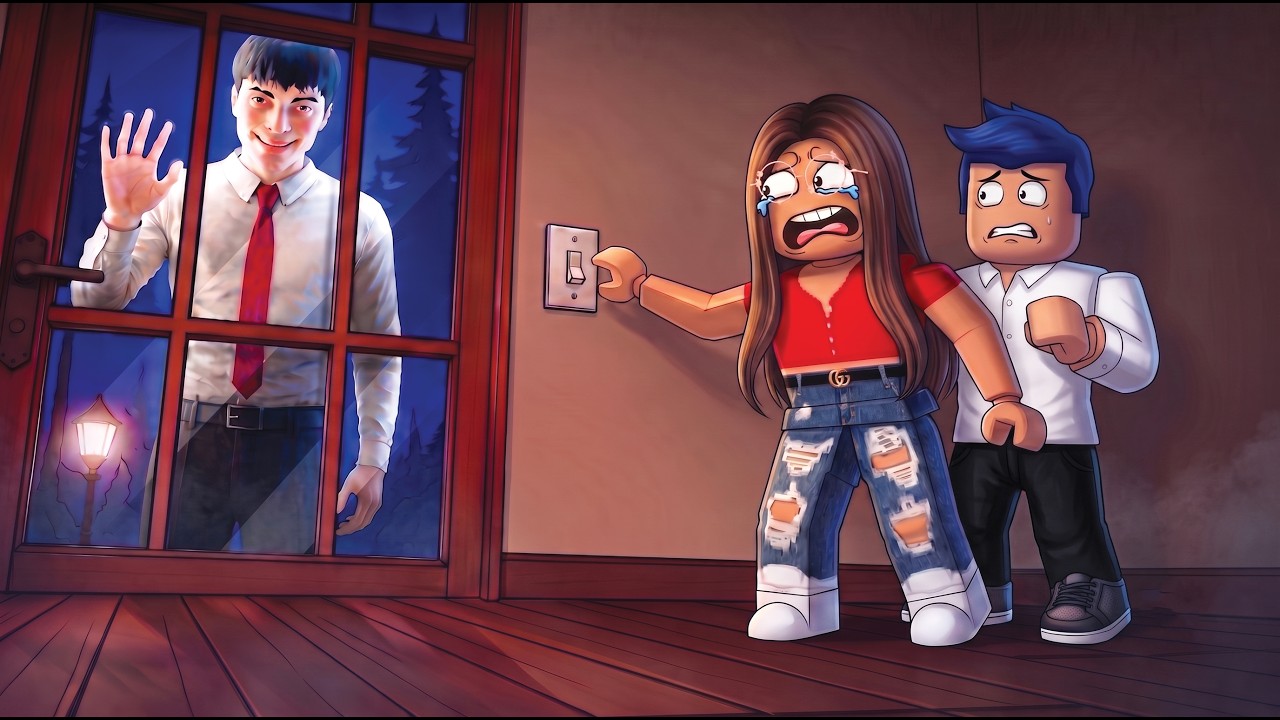
Surviving in the Roblox "Home Alone Anomaly" experience requires more than just luck; it demands a disciplined approach to spatial awareness, audio tracking, and environmental management. Unlike standard survival games where you have weapons to fight back, this experience forces you into a high-stakes game of hide-and-seek against entities that thrive on player distraction. To survive until dawn, you must transition from a reactive player to a proactive strategist who dictates the pace of the game.
The Core Mechanic: Why Vigilance is Your Only Weapon
In Roblox Home Alone Anomaly, the primary threat is not direct combat, but the "breach." The anomalies are programmed to exploit blind spots. If you stand in a hallway staring at a wall, you are creating a "no-man's-land" behind you where entities can spawn.
The game operates on a line-of-sight system. Most anomalies are deterred or slowed when they are within your direct field of view. The moment you break visual contact, the entity gains a speed and aggression boost. Therefore, your goal is to minimize the amount of time an intruder can exist outside of your sightlines. Think of your camera as a flashlight: wherever you look, you are casting a barrier of safety.
Mastering Movement and Patrol Routes
The biggest mistake new players make is finding a single "safe" corner and sitting in it. In this experience, standing still is a death sentence. The game’s AI is designed to pathfind toward your last known location; if you stay stationary, you are simply waiting for the entity to close the distance.
The "Looping" Strategy
Instead of hiding, implement a rhythmic patrol route through the house:
- Identify the Loop: Locate a path that connects at least three rooms with multiple exits. Avoid rooms with only one door, as these are "death traps" where you can be cornered.
- The 360-Check: As you move between rooms, rotate your camera constantly. Never enter a room without checking the corners first.
- Resetting Aggro: If an anomaly appears, do not panic-run into a dead end. Use your movement speed to loop around large furniture items, keeping the obstacle between you and the entity.
Decoding Environmental Cues
"Home Alone Anomaly" utilizes advanced sound design to provide you with a "heads-up" before an encounter. You should play with high-quality headphones to take full advantage of spatial audio.
- Distortion Cues: Before an entity fully manifests, you will often hear a distinct audio glitch—a hum, a static pop, or a distorted whisper. This is your warning to stop your current pathing and scan the room.
- Visual Flickers: Look for subtle lighting shifts. If a light in a hallway flickers or a shadow appears to stretch longer than it should, an entity is spawning or repositioning. Treat this as a confirmed threat immediately.
- Audio Proximity: If you hear footsteps that don't match your own movement, stop moving. If the footsteps stop when you stop, the anomaly is tracking you.
Managing Difficulty Spikes as the Night Progresses
The game’s difficulty is dynamic. As you survive longer, the "spawn rate" of the anomalies increases. You will notice that the game begins to throw more than one entity at you simultaneously.
When the difficulty spikes, your movement speed must increase, but your focus must sharpen. Do not "sprint-spam" blindly. If you sprint without looking, you run the risk of running directly into an entity that has just spawned in the next room. Instead, use short, controlled bursts of movement to navigate from one line-of-sight point to the next. If you feel overwhelmed, prioritize breaking the entity's pathing by moving to a different floor or a completely different wing of the house.
Strategic Decision-Making: The "Safe Zone" Fallacy
Many players believe there are "Safe Zones" in the house. In Roblox horror experiences like this, true safety does not exist. However, there are "High-Traffic" and "Low-Traffic" zones.
- High-Traffic Zones: Kitchens, living rooms, and main entryways. These areas have the most windows and doors, making them the most dangerous places to linger.
- Low-Traffic Zones: Closets or small bathrooms with single entry points. Use these only for split-second resets to listen for audio cues, but never stay for more than five seconds.
If you find an anomaly stalking you in a high-traffic zone, your priority is to force them into a confined area where you can easily keep them in your sights while you navigate around them.
Common Mistakes That Lead to Early Exit
- Tunnel Vision: Getting too focused on one room or one item. Always check behind you.
- Over-relying on Sprint: Sprinting makes a lot of noise. In some iterations of this game, noise can attract anomalies. Use walking for patrol and sprinting only for tactical evasion.
- Corner Camping: As mentioned, this makes you vulnerable. If you are cornered, you have no escape route. Always keep at least two exit paths open.
- Ignoring the Perimeter: If you focus only on the interior, you will miss the visual cues of an anomaly preparing to enter through a window.
Expert Summary Checklist for Success
To maximize your chances of survival in the Roblox Home Alone Anomaly:
- Audio First: Turn your volume up and listen for footsteps that aren't yours.
- Never Stop Moving: Create a patrol route that allows you to scan every room you enter.
- Maintain Sightlines: Keep the anomaly in view; they are significantly more dangerous when they are behind you.
- Learn the Map: Know exactly which doors lead where. Panic-running into a dead end is the #1 cause of game-over screens.
- Trust Your Instincts: If the game feels "off" or the lighting changes, move immediately. Do not wait for a visual confirmation of the monster to start your evasion.
By treating the house as a puzzle of movement rather than a static map, you gain the ability to outmaneuver the anomalies. Survival in Roblox horror titles is about maintaining your composure when the environment turns hostile; stay calm, keep your eyes moving, and always have an exit strategy ready.

Free Roblox Codes
Current active codes and how to redeem them.

Emily Johnson
Emily writes practical mobile strategy guides with a focus on resource planning, base progression, and the early decisions that shape a long-term account.
COMMUNITY
Player Comments
24 players commented on this guide.
This helped me understand updates much better.
The explanation is clear, especially for beginners.
Nice guide. I am checking the other Roblox articles next.
I tried this today and it worked better than my old setup.