
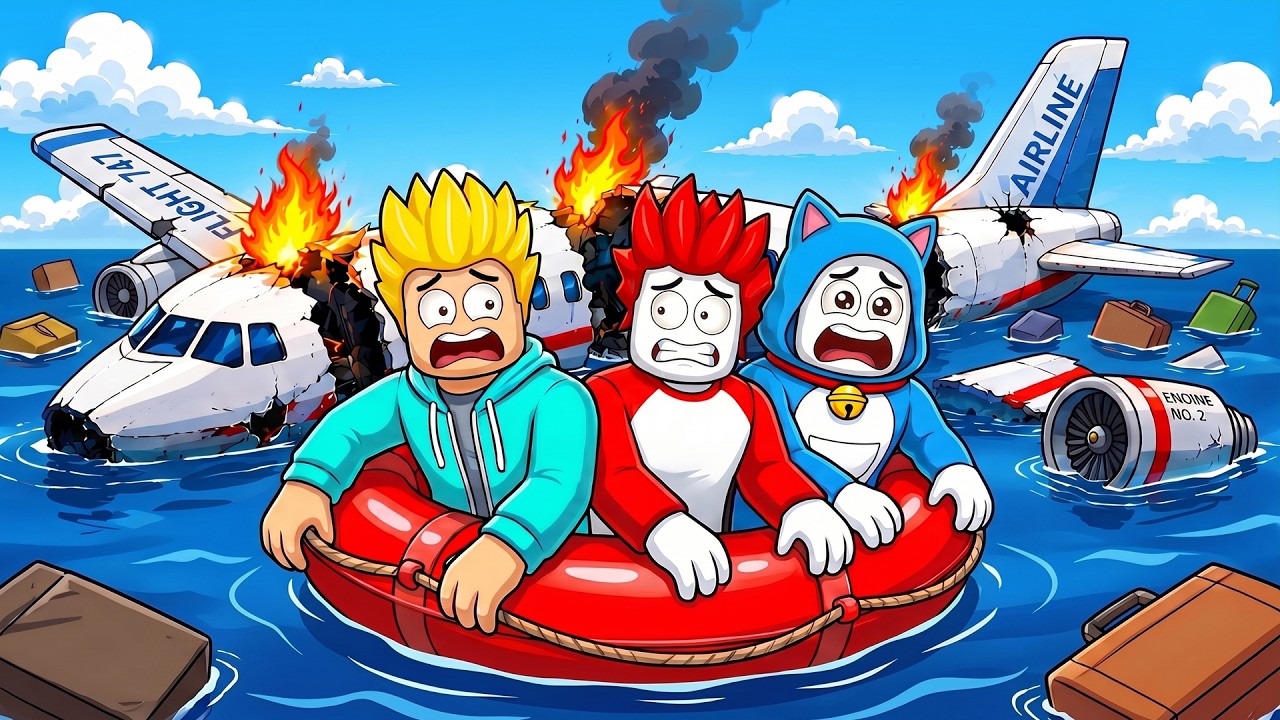
Surviving the plane crash event in Roblox "Land or Die" is one of the most chaotic experiences a player can face, but it is entirely manageable if you understand the underlying mechanics of the game engine. To survive the crash, you must stop viewing the plane as a safe transport and start treating it as a volatile physics object. The key to staying alive is proactive positioning—exiting the fuselage or finding a stable "dead zone" before the game’s collision engine triggers the final impact.
Understanding the Crash Sequence Mechanics
The plane crash in Roblox "Land or Die" is not merely a visual set piece; it is a scripted transition event that forces players from an aerial state into ground-based survival. As the plane begins its descent, the game engine calculates the positioning of all players relative to the cabin’s geometry.
The "point of no return" is marked by the first major structural tilt. Once the plane begins its steep descent, the game begins to calculate collision boxes for the debris and the ground. If you are standing in an area that clips through the floor or wall during this calculation, the game will often treat your character as "out of bounds," leading to an instant respawn. To prevent this, keep your camera zoomed out to monitor the movement of other players and the plane's tilt, allowing you to react the moment the environment shifts.
Strategic Positioning: Where to Stand
Most players make the mistake of crowding the main cabin door, creating a "bottleneck" that makes movement nearly impossible. Instead, choose your position based on the stability of the cabin geometry:
- The Aisle Center: The center of the aisle is generally the most stable point. It is furthest from the outer hull, which is the first part of the plane to suffer from "glitching" or texture displacement during impact.
- Avoid the Edges: Never stand near the windows or corners of the cabin. These areas are prone to physics errors where the plane's collision model may disappear or shift, causing you to fall through the map entirely.
- Exit Proximity: If you intend to jump out, position yourself near an exit row, but do not stand directly in the doorway until the descent begins. Standing in the doorway early makes you a target for "bumping" physics, where other players can accidentally push you off the plane prematurely.
Executing the Perfect Exit
If you choose to exit the plane rather than ride it down, timing is everything. Jumping too early leaves you vulnerable to fall damage or open-air hazards, while jumping too late risks being crushed by the plane’s hitboxes as it settles into the terrain.
- Monitor the Tilt: Wait until the nose of the plane dips significantly. This is your cue that the impact sequence is about to trigger.
- Clear the Path: Use your camera to scan for players blocking the exit. If the doorway is crowded, use the jump-and-strafe technique to squeeze past them.
- The "Late-Jump" Strategy: Aim to jump out exactly one second before the plane makes contact with the ground. This ensures you are clear of the plane's collision box but close enough to the ground to avoid fatal fall height.
Navigating Post-Crash Hazards
Once the plane hits the ground, the Roblox engine will attempt to settle the wreckage. This is the most dangerous phase of the event. Debris may scatter, and the plane's model might shift or disappear.
If you are inside the wreckage after the impact, do not panic. If the exit is blocked by fallen debris, move toward the center of the cabin again. If the floor disappears, keep jumping. Repeatedly jumping helps the game engine "re-calculate" your character's position relative to the ground, which can often save you from falling into the void.
Once you are outside, your priority must shift immediately to resource scavenging. The crash site is a major hub for items in Land or Die. Quickly scan the immediate perimeter for scattered loot before the server-wide player rush reaches your location.
Managing Player Interactions and Physics
In Roblox, player collision is a significant factor in high-density areas. Because the plane crash forces everyone into a small space, you are essentially fighting both the game's physics and other players.
- Avoid the Mob: If you see a massive cluster of players moving toward the front exit, go toward the back or middle exits. The fewer players near you, the less likely you are to be shoved into a wall or off the plane.
- Coordinate with Teams: If you are playing with friends, have one person act as the "scout" to see which exit is less congested.
- The "Physics-Push" Defense: If someone tries to push you, move diagonally. This often breaks the momentum of the player trying to grief you and keeps your character stable.
Limitations: The Reality of Roblox Physics
No matter how much you prepare, Roblox physics are inherently erratic. Sometimes, the game engine will simply fail to register your position correctly, or a piece of debris will fly at an impossible angle.
Do not view the plane as a "fortress." The developers designed the crash to be a catalyst for gameplay, not a protected zone. If you survive, treat the crash as a clean slate for your survival journey. If you die, recognize that it is a common part of the Land or Die experience and use it as a learning opportunity to refine your exit timing.
By prioritizing your exit path and staying clear of the cabin’s outer geometry, you will find yourself surviving the plane crash significantly more often than the average player. Keep your camera active, stay away from the crowd, and always be ready to move the second the altitude begins to drop.

Free Roblox Codes
Current active codes and how to redeem them.

James Brown
James focuses on Android gaming on PC, emulator setup, controls, performance tuning, and practical troubleshooting for longer play sessions.
COMMUNITY
Player Comments
50 players commented on this guide.
Can you add more details about strategy in a future update?
The tips are practical and easy to follow.
Good guide for Roblox players. The strategy part was useful.
This guide answered the exact question I had.