
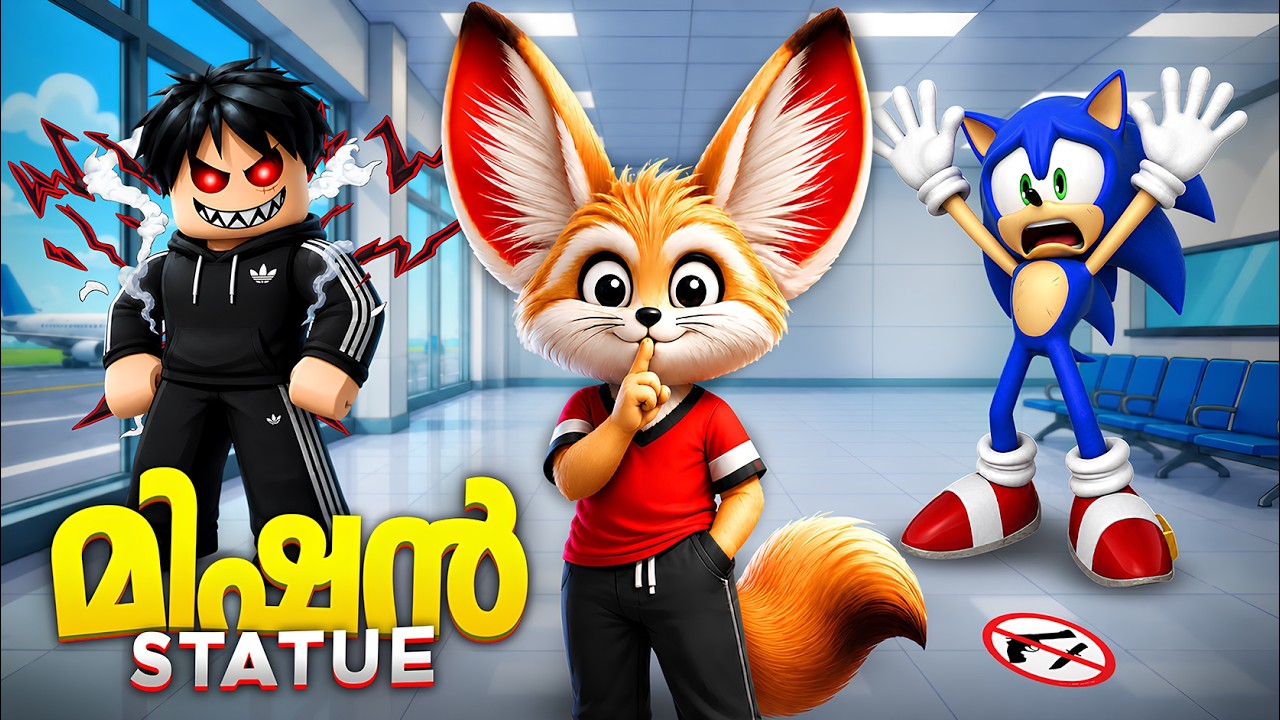
In many of the most popular horror titles on Roblox, the most terrifying threats aren't the ones that chase you—they are the ones that only move when you aren't looking. Often referred to as "Weeping Angel" mechanics (inspired by Doctor Who), these statues use a state-based AI script that forces you to balance exploration with constant, rigid surveillance.
If you are struggling to clear rooms without getting caught by a teleporting statue, you are likely falling for the game’s primary trap: prioritizing speed over line-of-sight. To survive, you must treat your camera as your primary weapon. By mastering the following techniques, you can neutralize even the "sneakiest" statues and navigate the most difficult horror experiences on the Roblox platform.
Understanding the Statue Logic
The core of these horror experiences is a script that checks for two conditions: Player Proximity and Line of Sight (LoS).
- The Freeze Command: When the statue is within the center of your screen’s view frustum, the movement script is disabled.
- The Trigger: As soon as your character’s camera angle shifts away from the entity, the game triggers a "teleport" or "move" command.
Many players assume the statue moves at a walking pace, but in most Roblox horror games, these entities are programmed to teleport instantly to a position closer to you. This is why you often feel like the statue "jumped" across the room. It isn't walking; it is closing the distance the moment your back is turned. Understanding this means accepting that the statue is only "harmless" while you are actively observing it.
Mastering Camera Control and Movement
The most effective way to traverse a room containing a statue is to adopt a strafing retreat. Never turn your character’s back toward the entity.
- Back-Pedal Strategy: Always face the direction of the statue while using your "S" key (or joystick back) to move toward your exit. This keeps the entity centered in your field of vision at all times.
- Cornering: When you must turn a corner, move as close to the wall as possible. Angle your camera so that you can see the statue until the very last millisecond before you round the corner. Once you turn the corner, keep your camera snapped to the wall edge to maximize the distance the statue can "see" you before it realizes you are no longer watching.
- The Blink Reset: Some games incorporate a "blink" mechanic where your screen periodically goes dark. If your game features this, ensure you are not moving toward the statue during the blink, as it will use that fraction of a second to reposition.
Identifying Bait and Deceptive Placements
Developers know you want to loot items, unlock doors, and solve puzzles. They will almost always place these objectives in positions that require you to look away from the statue.
If you find a keycard or a puzzle lever, scan the room for statues before touching it. If a statue is present, do not rush to the item. Instead, look for an angle where you can stand near the object while still keeping the statue within the frame of your screen. If the game requires a "hold-to-interact" action, keep your camera trained on the statue and use your peripheral vision to interact with the object. If you cannot see both at once, prioritize the statue. It is better to wait for a better opening than to lose your progress to a forced jumpscare.
Handling Multiple Statue Threats
When a room contains multiple statues, your priority shifts from "staring at the enemy" to "controlling the crowd."
- The Aggressor Focus: In a group, one statue will often be closer or move faster than the others. Identify this "aggressor" and make it the focal point of your camera.
- Peripheral Awareness: Use your field-of-view (FOV) settings if the game allows it. A wider FOV can help you keep multiple entities in view simultaneously.
- Obstruction Tactics: Use the environment to your advantage. If you can place a table, a pillar, or a wall between you and the secondary statues, do it. By breaking their line of sight to you, you effectively turn a 1-vs-3 situation into a 1-vs-1.
Strategic Limitations: When to Run
There are rare instances where "staring" is not the winning move. Some modern Roblox horror games implement "Patrolling Monsters" that are not statues.
If you encounter a room with both a statue and a secondary threat (like a fast-moving monster that chases you), you must weigh your options. If the monster is closing in, you may be forced to turn your back on the statue to escape the room. In this scenario, sprint immediately. The goal is to break the statue's tracking range or reach a new "zone" where the statue's script resets. If you must run, do so in a zig-zag pattern to make it harder for the statue to calculate its next teleport destination.
Why These Strategies Matter
The psychology of these games is built on making the player feel "safe" while looking at the threat. By internalizing these camera-management techniques, you remove the element of panic.
- Consistency: You will stop dying to "random" spawns because you realize they were never random—they were the result of a missed line-of-sight check.
- Efficiency: You will complete puzzles faster because you aren't wasting time running away in fear; you are moving with calculated precision.
- Confidence: Once you master the "reverse walk" and "corner hugging" techniques, you will find that even the most aggressive statues become manageable, allowing you to focus on the story or objective of your current Roblox experience.
Final Pro-Tips for Success
- Adjust Your Sensitivity: High camera sensitivity is crucial. If a statue moves, you need to be able to snap your camera back to it within milliseconds.
- Listen for Audio Cues: Many statues have a specific "teleport" or "creaking" sound effect that plays when they move. If you hear this, stop moving and snap your camera around immediately.
- Don't Corner Yourself: Always maintain a path to an exit. If you find yourself in a dead-end room with a statue, you are playing into the developer's trap. Always look for a route that allows you to back away from the threat rather than turning your back to it.
By applying these strategies, you’ll stop being the victim of every jump-scare in the Roblox horror genre and start navigating these challenges like a veteran player. Remember: in the world of statue-based horror, your eyes are your only armor—keep them open.

Free Roblox Codes
Current active codes and how to redeem them.

Michael Smith
Michael covers live-service games, events, reward systems, and efficient daily routines, turning frequent updates into clear actions for players.
COMMUNITY
Player Comments
94 players commented on this guide.
This guide answered the exact question I had.
Can you add more details about strategy in a future update?
I tried this today and it worked better than my old setup.
This saved me time in the early game.